Print speed is one of the first settings people change when they want a faster 3D print. But speed is connected to almost every part of the printing process. Increasing it can shorten production time, yet it can also change surface finish, dimensional accuracy, layer adhesion and the reliability of small details.
What does print speed mean?
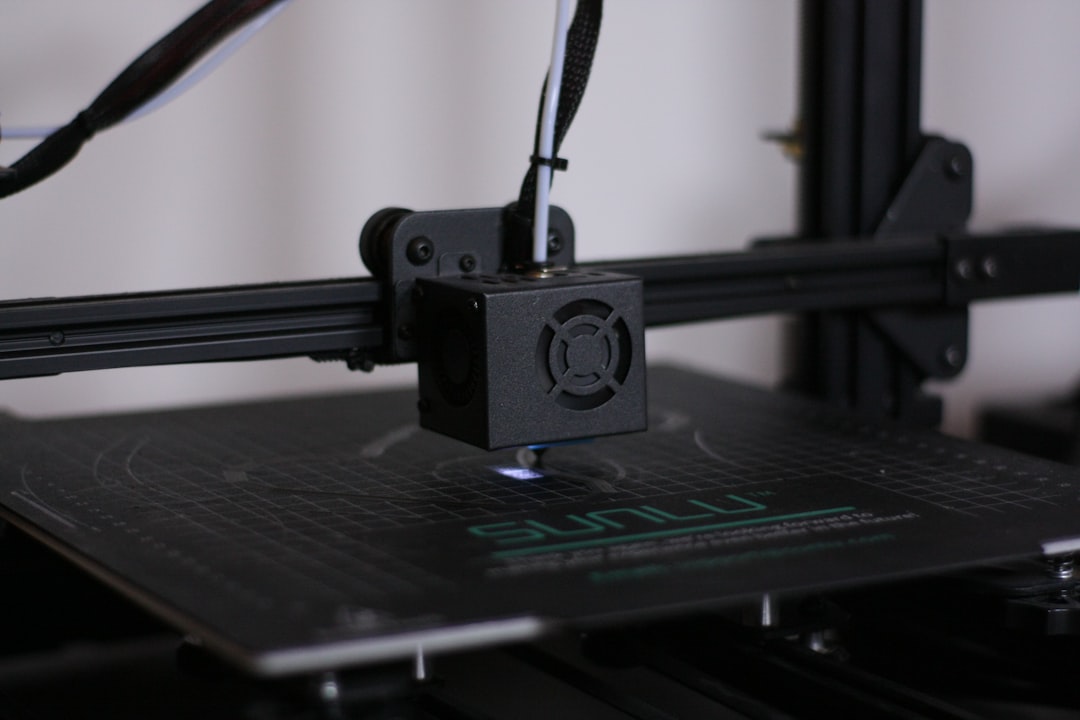
Print speed usually refers to the movement speed used while extruding plastic. Modern slicers separate this into outer wall, inner wall, infill, top surface, travel and support speeds. This matters because not every feature needs to be printed at the same speed.
Why faster is not always better
- The hotend must melt enough material per second.
- The motion system must accelerate and decelerate accurately.
- Cooling must keep up with small features.
- Filament needs enough time to bond to the previous layer.
- High acceleration can introduce ringing or ghosting.
Effect on surface quality
Outer walls benefit from controlled motion. When the printer moves too aggressively, visible ringing can appear after corners and embossed details. Slower outer-wall speeds often improve the finish even when infill remains fast.
Effect on strength
Speed alone does not determine strength, but it can influence extrusion consistency and layer bonding. If material is being pushed faster than the hotend can melt it, the print may become under-extruded. Weak bonding can also occur if temperature is too low for the chosen flow rate.
Effect on accuracy
Dimensional accuracy depends on stable extrusion and controlled machine movement. For fitted components, holes, snap features and assemblies, excessive speed may reduce consistency. Critical walls are therefore often printed more conservatively than internal regions.
Volumetric flow is the real limit
A useful way to think about speed is volumetric flow: how many cubic millimeters of plastic must be melted each second. A thick layer, wide line and high speed together can exceed the hotend capability even if the motion system can physically move that fast.
When high speed makes sense
- Large prototypes where appearance is secondary.
- Internal infill.
- Simple geometry with long straight paths.
- Printers and materials specifically tuned for high-flow printing.
When to slow down
- Small text and fine details.
- Outer walls and top surfaces.
- Bridges and difficult overhangs.
- Tight-tolerance mechanical parts.
- Very small layers that need cooling time.
Practical tuning workflow
Start with a known-good profile for your printer and material. Increase speed gradually while watching surface finish, extrusion consistency and dimensions. Adjust temperature and flow only when needed, and avoid changing many variables at once.
Conclusion
The best print speed is not simply the highest number your printer can reach. It is the fastest setting that still delivers the quality, strength and accuracy your project requires. For client parts, Artin3D balances production time with real-world performance instead of chasing speed alone.
Artin3D – Where ideas take shape.