একই 3D File, একই printer এবং দেখতে একই settings ব্যবহার করেও দুইটি print-এর quality আলাদা হতে পারে। একটি print perfect, পরেরটিতে stringing, weak layer, poor first layer বা dimensional variation—এটি অস্বাভাবিক নয়। কারণ digital file একই থাকলেও physical printing environment প্রতিবার পুরোপুরি একই থাকে না। Repeatable production পেতে process-এর variable-গুলো control করতে হয়।
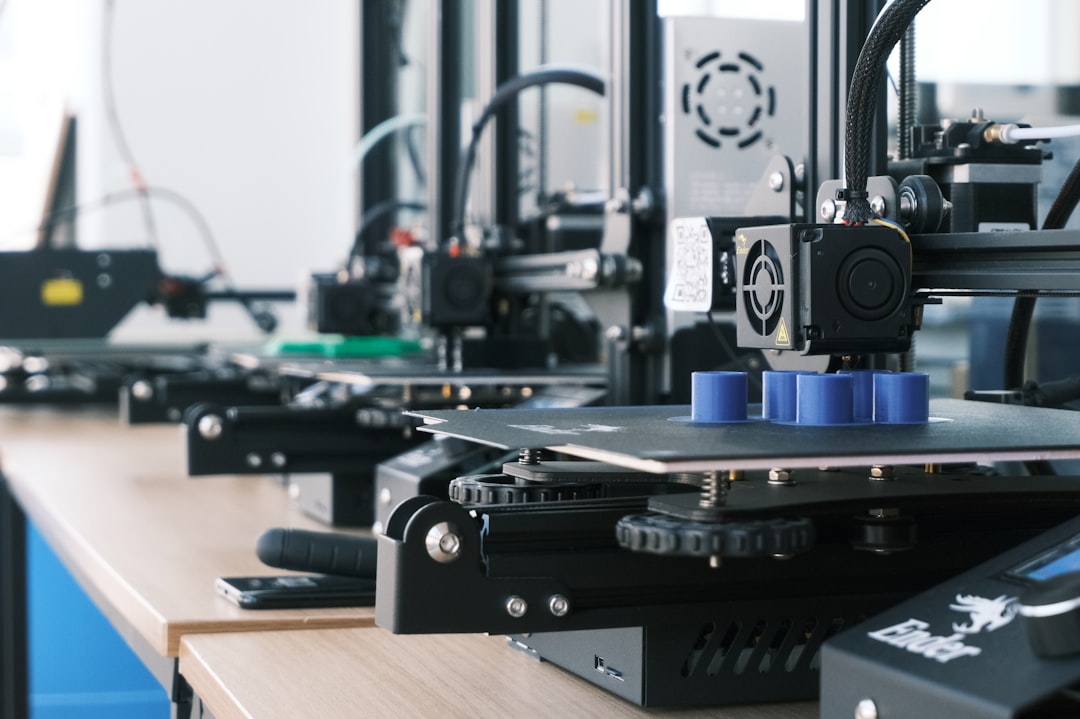
3D File একই, কিন্তু Process একই কি?
STL মূলত geometry বহন করে। Final result নির্ভর করে slicer profile, filament condition, nozzle, bed, machine mechanics, room temperature এবং calibration-এর ওপর। তাই file অপরিবর্তিত থাকলেও production condition বদলালে output বদলাতে পারে।
সবচেয়ে সাধারণ কারণগুলো
- Filament moisture পরিবর্তন
- Different filament batch বা spool
- Nozzle-এ partial clog
- Build plate dirty হওয়া
- Z-offset/bed mesh পরিবর্তন
- Room temperature বা airflow
- Belt, pulley বা mechanical wear
- Slicer profile accidental change
- Nozzle wear
- Cooling fan performance variation

Filament Moisture বড় Factor
Bangladesh-এর humid environment-এ opened filament সময়ের সঙ্গে moisture absorb করতে পারে। Hygroscopic material-এ এটি আরও গুরুত্বপূর্ণ। Wet filament extrusion-এর সময় popping, rough texture, stringing এবং inconsistent flow তৈরি করতে পারে। একই G-code গত সপ্তাহে ভালো এবং আজ খারাপ হওয়ার পেছনে spool condition একটি সম্ভাব্য কারণ। Filament dry storage-এ রাখুন এবং material অনুযায়ী প্রয়োজন হলে dry করুন।
Build Plate প্রতিবার একই থাকে না
Finger oil, dust, adhesive residue বা previous print-এর marks first-layer adhesion বদলে দিতে পারে। Print remove করার পর plate clean না করলে একই file-এর next run-এ corner lift বা first-layer difference দেখা যেতে পারে। Build plate handling-এর জন্য একটি consistent cleaning routine রাখুন।

Nozzle এবং Extrusion System
Partial clog সবসময় সম্পূর্ণ extrusion বন্ধ করে না; বরং flow সামান্য inconsistent করে। Extruder gear-এ debris, filament path friction বা worn nozzle একই profile-এ different surface quality দিতে পারে। Abrasive filament ব্যবহারে nozzle wear দ্রুত হতে পারে। Maintenance interval record করলে repeatability বাড়ে।
Temperature ও Environment
Open printer-এর আশেপাশে fan, AC airflow বা room temperature change cooling rate বদলে দেয়। PLA-তে effect একরকম, ABS/ASA-এর মতো shrink-prone material-এ effect আরও noticeable হতে পারে। Production run-এর সময় printer location এবং airflow যতটা সম্ভব stable রাখুন।

Slicer Profile Version Control করুন
একই STL হলেও layer height, wall count, flow, temperature, speed, support বা cooling-এর ছোট পরিবর্তন result বদলায়। গুরুত্বপূর্ণ client/production job-এর জন্য tested project file, filament profile এবং printer profile save করে রাখুন। শুধু STL save করলে exact process reproduce করা কঠিন হতে পারে।
Mechanical Calibration
Belt ধীরে ধীরে loose হওয়া, pulley screw, bearing/rail contamination বা Z-axis condition print consistency-তে প্রভাব ফেলতে পারে। Machine-এর maintenance schedule রাখুন এবং quality drift দেখলে calibration cube বা known test part ব্যবহার করুন।

Repeatable Result পাওয়ার Workflow
- Approved slicer project/profile lock করে রাখুন।
- Filament brand, type, color এবং batch note করুন।
- Spool dry storage-এ রাখুন।
- প্রতিটি production run-এর আগে plate clean করুন।
- Nozzle ও extruder নিয়মিত inspect করুন।
- Printer calibration schedule maintain করুন।
- Room airflow stable রাখুন।
- Critical dimension sample measure করে record করুন।
- Failed print হলে একবারে একটি variable পরিবর্তন করুন।
Production-এর জন্য Quality Log
Repeat order বা bulk manufacturing-এ একটি simple log খুব কার্যকর: printer, nozzle size, filament spool, slicer profile version, print date, temperature এবং inspection result লিখে রাখুন। কোনো batch-এ সমস্যা হলে root cause খুঁজে পাওয়া অনেক সহজ হয়।
Quick Checklist
- একই G-code/profile?
- একই filament condition?
- Plate clean?
- Nozzle healthy?
- Calibration unchanged?
- Environment stable?
- Hardware loose নয়?
একটি ভালো 3D printing service-এর লক্ষ্য শুধু একবার ভালো print করা নয়—একই specification বারবার repeat করতে পারা। Artin3D-এ custom এবং production job-এর ক্ষেত্রে model, material, machine setup এবং finishing requirement অনুযায়ী repeatable workflow তৈরি করার চেষ্টা করা হয়।
Prototype, custom part বা repeat production-এর জন্য Artin3D-এর সাথে যোগাযোগ করুন। Artin3D – Where ideas take shape.
Supporting photos: Osman Talha Dikyar, Kadir Celep এবং Jakub Żerdzicki via Unsplash.