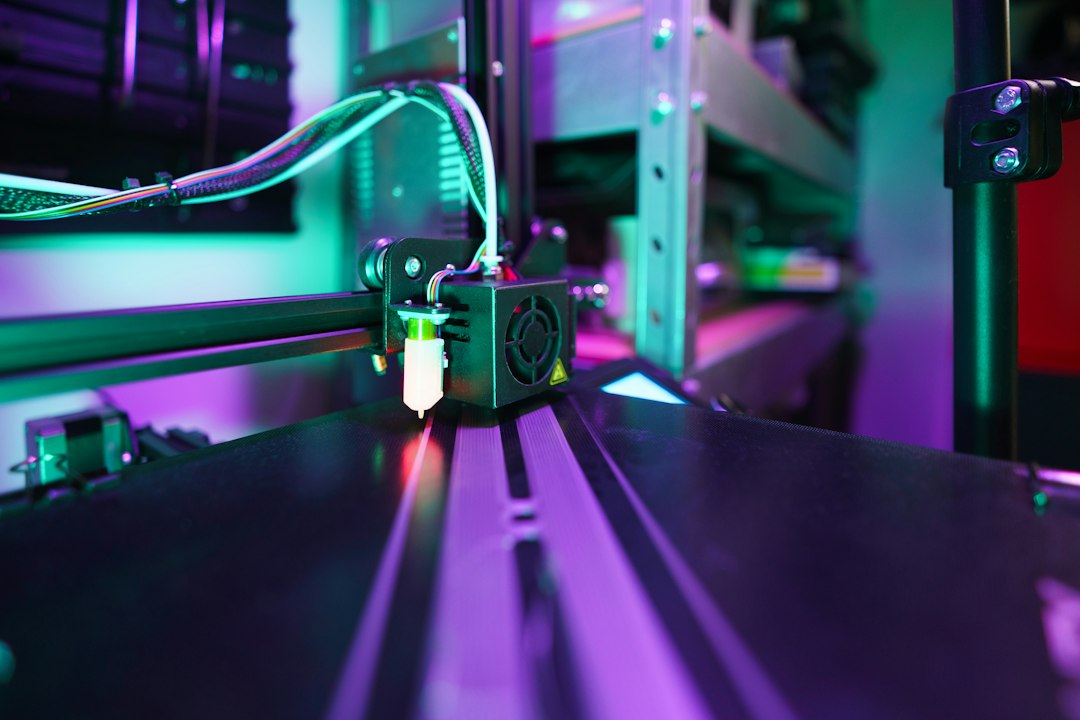
A clogged nozzle can turn a normal print into under-extrusion, clicking, missing layers or a complete extrusion stop. The blockage may be inside the nozzle, heat break or filament path.
Common causes of nozzle clogs
- Printing too cold for the material.
- Heat creep softening filament too high in the hotend.
- Burnt or degraded plastic.
- Dust and contamination on filament.
- Changing between materials with very different temperatures.
- Foreign particles or abrasive fillers.
Recognize the symptoms
Watch for a thin or inconsistent extrusion line, extruder clicking, filament grinding, gaps in walls or no material coming from the nozzle.
Cold pull and cleaning
A cold pull can remove debris from the melt zone. The correct procedure depends on the hotend and material, so follow the printer manufacturer’s safe temperature guidance.
Check temperature
Make sure the nozzle temperature matches the filament. Printing below the useful range raises back pressure, while excessive temperature can degrade material if it remains hot too long.
Prevent heat creep
Ensure the hotend fan and heatsink are clean and working. Enclosed chambers can also raise the temperature around components that are designed to stay cool.
Filament quality and storage
Keep filament clean and dry. A simple filament cleaner or enclosed storage can reduce dust entering the hotend.
When should the nozzle be replaced?
Nozzles are consumable parts. Replace a damaged, worn or repeatedly blocked nozzle, especially after extensive use with abrasive materials.
Consistent extrusion depends on a clean filament path, correct temperature and healthy hotend. Artin3D uses preventive maintenance to reduce unexpected print failures. Artin3D – Where ideas take shape.