A university project often starts with an ambitious idea and ends with a very practical question: how do you build the physical prototype before the deadline? For students in engineering, architecture, robotics, product design and related fields, 3D printing for university projects in Bangladesh can make that transition from concept to physical model much faster.
But simply sending a model to a printer at the last minute is not the best workflow. The most successful student projects use 3D printing as part of an iterative design process.

Why 3D Printing Is Useful for Student Projects
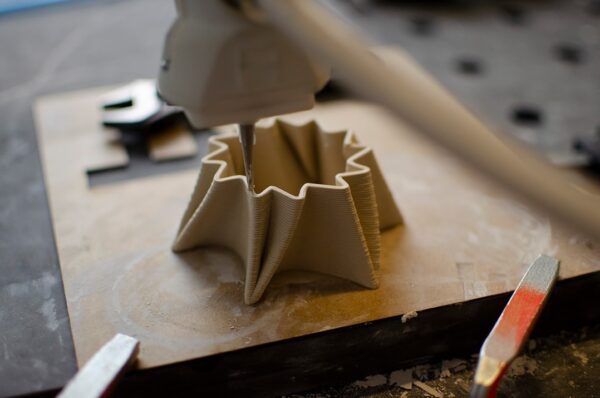
Traditional fabrication can require machining, molds, specialized tools or a workshop that students may not have easy access to. 3D printing allows complex shapes to be produced directly from a digital model, which is particularly useful when you need only one prototype or a few versions.
The design can also be changed quickly. If a sensor does not fit, a mounting hole is wrong or the body feels too large, update the CAD file and print the revised part.
1. Engineering Prototypes
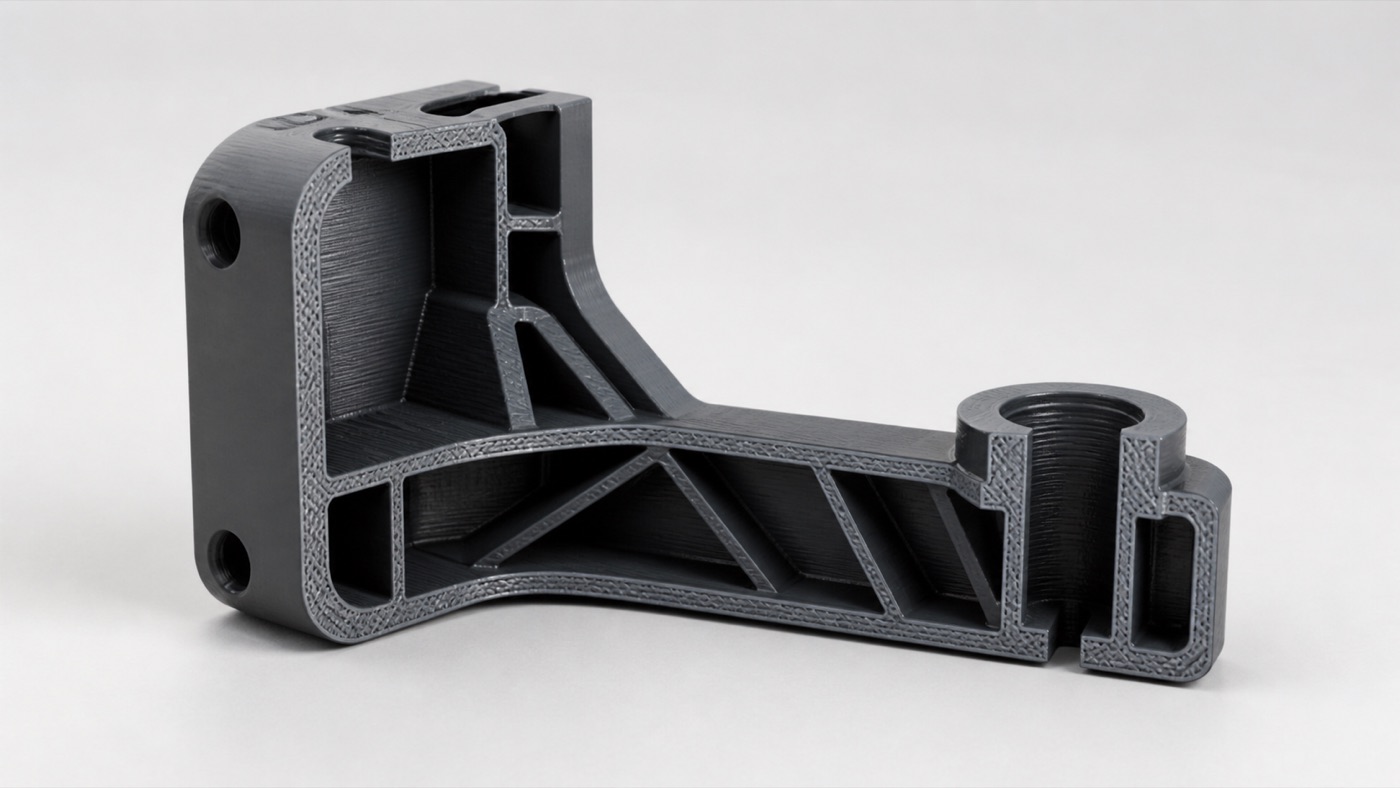
Mechanical and mechatronics students can use 3D printing for brackets, housings, gears for demonstration, test fixtures, structural concepts and assembly prototypes. It is especially useful for checking how multiple components fit together before making a final version.
For load-bearing projects, remember that 3D printed parts have directional properties. Orientation, wall thickness and material choice should be considered as part of the engineering design.
2. Robotics and Electronics
Robotics projects often combine motors, sensors, PCBs, cameras, batteries and wiring. A custom printed body can hold these components in a compact, organized package.
Before designing the enclosure, measure every real component. Include space for connectors and wires, not just the PCB itself. Think about how you will open the enclosure for maintenance and how screws or inserts will be installed.
3. Architecture Models
Architecture students can use additive manufacturing for building masses, façade elements, structural concepts, furniture studies and presentation models. Large architectural models may be divided into sections and assembled after printing.
Scale is critical. Decide the final model dimensions early so walls and tiny features do not become too thin to manufacture.
4. Product Design
A digital render can show appearance, but holding a physical object reveals ergonomics and proportion in a completely different way. Product design students can print multiple versions of a handle, casing, control layout or consumer product concept and compare them directly.
This is where low-cost iteration can be more valuable than making one “perfect” model at the end.
5. Research and Demonstration Models
Not every university print needs to become a commercial product. 3D printing can create educational models, experimental fixtures, visualizations and demonstration parts that help communicate a complex concept during a presentation.
Start Earlier Than You Think
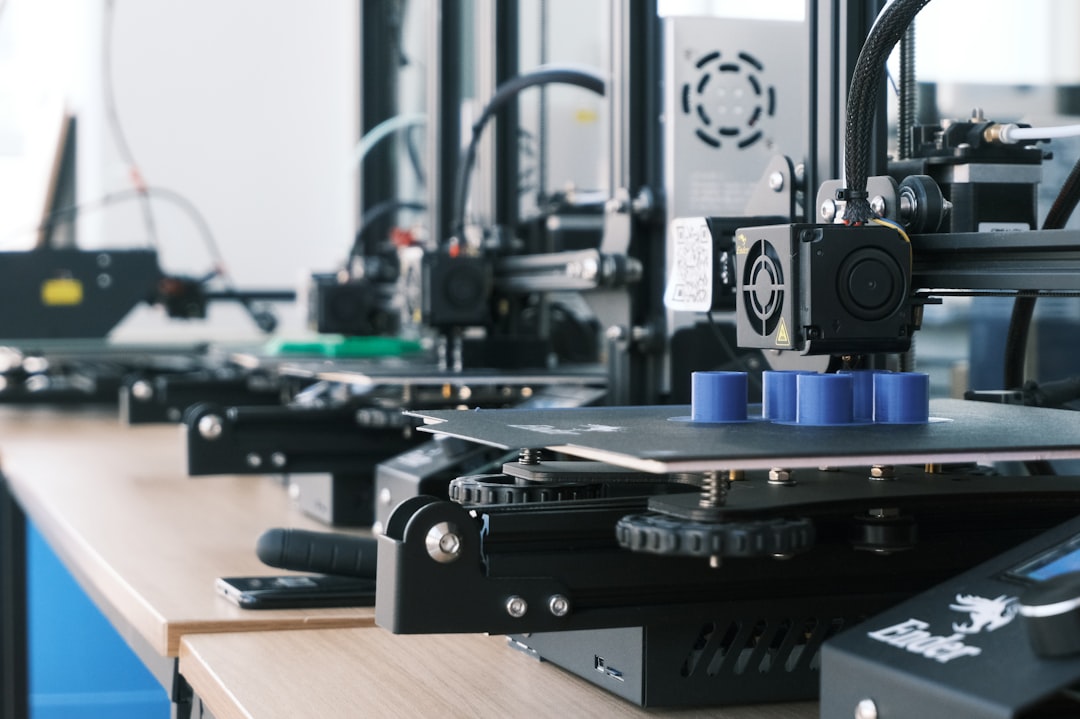
The biggest student mistake is waiting until the night before the presentation. Printing takes real machine time. A model may require hours, and a failed print can require a restart. Large multi-part projects also need time for assembly and testing.
Try to finish your first printable design well before the final deadline. That gives you room for at least one revision.
Prepare a Clean 3D File
STL is commonly used for printing, while STEP or native CAD formats are helpful when engineering changes may still be required. Before exporting, check dimensions and make sure the model is a closed printable solid.
Do not export at an unnecessarily low mesh resolution that makes curved surfaces visibly faceted. At the same time, an enormous file does not automatically produce a better print.
Choose Material Based on Purpose
For a visual presentation model, PLA may be sufficient. For functional prototypes, PETG or another appropriate material may make sense. Flexible parts can be made with TPU. Detailed miniatures or very small features may benefit from SLA resin printing.
Tell the printing team what the project needs to demonstrate. A prototype designed only to show shape does not necessarily need the same settings as a working robot component.
Design to Reduce Supports and Cost
Supports add material, machine time and cleanup. If possible, orient features to avoid severe overhangs or split the model into pieces that print more efficiently. Use sensible wall thickness and infill instead of making every part completely solid.
For large models, consider whether a hollow shell or modular assembly can achieve the same presentation goal with less material.
Test Critical Areas First
If a part must fit an expensive component, print a small test section around the interface. For example, you can test a bearing seat, connector opening or snap fit without printing the entire body.
This technique can save both time and budget while giving you confidence before the final build.
How to Request a Student Project Quote
Send the actual 3D files, required quantity, dimensions, material preference, color and deadline. If you have multiple parts, label them clearly. Mention which parts are functional and which are only for presentation.
If you need design help, provide sketches, dimensions and photos of the components. Clear communication prevents last-minute surprises.
Use the Prototype in Your Presentation
A physical model can make a project easier to explain. Instead of only showing slides, demonstrate how the parts assemble, where sensors are positioned or how the product is intended to be used. If you made multiple iterations, showing the evolution from version one to the final design can also communicate your engineering process.
Student Projects With Artin3D
Artin3D provides FDM and SLA printing along with custom 3D design for prototypes and project models. Students can send ready files or discuss a design that needs to be created around their components.
Plan early, test the important features and treat your first print as part of the learning process—not just the final decoration.
Artin3D – Where ideas take shape.