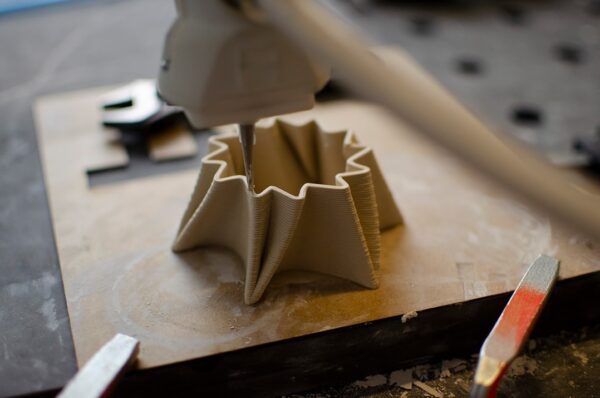
Overhangs are surfaces that extend outward without full support from the layer below. When the angle becomes too aggressive, the fresh extrusion can sag, curl or lose surface quality.
Why overhangs become rough
FDM printing depends on each layer being supported by the previous one. As the overhang angle increases, less of each new line sits over existing plastic.
Use effective cooling
For materials that benefit from part cooling, stronger airflow can freeze an overhang faster and reduce sagging. Cooling requirements vary by material, so avoid treating PLA, PETG, ABS and ASA exactly the same.
Reduce layer height
Smaller layers can improve overhang geometry because each new layer steps outward by a smaller amount.
Control temperature and speed
Excessive nozzle temperature keeps material soft for longer. Slightly lower temperatures within the safe range and sensible overhang speeds can improve definition.
Change model orientation
Often the best overhang setting is a better orientation. Rotating a model can move difficult surfaces into a more printable direction and reduce support.
Use supports only where needed
- Enable support for genuinely unsupported regions.
- Use interface layers for cleaner contact surfaces.
- Adjust support distance for easier removal.
- Consider tree or organic supports for complex geometry.
Design for additive manufacturing
Chamfers, gradual angles and self-supporting geometry can eliminate troublesome overhangs at the CAD stage.
Good overhangs come from combining design, orientation, material behavior and slicer tuning. Artin3D evaluates all four before printing client parts. Artin3D – Where ideas take shape.