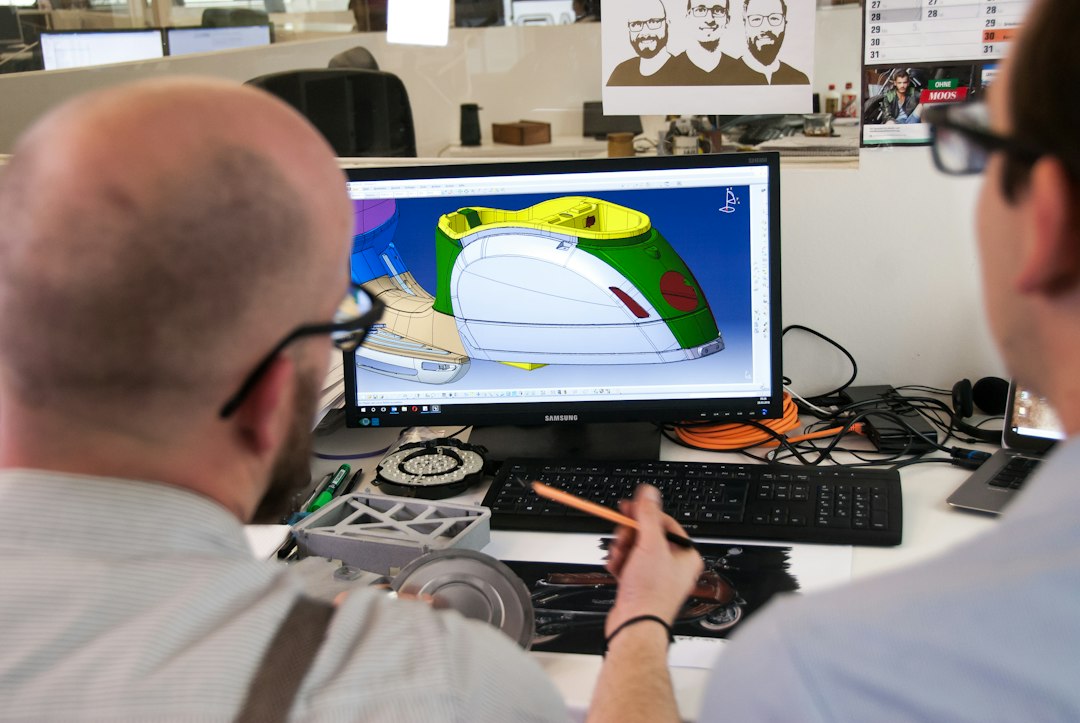
STL, STEP and OBJ can all appear in a 3D-printing workflow, but they do not store the same kind of information. Choosing the right format matters when you need to edit dimensions, preserve engineering geometry, transfer a model between CAD programs or simply send a finished mesh to a slicer.

What is an STL file?
STL represents the surface of a 3D object using triangles. It is simple, widely supported and commonly used to move finished geometry into slicer software. It does not preserve the parametric feature history of the original CAD model.
STL advantages
- Supported by virtually every 3D-printing slicer
- Simple and portable
- Good for sharing finalized printable geometry
- Suitable for both FDM and resin workflows
STL limitations
- Curves become triangulated surfaces
- Engineering features are not easily editable
- Units are not inherently robust across every workflow
- Very fine export settings can create unnecessarily large files
- Very coarse export settings can visibly facet curves

What is a STEP file?
STEP is an engineering exchange format designed to transfer CAD geometry between systems. It can preserve solid and surface geometry in a way that is generally much more useful for engineering edits than a triangulated STL.
STEP advantages
- Better for editable mechanical geometry
- Preserves accurate analytic surfaces more effectively
- Useful for professional CAD exchange
- Good when dimensions may need revision
- Often preferred for custom enclosure and mechanical design projects
STEP limitations
Many slicers historically focused on mesh formats, although modern workflows increasingly accept STEP directly. Even when direct import is available, the model may still be tessellated internally before toolpath generation. STEP is also not the natural format for every sculpted or artistic model.
What is an OBJ file?
OBJ is a mesh format that can store polygonal geometry and can work with additional material or texture information. It is common in graphics, sculpting and scanned-model workflows.

OBJ advantages
- Supports polygon meshes beyond simple triangles in some contexts
- Can be associated with texture and material data
- Useful for scanned, sculpted and artistic models
- Widely supported by 3D content applications
OBJ limitations
For a simple single-color FDM mechanical bracket, OBJ may provide information that is unnecessary. Like STL, it is mesh-based rather than a parametric solid CAD format, so engineering edits can be less convenient than working from STEP or the native CAD file.
Best format for sending a ready-to-print model
If the geometry is final and no engineering changes are expected, a properly exported STL remains a straightforward option. Confirm scale and units before sending.
Best format for mechanical CAD
STEP is usually the stronger handoff when a designer or printing service may need to adjust dimensions, inspect exact surfaces or revise a functional component. Keeping the original native CAD file is even better when both parties use compatible software.
Best format for sculpted models
STL and OBJ are both common. OBJ can be useful when texture or broader mesh information matters, while STL is convenient when only printable geometry is required.

What about 3MF?
Modern 3D-printing workflows also use 3MF because it can package units, colors and other manufacturing information more reliably than basic STL. If your slicer and collaborator support it, 3MF can be valuable, especially for multi-part or multi-color projects.
Why STL resolution matters
When CAD curves are exported to STL, they are approximated with triangles. Too few triangles create visible facets. Excessively fine tessellation increases file size without necessarily improving the physical print beyond the printer’s resolution.
Units and scale
Always confirm the intended units. A model designed in millimeters can appear dramatically wrong if another application interprets values differently. Include the final physical dimensions in your project brief even when the file appears correct.
Can you convert STL back to STEP?
Conversion is possible in several ways, but converting a triangle mesh into a STEP container does not magically restore the original parametric features. True reverse engineering may require rebuilding important surfaces and dimensions.
Can you edit an STL?
Yes, but the editing experience depends on complexity. Simple mesh modifications can be easy. Precise mechanical dimension changes are often cleaner when you have the original CAD or reconstruct the feature parametrically.
File repair before printing
Regardless of format, inspect the model for open surfaces, non-manifold geometry, overlapping bodies and extremely thin features. A valid-looking thumbnail does not guarantee a printable solid.

Mechanical project workflow
- Keep the native CAD file.
- Export STEP for engineering exchange.
- Make revisions in solid CAD.
- Export STL or 3MF for the slicer when needed.
- Verify dimensions after import.
Artistic project workflow
- Keep the native sculpting file.
- Clean and close the mesh.
- Use OBJ when its additional mesh information is useful.
- Export a print-ready STL or supported alternative.
- Check scale, wall thickness and supports.
Which file should you send to a printing service?
If available, send both the editable engineering file and the print-ready export. For example, STEP plus STL gives the service a convenient reference if a dimension needs adjustment. For a sculpt, provide the clean high-quality mesh.
Quick comparison
- STL: simple, universal, ideal for finalized printable meshes.
- STEP: best for engineering exchange and editable mechanical geometry.
- OBJ: useful for artistic, scanned and textured mesh workflows.
- 3MF: useful modern print package where supported.
Common mistakes
- Sending only a low-resolution STL when CAD changes are expected
- Forgetting to confirm units
- Exporting curves with visibly coarse triangles
- Assuming file conversion restores lost CAD history
- Sending a mesh with holes or non-manifold geometry
Conclusion
There is no single best file format for every stage. STL is excellent for broad slicer compatibility, STEP is stronger for editable engineering exchange, and OBJ is useful for mesh-heavy artistic workflows. Keep the richest editable source available and create the manufacturing export only when needed. Artin3D accepts suitable client 3D files for review, custom design and FDM or SLA production. Artin3D – Where ideas take shape.