
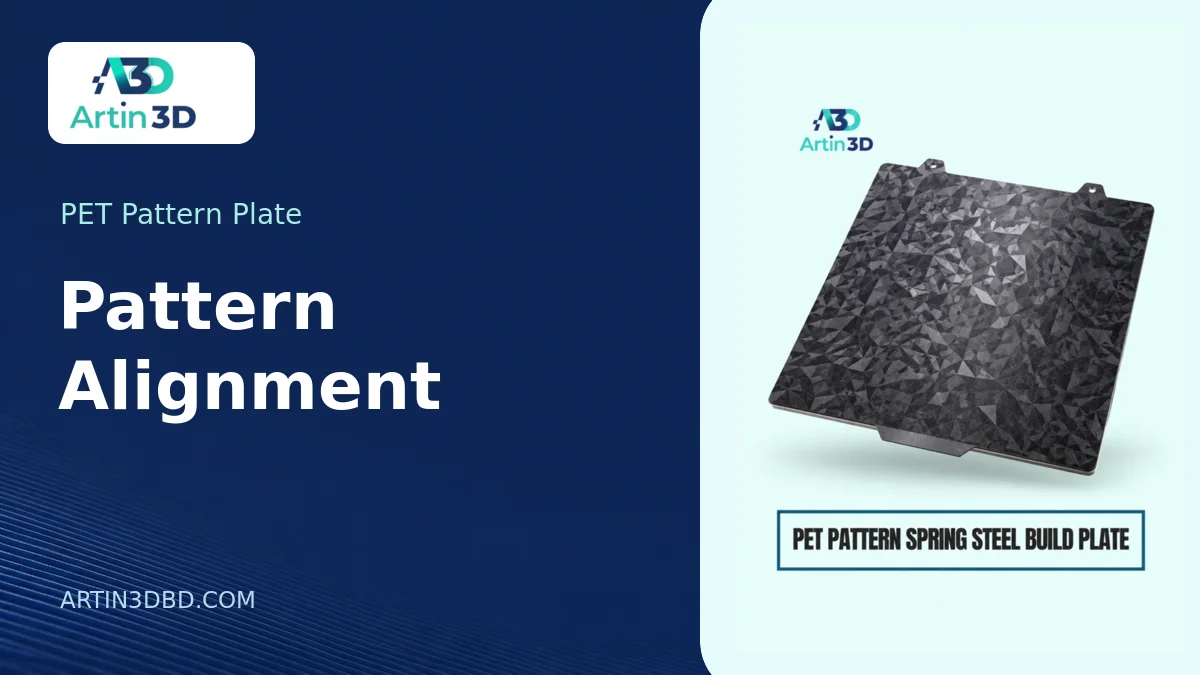
প্যাটার্ন প্লেটে লোগোর দিক ও অবস্থান ঠিক করা নিয়ে এই গাইড। আপনার প্রিন্টারের মডেল ও প্লেটের ধরন মিলিয়ে নিতে নিচে সংশ্লিষ্ট পণ্যের লিংক দেওয়া আছে।
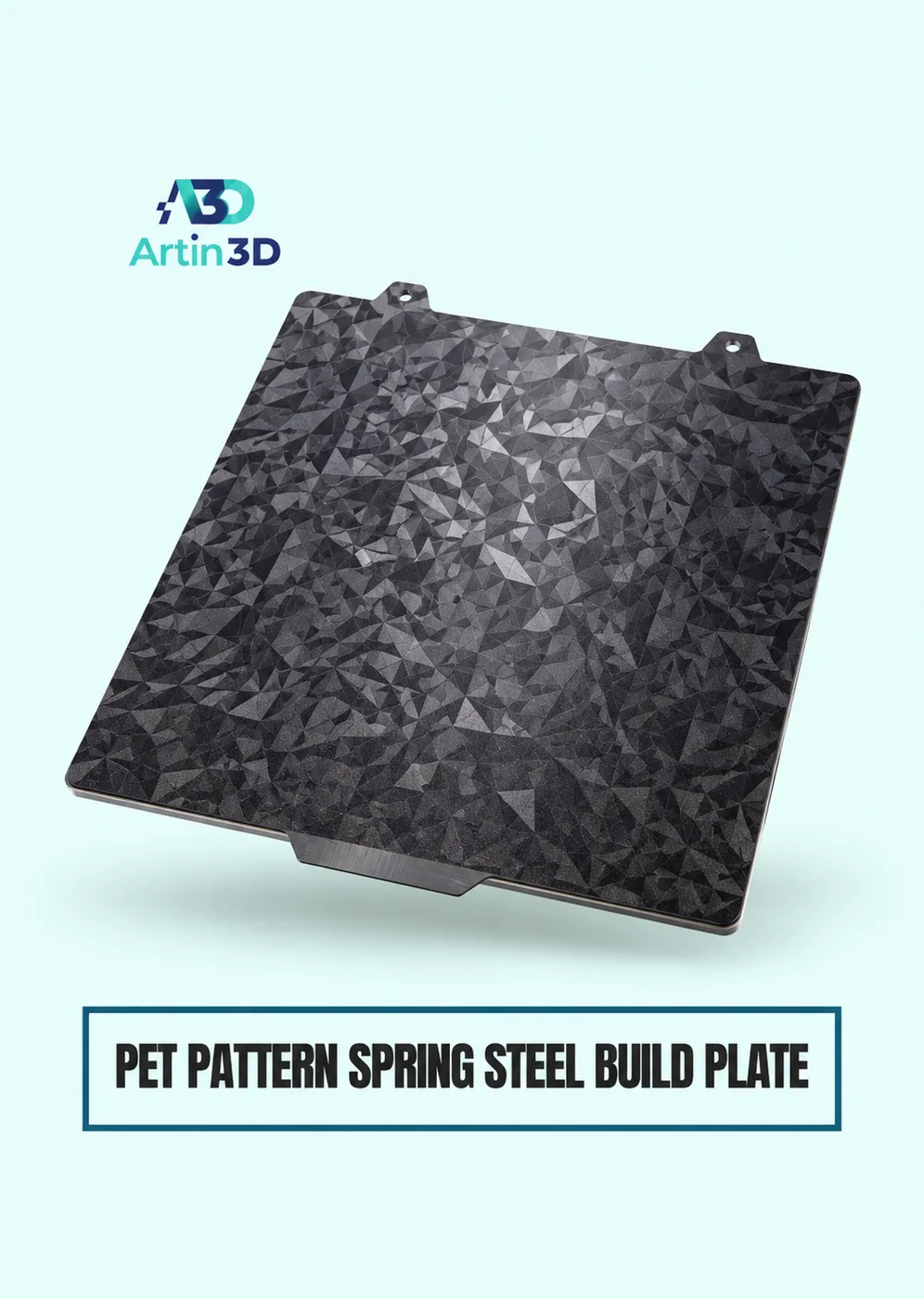
A pattern plate can turn the bottom of a printed logo tile into a surface that changes appearance as you tilt it. That effect can look striking on one tile and almost disappear on the next if the letters face a different direction. Before laying out a whole sheet of merchandise, use a PET pattern spring steel build plate to test the relationship between the artwork, the sheet and the light where the tile will be displayed.
View Product · PET Pattern Plate
Mark directions on a drawing of the sheet
Sketch the plate outline with its handle or another recognisable feature at the bottom. Draw an arrow showing which way the top of the finished logo should point. Decide how the item will normally be used. A badge fixed to a display board has a clear top. A loose desk token may be rotated by the person holding it. These two products can justify different acceptance checks even if they use the same pattern.
Design a coupon that reveals rotation
Use an asymmetric letter or a simple arrow beside a patch of plain material. Give the coupon enough background for the effect to be visible. Make one copy facing the front of the plate and another turned a quarter turn. Record their positions in the slicer. If you compare two blank squares, it becomes surprisingly difficult to work out which direction was intended after the samples leave the printer.
Check the first layer of the artwork
Look at the contact face in the layer preview. Recessed details sit away from the plate and cannot receive the same surface impression as the surrounding contact area. For a badge that needs a continuous effect, decide whether the lettering should be flush with the face. Check the selected plate’s allowed materials, temperatures and surface care guidance before running a sample. A decorative finish can have different requirements from a familiar textured sheet.
Look in the intended light
Stand the samples against the display background. Keep the viewing position fixed and rotate only the sample. Then hold the sample still and move the light. Write down which movement makes the effect appear and whether the logo stays readable. Photograph both orientations together. Separate phone photographs with automatic exposure can exaggerate a difference that is barely noticeable when two tiles sit side by side.
Decide how to place duplicates
Automatic layout can rotate pieces to make more of them fit. Inspect the direction of every copy before starting the full plate. If the visible effect varies across the sheet, map a few positions with small coupons first. You may decide to keep a particular area for matched pairs and use another area for individual items. Save a screenshot with the plate orientation visible so someone else can repeat the layout.
Approve appearance after handling
Lift and store the samples using the surface maker’s instructions. Inspect the finished face before and after ordinary handling. A tiny directional effect that needs a special angle to photograph may be the wrong promise for a permanently mounted sign. Keep an approved sample marked with its viewing direction. When describing the finish to customers, show the same piece from two angles so they can see how it behaves in use.
Artin3D | Where Ideas Take Shape.
WhatsApp or Call +880 1845 348757
www.artin3dbd.com
South Banasree Dhaka 1219


