
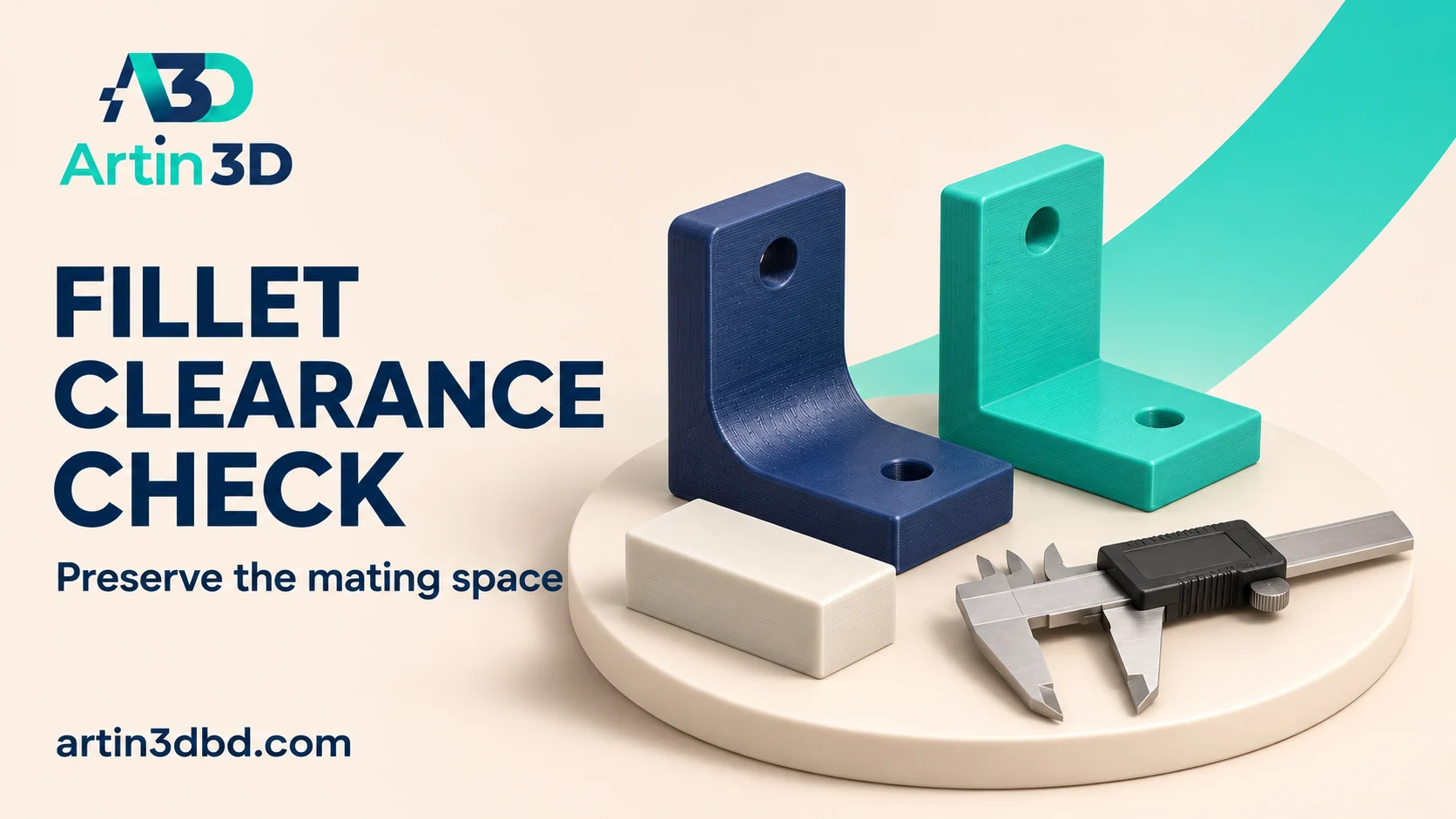
Bracket এর inside corner এ fillet দিলে mating part এর জায়গা কমতে পারে। Radius ও contact face আগে short sample এ মিলিয়ে নিন।
An inside fillet changes the space near a bracket corner. That can be a useful design choice, but a mating component may no longer sit against the intended faces. A small clearance sample helps inspect the geometry before the complete part is printed. This guide focuses on fit and toolpath continuity, without assigning a strength improvement from the presence of a radius alone.
Identify the surfaces that must contact
Record which bracket faces locate the mating component and how close its edge approaches the inside corner. Measure or obtain the relevant component geometry using an appropriate method. Include any required clearance for assembly motion. Keep the component available for the test. A radius that looks small in CAD can still block a square edge from seating fully against both reference faces.
Check the bracket reference geometry first with Check a Bracket Angle and Hole Spacing Before Slicing.
Create a controlled inside fillet revision
Autodesk Fusion’s fillet tool rounds selected geometry, adding material at an inside edge or removing it at an outside edge as appropriate. Select the intended inside edge deliberately and record the radius. Save the unmodified version for comparison. Check the preview from more than one direction so another selected edge is not changed accidentally. Preserve the bracket’s reference dimensions and note any nearby feature affected by the new transition.
Inspect the mating space digitally
Bring the relevant component geometry into the assembly or compare it against clear reference sections. Check the approach and final seated position near the radius. Record the minimum space using a suitable CAD inspection method. If the component’s corner treatment is unknown, measure the actual part rather than assuming a perfectly sharp edge. Revise the design to match its real locating requirements before printing.
Slice and print the representative corner
Use a short bracket section preserving the real radius, wall thickness and orientation. Inspect the generated paths through the inside transition and near the contact faces. Print it with the intended material and supported profile. After cooling, measure accessible features and try the actual component gently. Record any rocking, incomplete seating or gap at the reference face before removing material by hand.
Separate fit approval from mechanical evaluation
Compare the modified and original samples against the defined assembly requirement. If the fillet obstructs the part, revise the geometry deliberately and repeat the short sample. If the final bracket must withstand a specified load, evaluate that requirement with an appropriate design and testing process. A smooth transition and successful hand fit do not establish the bracket’s load capacity or the suitability of its print orientation.
Preserve the accepted corner record
Save the radius, mating component revision, material and print orientation with the project. Include a photograph of the fully seated assembly. Recheck the corner when the component or bracket thickness changes. This records why the radius was chosen and prevents a future cosmetic edit from silently changing the space used by the mating part.
For an enclosure fastening feature, also review Use a Local Modifier Around an Enclosure Screw Boss.
Relevant products from Artin3D
SUNLU PETG Filament 1.75mm
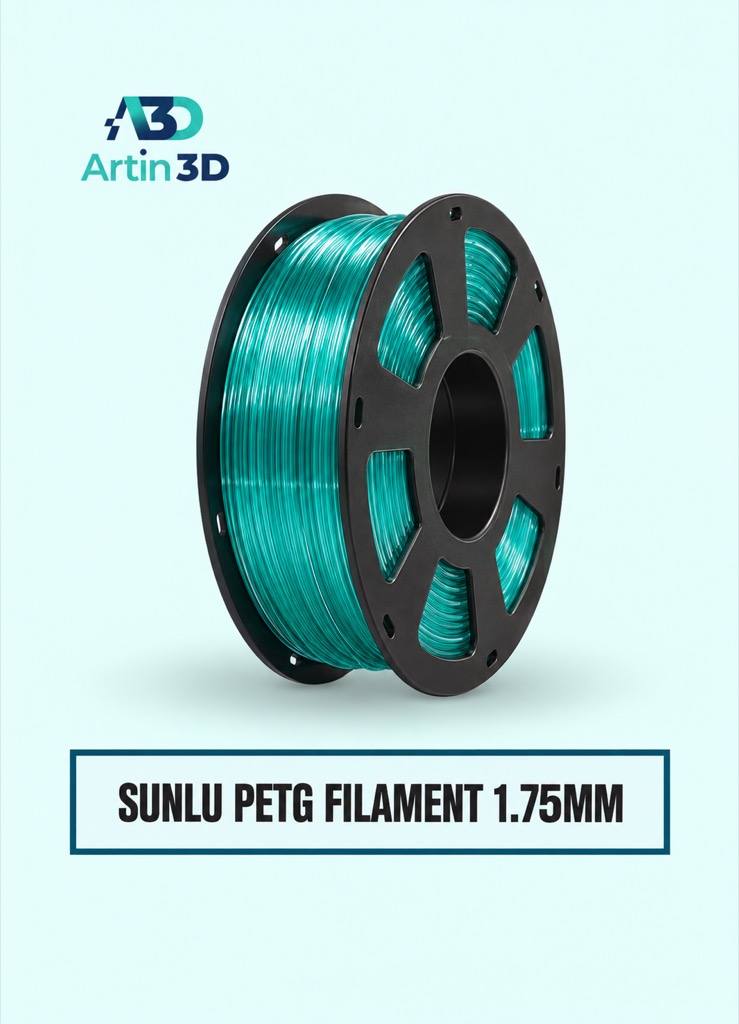
SUNLU PETG can be evaluated when its properties suit the bracket prototype. Confirm the grade and validate the actual application requirements.
Digital Vernier Caliper
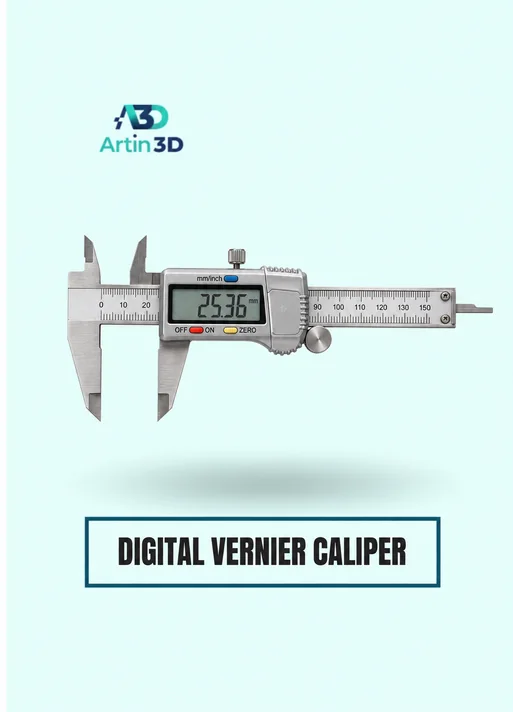
The Digital Vernier Caliper helps check accessible reference dimensions. Curved internal clearances may require a separate CAD or physical inspection method.
Quick questions
Does adding a fillet always improve the finished bracket?
Check the mating space, paths and application requirements. A radius can also obstruct the component.
Can hand fit establish strength?
It verifies that assembly observation. Mechanical performance needs its own suitable evaluation.
Confirm the exact product variant, printer compatibility, current price and availability on the linked product page before ordering.
Need help preparing a representative sample? Explore Artin3D’s 3D design service or upload your STL file for a 3D printing quote. Include the mating part dimensions, intended material and assembly requirements.



Comment (1)