
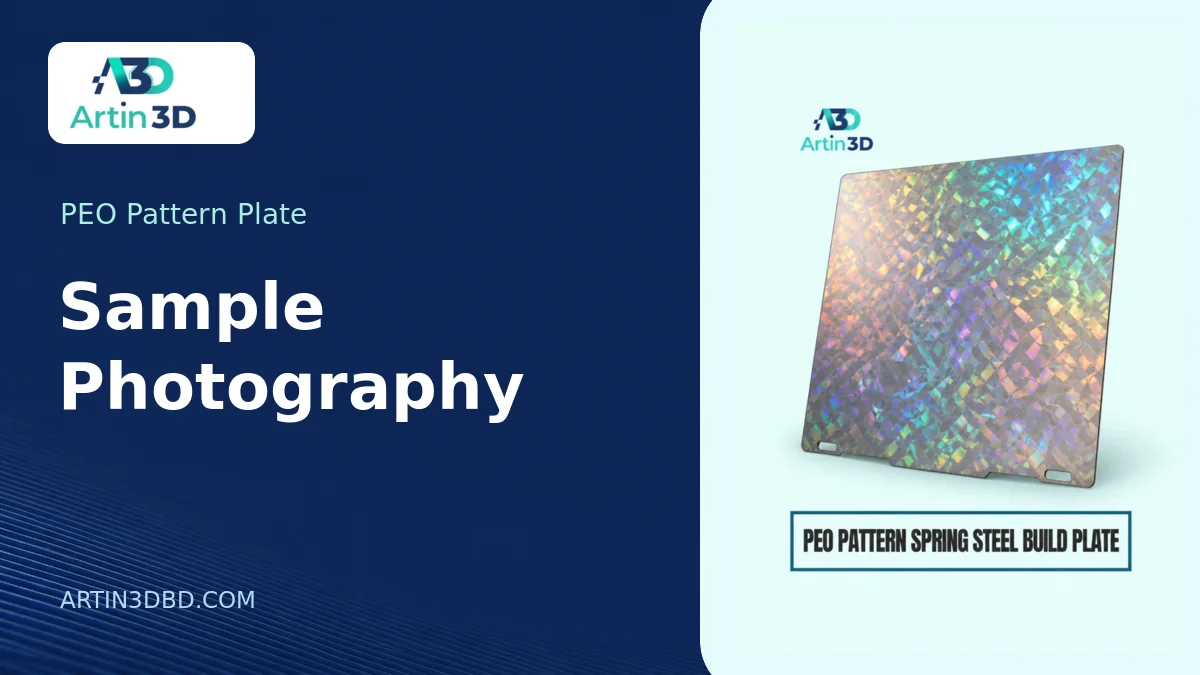
একই টোকেন সোজা ও কাত করে ছবি তুলুন। দুই ছবিতে আলো ও ক্যামেরার সেটিং একই রাখলে ক্রেতা বুঝতে পারবেন প্যাটার্নটি কোন কোণে বেশি দেখা যায়।
A customer sees a colourful reflection on a photograph of a printed token and expects it to look that way from every angle. A PEO pattern spring steel plate gives you a good reason to photograph the same sample more than once. Show the finish as someone will experience it in their hand. A small set of controlled photographs can explain an angle dependent effect more clearly than a heavily edited hero image.
View Product · PEO Pattern Plate
Choose a sample that resembles the order
Use the intended filament colour and a contact face large enough to see the pattern. Include part of the actual logo if the finished item will carry artwork. Follow the plate maker’s compatibility and preparation instructions. A photograph of a plain dark square may say little about how a narrow pale letter will look. Keep the physical sample after photography and give it a job reference.
Make a repeatable camera position
Put the sample on neutral card and mark its position just outside the frame. Support the phone or camera so it will not change position when you turn the object. Use a consistent focal length. Allow enough space around the sample to keep its edges visible. A photograph cropped to a shimmering patch can obscure the size of that patch relative to the rest of the product.
Separate lighting from rotation
Start with the object flat and the light in a marked position. Take one picture, then tilt the object a little while keeping the light still. Return the object to the original position and move the light for a third view. Record which picture came from which change. If both the light and object move between photographs, it becomes difficult to explain how the customer can see the same effect.
Keep colour comparisons fair
Photograph a neutral reference beside the sample in a setup shot. If the camera allows it, keep exposure and white balance fixed for the comparison. Choose a background that does not reflect a strong colour onto the sample. Check that the plain filament area retains roughly the same appearance between photographs. Avoid boosting saturation until a subtle reflection appears to be a printed colour that is permanently present.
Show where the pattern is absent
If a recess, hole or raised feature keeps part of the artwork away from the plate, include that area in a close view. Take one photograph from normal viewing distance as well. Put the two images beside each other and ask someone to point out which surface received the pattern. Their answer is a quick check on whether the product description and the images tell the same story.
Deliver a small approval set
Send a face on view, an angled view and one picture of the whole item at its intended size. Identify all three as views of the same printed sample. Keep the original camera files with the plate direction, project file and filament reference. When a second batch comes back for approval, reproduce the setup and put samples together in one frame. That comparison is much more informative than matching two unrelated photographs from memory.

Artin3D | Where Ideas Take Shape.
WhatsApp or Call +880 1845 348757
www.artin3dbd.com
South Banasree Dhaka 1219


