

Round cover এ scarf seam ব্যবহার করার আগে short sample বানান। Seam কম চোখে পড়ছে কি না, wall finish এবং সময় একসঙ্গে তুলনা করুন।
A smooth cylindrical cover offers few corners in which to hide a conventional layer seam. A scarf seam is one available strategy to investigate its appearance on a compatible slicer workflow. Start with a short cover section and compare it with the supported baseline. The best result depends on the material, wall settings and geometry, so treat the option as a trial rather than a guaranteed invisible seam.
Keep the real curved wall in the sample
Use a short cylinder with the intended diameter, wall thickness and print orientation. Preserve any small opening near the seam if it affects the final cover. Record the display side and lighting condition. Save a baseline project with its seam position and wall order. Changing the cylinder shape or material finish at the same time would make the seam comparison harder to interpret.
For the seam location and curved surface finish, also review Place a Box Seam Away From a Logo Using Slicer Preview and Compare Variable Layer Height on a Small Display Dome.
Check the supported scarf options in your version
OrcaSlicer documents scarf seams as a gradual overlap strategy at the loop transition. Available modes can apply to contours or to contours and holes. Read the current controls and exclusions, including the documented first layer and spiral vase limitations. Use the supported profile as a starting point and record the selected mode. Avoid assigning unrelated custom values before confirming the basic workflow is applicable.
Inspect the seam region and nearby paths
Slice the candidate and compare the wall transitions with the baseline in Preview. Inspect the chosen seam area through several layers, including any opening or overhang. Keep the wall count, material and other profile settings fixed initially. Save the estimated time and relevant views. The visual result of a ramped seam still needs a physical print, and the option is less straightforward on sharp corners or overhanging regions.
Compare samples under repeatable display light
Print the two short covers from the same spool and let them cool. Photograph the seam region from the same viewing angle with light grazing the curved wall. Rotate both samples together to inspect the reflections. Record visible ridges, gaps and changes in shine separately from your overall preference. Include the completed job time and avoid polishing or sanding before this comparison.
Validate the accepted seam on the complete cover
Keep a candidate that meets the intended appearance and fit requirements. Apply it to the complete cover and inspect every relevant region before a longer print. If the finish remains poor, evaluate the extrusion setup or wall order as separate changes. Save the accepted project with its material and nozzle record. A different colour or cover diameter can justify another short comparison.
Keep the original sample for a fair reference
Store the baseline and accepted cover sections together and identify their settings on a separate record. This is more useful than remembering that a seam looked better in one photograph. Record the normal viewing distance so the acceptance criterion remains tied to the final display use.
Relevant products from Artin3D
SUNLU PLA Matte Filament 1.75mm
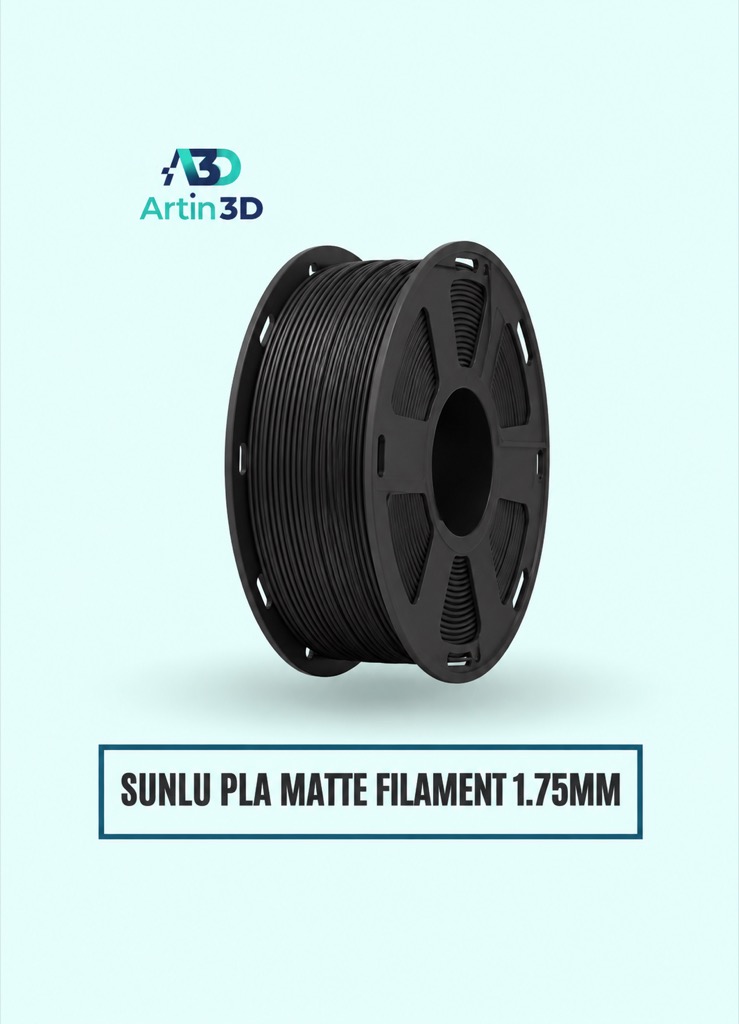
SUNLU PLA Matte is relevant to a matte cylindrical cover trial. Keep the exact colour and material profile recorded.
SUNLU PLA Filament 1.75mm
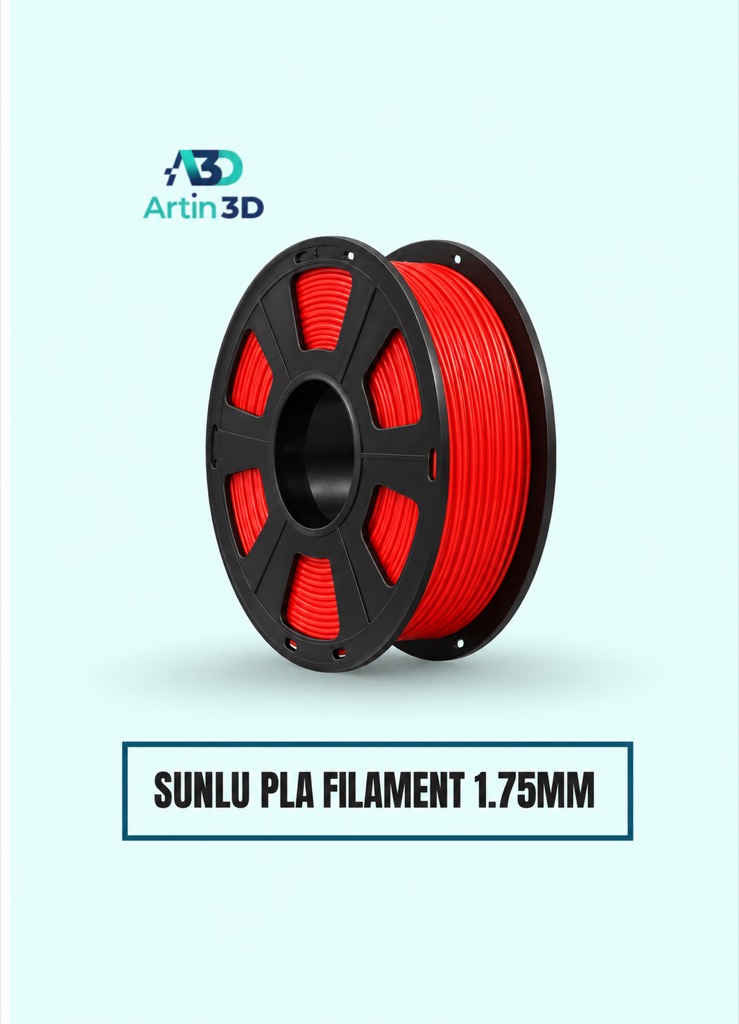
SUNLU PLA provides another finish option for a separate seam comparison. Confirm the grade and compatible profile before testing.
Quick questions
Will scarf seams remove every visible mark?
Compare a physical sample. Curvature, extrusion, wall strategy and lighting affect the appearance.
Should I enable it in spiral vase mode?
Follow the documented exclusions. OrcaSlicer does not apply scarf joints in spiral vase mode.
Confirm the exact product variant, printer compatibility, current price and availability on the linked product page before ordering.
Need help preparing a representative sample? Explore Artin3D’s 3D design service or upload your STL file for a 3D printing quote. Include the mating dimensions, intended material and acceptance requirements.


