

ছোট dome এর curved surface এ layer stepping কমানোর জন্য variable layer height পরীক্ষা করুন। একই আলোয় finish ও slicer time estimate তুলনা করুন।
A rounded display cap is a useful sample for studying visible layer steps. Its broad lower region and shallow upper curve make it possible to compare a fixed profile with a variable one on a small amount of material. The workflow below focuses on appearance and recorded time estimates. The preferred result depends on the shape, material, printer and viewing conditions.
Choose a dome with the final curvature
Use the curved section of the actual display model or a small dome with comparable slopes. Keep the mesh quality high enough that polygon facets are not the dominant visible feature. Record the overall size and intended viewing distance. Use one material colour for both trials. Changing to a different finish at the same time would make it harder to isolate the layer profile effect.
Separate mesh quality from layer height using Check a Curved Model for Mesh Facets Before Reducing Layer Height, and compare a local speed change with Apply a Height Range Speed Change Around a Thin Model Neck.
Save a fixed height baseline project
Select the correct printer, installed nozzle and supported material profile. Save the fixed height project before opening the variable layer tool. Slice it and record the estimated time, material amount and upper surface paths. Keep the first layer and other profile settings unchanged throughout the comparison. These records provide a baseline even if the alternative profile produces only a small difference.
Apply a variable profile and inspect the transition
PrusaSlicer provides automatic and manual variable layer controls and smoothing between regions. Use the tool available in your version and remain within the installed nozzle profile limits. Inspect the curved upper region and the transition to taller layers below. Save a screenshot of the profile. A useful adjustment should be visible in the generated layers rather than assumed from a slider position.
Compare both samples under consistent light
Print the two saved projects with the same spool and plate face. Allow them to cool and mark their identities on a hidden surface. Photograph them from the same angle with light grazing the curve, then inspect them at the normal display distance. Record stepping, changes in shine and any other defect separately. Actual completed print time is more informative than an estimate alone.
Keep the least costly acceptable finish
Decide how much surface improvement the display application needs. Compare that requirement with the observed time and material difference. If mesh faceting remains dominant, return to the design export before reducing layers further. Keep the accepted project and a reference photograph. Recheck the appearance when changing colour, nozzle or model scale, because those changes can alter the usefulness of the saved layer profile.
Separate mesh facets from layer steps
Inspect the model silhouette in the editor before printing. Straight facets visible around the digital dome are a mesh issue, whereas horizontal steps on a smooth digital curve relate to slicing and printing. Recording which feature dominates keeps the next revision focused.
Relevant products from Artin3D
SUNLU PLA Matte Filament 1.75mm
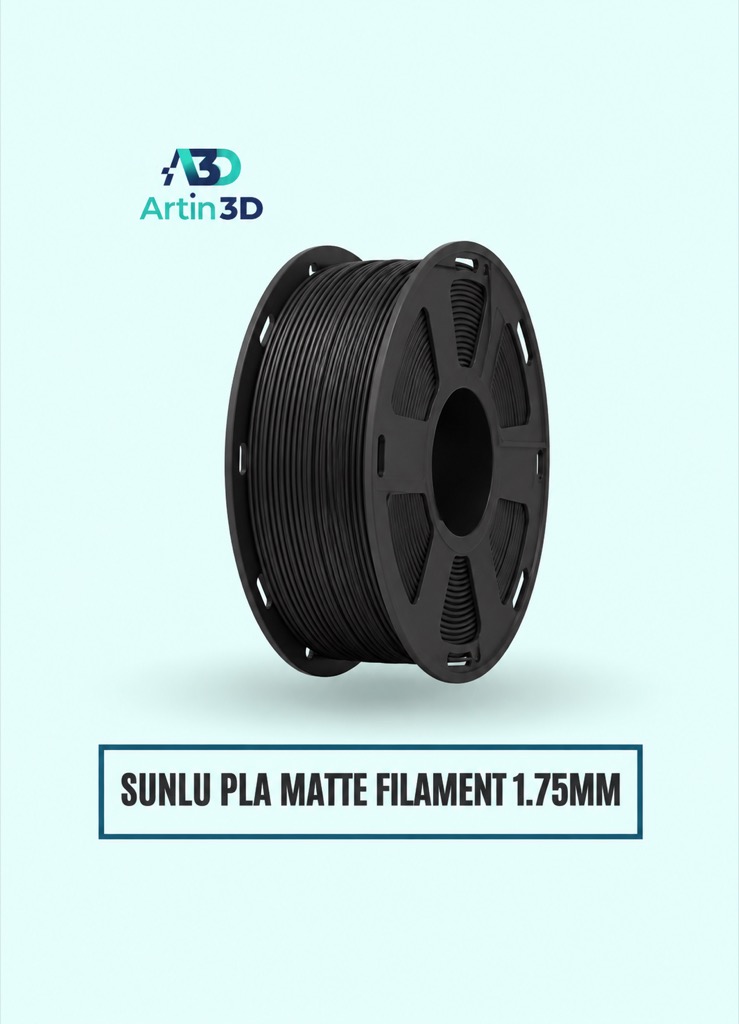
SUNLU PLA Matte is relevant for a matte display dome. Confirm the exact colour and material profile, and compare both layer strategies on the same spool.
SUNLU PLA Filament 1.75mm
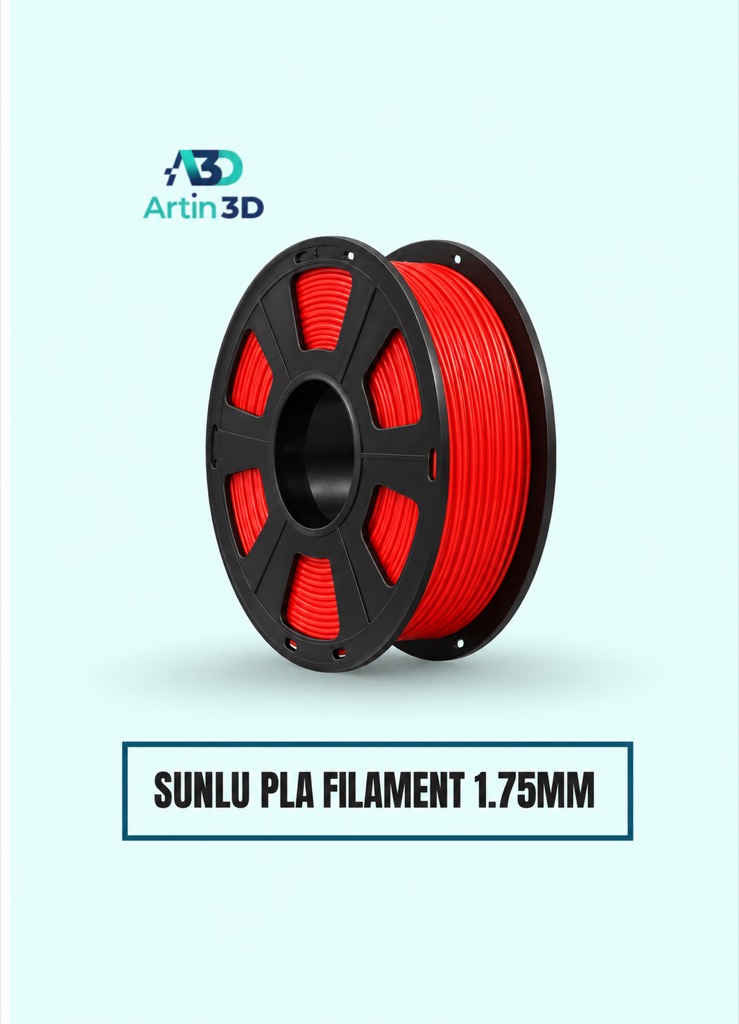
SUNLU PLA provides a separate everyday PLA option. Test it as its own comparison rather than mixing material finishes within one trial.
Quick questions
Does variable layer height improve every dome?
The outcome depends on curvature, mesh quality and the selected profile. Compare physical samples under the intended display lighting.
Can I use the same profile after resizing?
Reslice and inspect the resized model. Its curve and layer distribution will have changed.
Confirm the exact product variant, printer compatibility, current price and availability on the linked product page before ordering.
Need help preparing a representative sample? Explore Artin3D’s 3D design service or upload your STL file for a 3D printing quote. Include the mating dimensions, intended material and acceptance requirements.


