

Open box এর ভিতরে string দেখা গেলে শুধু retraction না বদলে travel path দেখুন। একই sample এ perimeter crossing option এর প্রভাব তুলনা করুন।
An open storage box makes travel moves easy to inspect because stray strands inside the cavity remain visible. A useful experiment is to compare the same box with a different travel routing choice while preserving the established material profile. This guide focuses on where the nozzle travels and what appears inside the printed box. It describes a comparison to run on your own machine, rather than a guaranteed fix for every stringing problem.
Start with a short box that reproduces the issue
Choose a small open box with the same wall layout or dividers as the troublesome model. Include the region where strands appear, and keep the original orientation. Save a baseline project with the correct nozzle and material profile. Record the spool identity and its storage condition. If the material has known moisture problems, address those through its documented handling process before judging a travel setting.
If route changes do not explain the strands, continue with Build a Retraction Test Log Before Tuning PETG Stringing and check the supply route using Trace Spool Drag Before Adjusting Extrusion Settings.
Show travel moves in the sliced Preview
Slice the baseline and enable the travel display available in your slicer. Follow several moves across the open cavity and between separate wall regions. Keep screenshots from comparable heights, including the layer where the unwanted strand first appeared on an earlier sample. Travel lines represent nonprinting moves, so distinguish them from extruded walls. Note the estimated job time and any visible routing around the outline.
Change one perimeter crossing control
Prusa documents Avoid crossing perimeters as a way to route moves with fewer perimeter crossings. Use the equivalent supported control in your installed slicer, and record its exact name and state. Keep retraction, temperature and other travel options unchanged for this trial. Reslice the saved box and compare the same layers. A route may remain constrained by geometry, so confirm the actual difference in Preview.
Print both projects with the same material condition
Run the two short jobs on the same prepared plate face. After cooling, photograph the inside walls before removing any strands. Record the location and extent of stringing, visible wall marks and completed time. Compare the same cavity and height in both samples. If the routing changed but the strands persisted, preserve that result instead of assuming the option failed to activate.
Use the result to choose the next investigation
Keep the routing that best meets your finish and time requirements. If the problem remains, investigate the supported material profile and retraction workflow as separate changes. Avoid copying another printer’s settings without checking compatibility. Save the accepted project and the comparison photographs. When the box gains a divider or changes size, inspect the travel display again because the route through its open space will change.
Keep a simple strand location record
Mark the problem area on a photograph rather than counting every fine thread. A consistent record such as strands across the centre or marks on the front rim makes the next trial easier to compare. Include the sample identity so cleanup photographs are not confused with the original print condition.
Relevant products from Artin3D
SUNLU PETG Filament 1.75mm
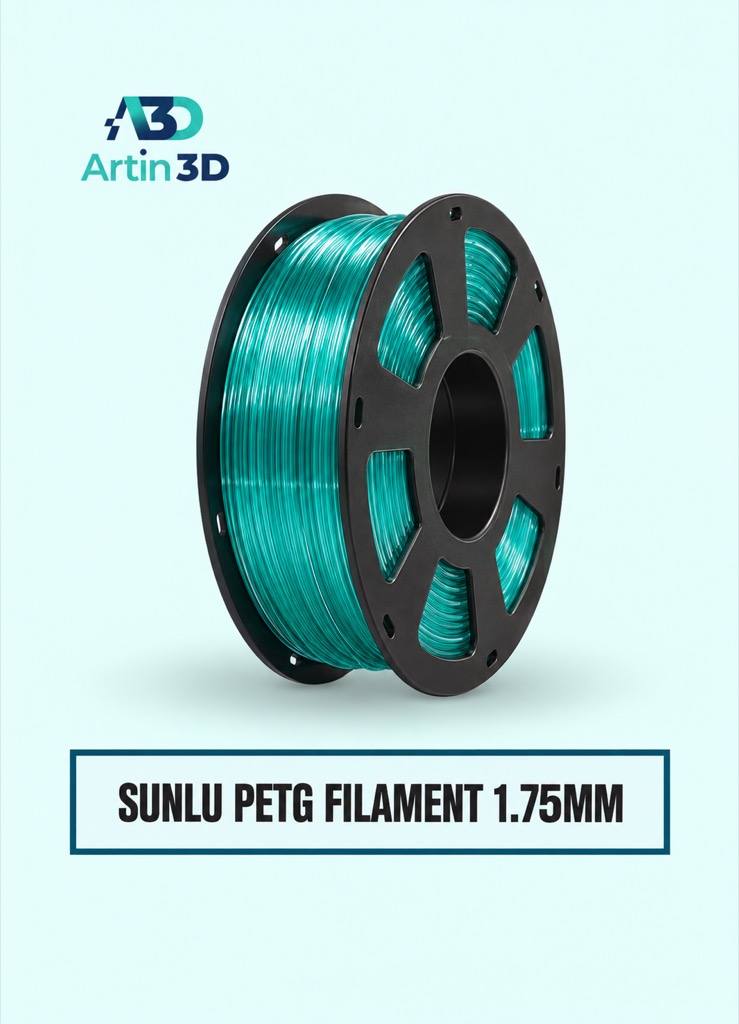
SUNLU PETG is relevant for a PETG box trial on a compatible printer. Confirm its exact grade and recommended material profile, and keep one spool through the comparison.
Filament Vacuum Storage Pump and Bag Kit
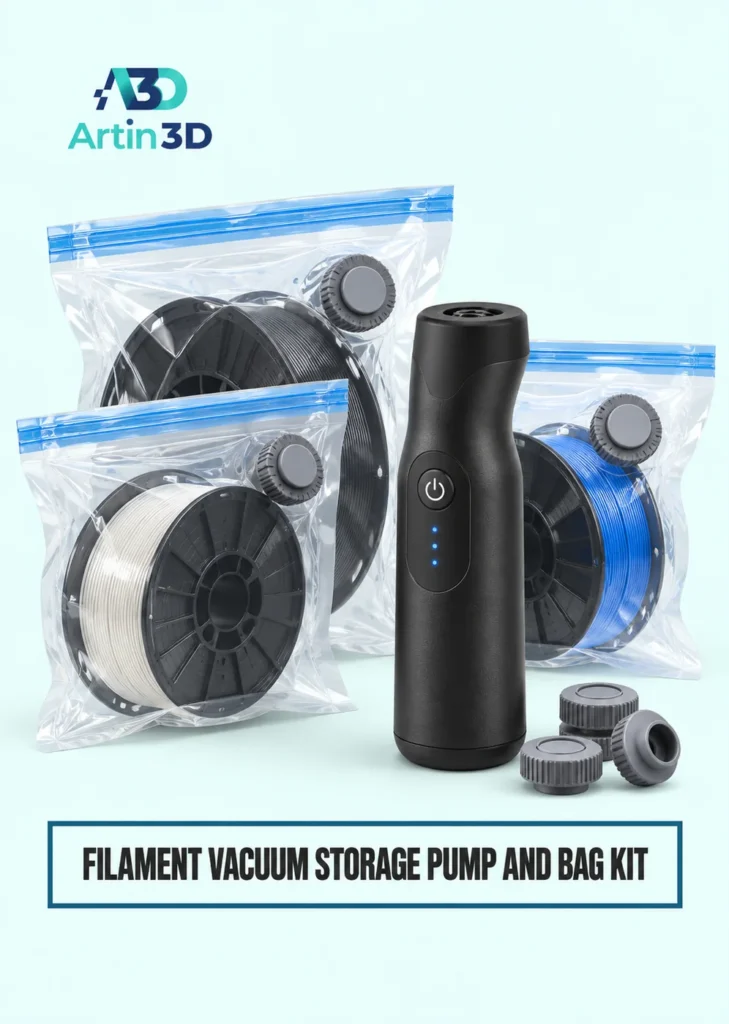
The Filament Vacuum Storage Pump and Bag Kit helps limit exposure between jobs. It supports storage and does not replace a suitable drying procedure for material that has absorbed moisture.
Quick questions
Does this replace retraction calibration?
It tests travel routing. Retraction, material condition and temperature remain separate factors to investigate.
Should I disable other travel protections?
Keep the supported printer profile and change only the selected routing control for this comparison.
Confirm the exact product variant, printer compatibility, current price and availability on the linked product page before ordering.
Need help preparing a representative sample? Explore Artin3D’s 3D design service or upload your STL file for a 3D printing quote. Include the mating dimensions, intended material and acceptance requirements.


