

Curved lip এর overhang finish যাচাই করতে speed Preview দেখুন। একই sample এ একটি slowdown change করে underside ও সময় তুলনা করুন।
A curved lip can reveal how a slicer changes speed as each layer extends beyond the material below. A small representative sample makes it possible to study that behaviour without printing the complete display model. This guide combines speed Preview with physical inspection. A slower setting is a candidate to test, and its value depends on the actual geometry, material and cooling setup.
Preserve the lip’s angle and curvature
Use a short section containing the real outward curve and nearby wall. Keep the intended orientation and enough surrounding material to reproduce the local geometry. Record the presentation side and dimensions that matter. Save a baseline with the supported printer and material profile. Avoid changing the curve at the same time as speed, since that would change the amount of support provided by the previous layer.
For unsupported paths spanning an opening, compare Compare Bridge Direction With a Simple Rectangular Gap Test and Compare Round and Teardrop Horizontal Openings on a Small Coupon instead of assuming all underside defects have the same cause.
Inspect the baseline speed distribution
Slice the sample and use the speed view around the lip. Move through several layers and compare the outer edge with the supported wall below. Record the displayed speed changes and estimated time. If several parts of the profile constrain the same move, the result may not match one requested speed directly. The Preview helps identify the effective path rather than relying only on a setting name.
Change the supported overhang slowdown control
Prusa documents dynamic overhang speed as a function of extrusion overlap with the previous layer. Use the control available in your slicer version and record one deliberate change. Keep temperature, fan settings and geometry fixed for the first comparison. Reslice the sample and check whether the relevant lip paths actually changed. If they did not, inspect the active profile and competing limits before printing another trial.
Compare the cooled samples before finishing
Print both saved jobs with the same spool and plate preparation. After cooling, photograph the lip from the side and below using the same light. Inspect edge shape, drooping lines and visible surface changes. Record actual print time as well as the estimate. Do not sand or trim before documenting the result, because finishing can hide the difference produced by the speed experiment.
Choose the next change from the evidence
Keep the version that meets the intended visual and dimensional requirements. If both remain unacceptable, evaluate another orientation, support plan or geometry revision as a separate trial. Avoid assuming that slowing every move further will solve all overhang problems. Save the accepted project and the inspection photographs, then check the complete model after applying the setting because its surrounding geometry can affect timing and cooling.
Record the intended viewing condition
A lip hidden beneath a shelf may have a different finish requirement from a visible architectural detail. Write the acceptance criterion before choosing a sample. This makes the time and appearance comparison useful for the final object rather than only for a close camera view.
Relevant products from Artin3D
SUNLU PLA Filament 1.75mm
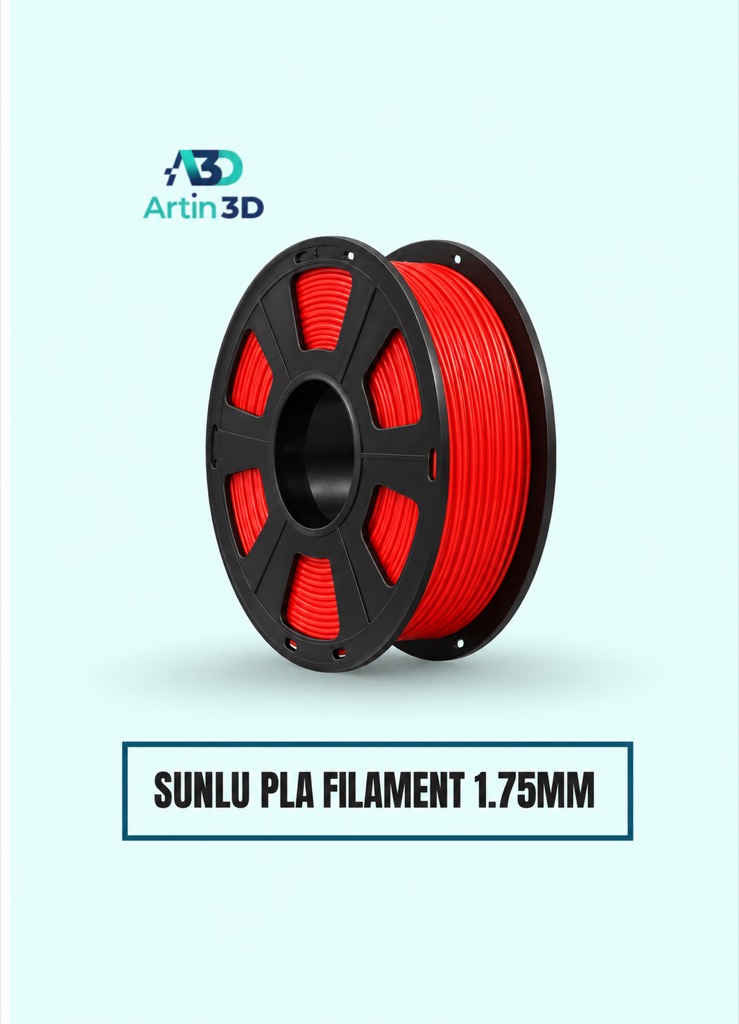
SUNLU PLA is a candidate for a PLA overhang comparison on a compatible printer. Use the exact grade’s supported material profile.
SUNLU PLA Matte Filament 1.75mm
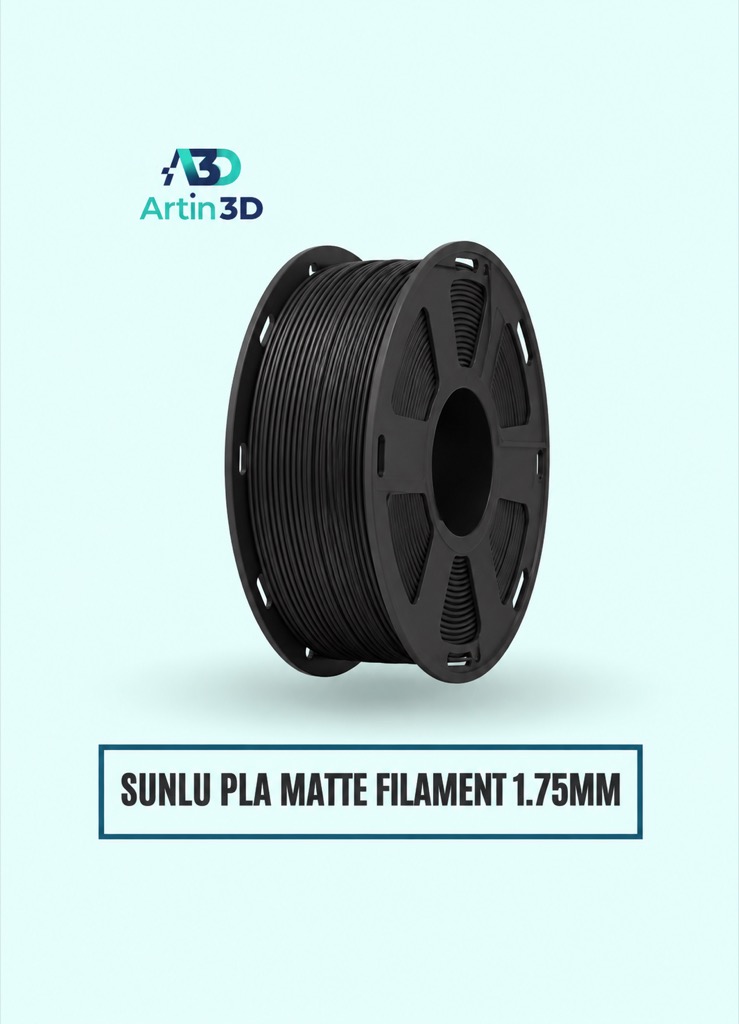
SUNLU PLA Matte can be evaluated when the planned object needs a matte finish. Run its own controlled comparison instead of mixing colours within one trial.
Quick questions
Will the slowest sample always look best?
Evaluate the physical result and job time. Cooling, material and geometry also affect the lip.
Why did the requested speed not appear in Preview?
Other limits or the selected feature classification can affect the final path. Check the active settings and sliced layers.
Confirm the exact product variant, printer compatibility, current price and availability on the linked product page before ordering.
Need help preparing a representative sample? Explore Artin3D’s 3D design service or upload your STL file for a 3D printing quote. Include the mating dimensions, intended material and acceptance requirements.


