
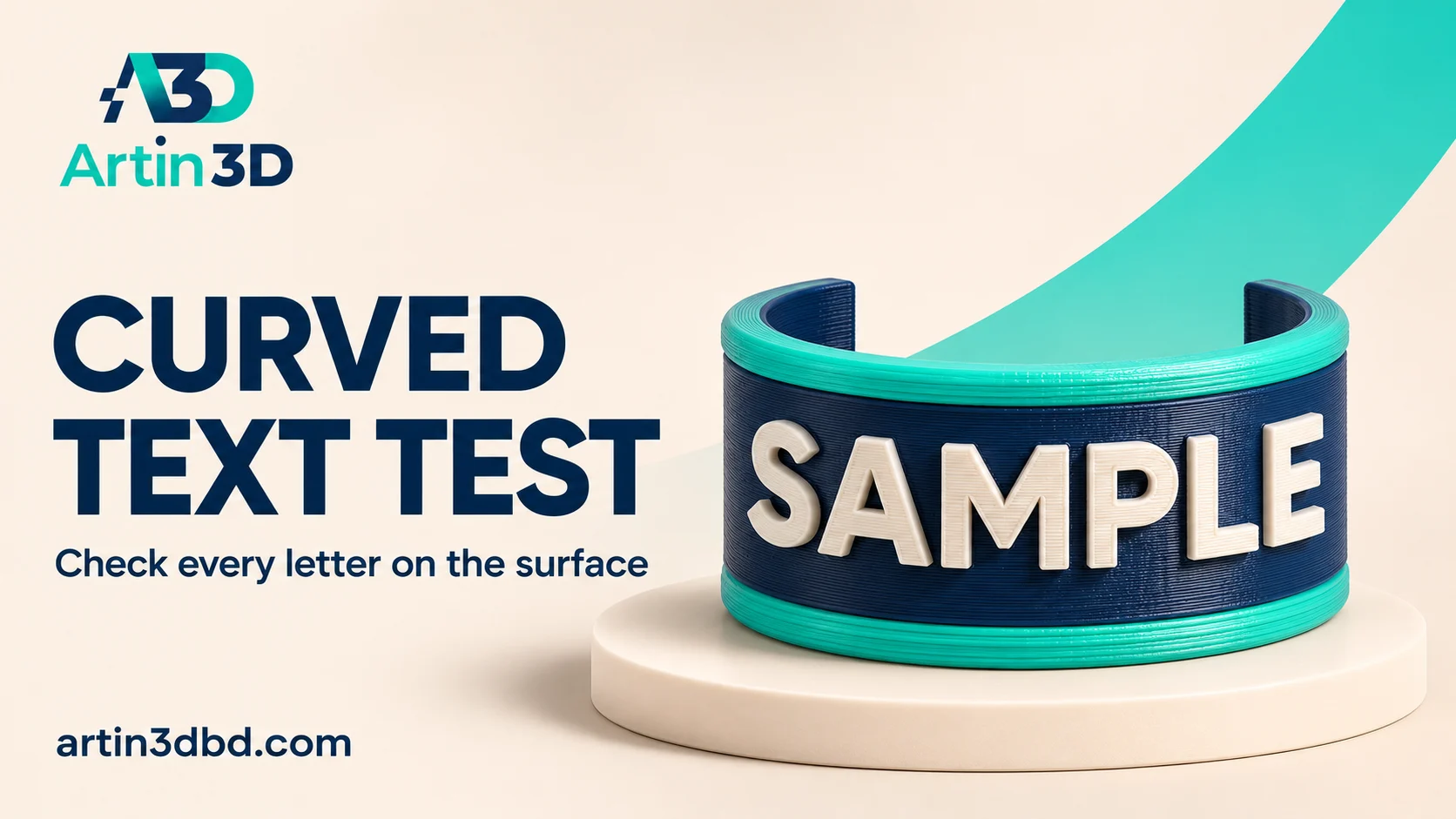
Curved surface এ নাম বা label বসালে text এর মাঝখান ও দুই পাশ আলাদা করে দেখুন। আগে ছোট sample দিয়ে readability এবং sliced stroke যাচাই করুন।
A label on a curved body needs more than a readable font in the editor. Its end letters may wrap away from view, and its smallest strokes must survive slicing at the final size. PrusaSlicer’s editable text tool offers a useful prototype workflow. Begin with a short curved label sample, keeping the text, model and intended reading distance together in the record.
Choose the real word and final label size
Use the actual product name or a representative word containing its smallest letters. Record the intended character height, depth and available surface width. Keep the original spelling and capitalization approved before preparing the sample. A shorter placeholder can hide spacing problems in the final name. Preserve the curved body’s radius in the test so the label wraps as it will on the complete object.
For small letter strokes and imported artwork, also review Check Thin Letter Strokes in Preview Before Changing Nozzles and Check an SVG Relief Motif Before Printing a Full Decorative Panel.
Add text and inspect the surface behaviour
Prusa documents a text tool that can create raised or recessed text and follow a model surface. Use the controls available in your installed version and check both the centre and the ends. The surface following option has geometric limits, so avoid wrapping a long word too far around a tight curve. Save a straight on view and a side view before deciding the placement is acceptable.
Check the smallest strokes in sliced Preview
Select the correct nozzle and supported material profile, then slice the label sample. Move through the first, middle and last layers of the lettering. Confirm that small strokes have continuous paths and that enclosed spaces remain open. Inspect the beginning and end letters, where curvature changes their relationship to the print direction. Keep screenshots of any missing or crowded feature before changing the font or depth.
Print a short section and test readability
Use a small section preserving the actual text size and surface radius. After cooling, inspect the word from its normal viewing position and a slightly oblique angle. Photograph it with consistent light so shadows do not hide shallow letters. Record missing strokes, uncomfortable edges and changes in apparent spacing. Compare a second font or placement only as a separate revision so the reason for improvement remains clear.
Save the editable project and approve the label
Keep the slicer project with the text entity and a photograph of the accepted sample. Prusa documents that text remains editable in a saved project. Reopen it and confirm the wording before a personalised batch. Also inspect any separately exported mesh used downstream. If another computer lacks the same font, check the resulting project appearance rather than assuming a matching name guarantees the same letter shapes.
Make the acceptance note useful for repeat orders
Record the approved wording, font, physical height and viewing direction. Include the model revision and nozzle used for the sample. A close photograph is helpful, but the normal reading distance should also be recorded. This gives another operator a concrete reference when the customer orders a different name or a longer label.
Relevant products from Artin3D
SUNLU PLA Matte Filament 1.75mm
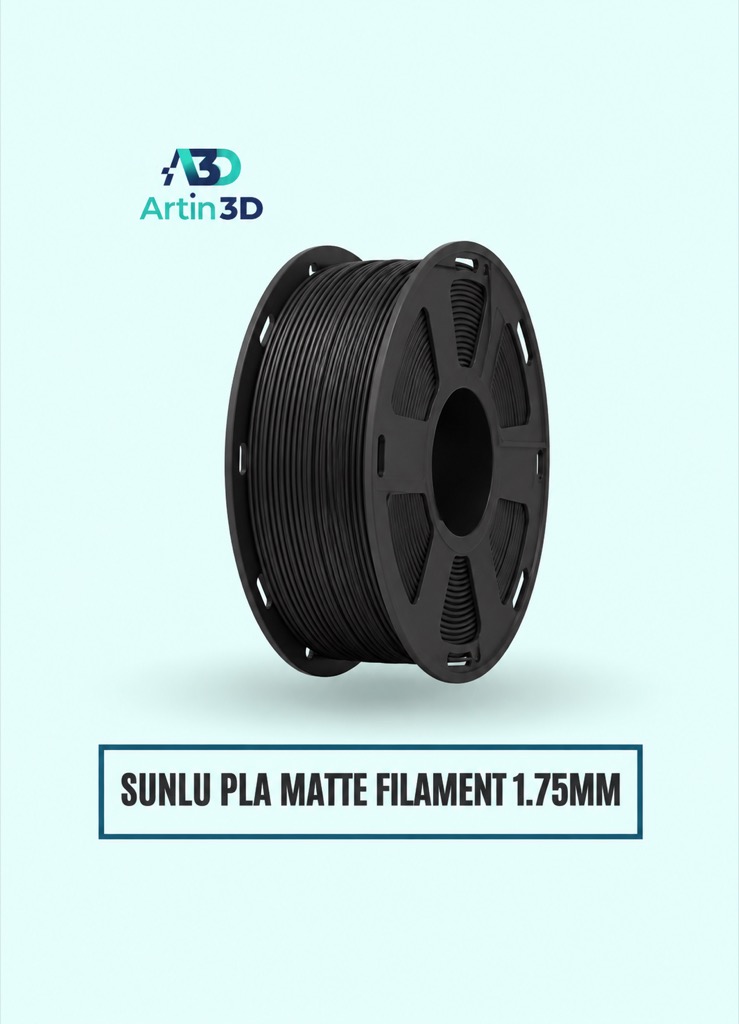
SUNLU PLA Matte can be evaluated for a matte curved label. Use the exact grade and colour in the accepted sample.
Bambu Lab 0.2mm Nozzle
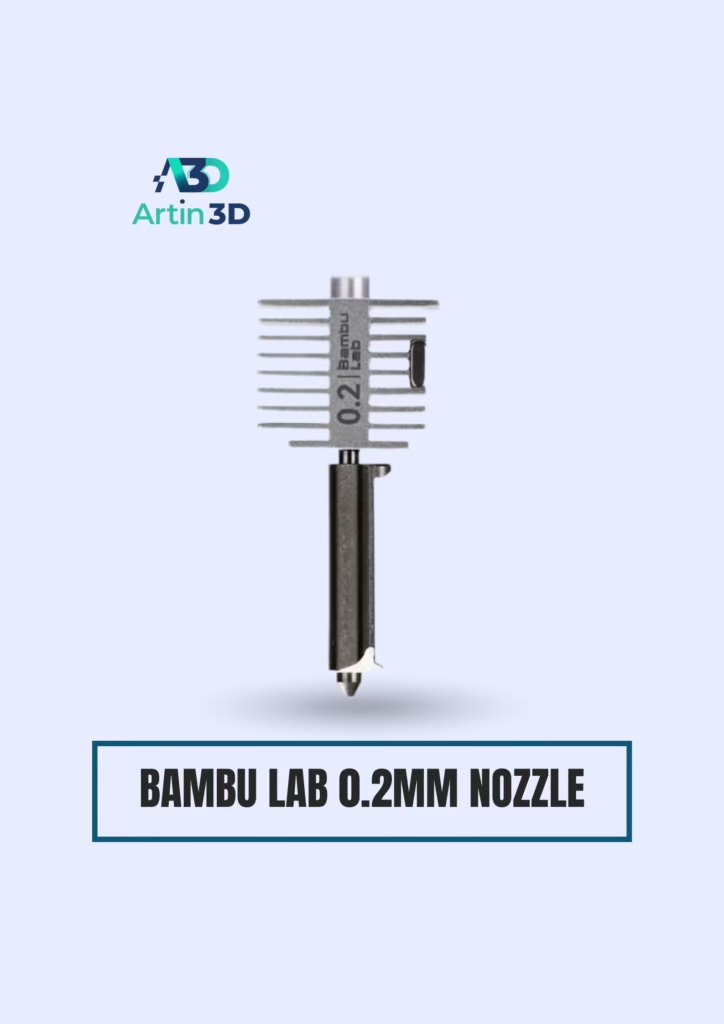
The Bambu Lab 0.2mm Nozzle is relevant when finer detail is needed on a compatible Bambu Lab hotend. Confirm the printer series, assembly and suitable nonabrasive material before choosing it.
Quick questions
Will text following the surface stay readable on any curve?
Inspect the complete word and print a representative sample. Tight curvature can distort or hide the end letters.
Should I change the nozzle immediately?
Inspect the sliced strokes first, then evaluate geometry, font and a compatible nozzle change as separate trials.
Confirm the exact product variant, printer compatibility, current price and availability on the linked product page before ordering.
Need help preparing a representative sample? Explore Artin3D’s 3D design service or upload your STL file for a 3D printing quote. Include the mating dimensions, intended material and acceptance requirements.


