
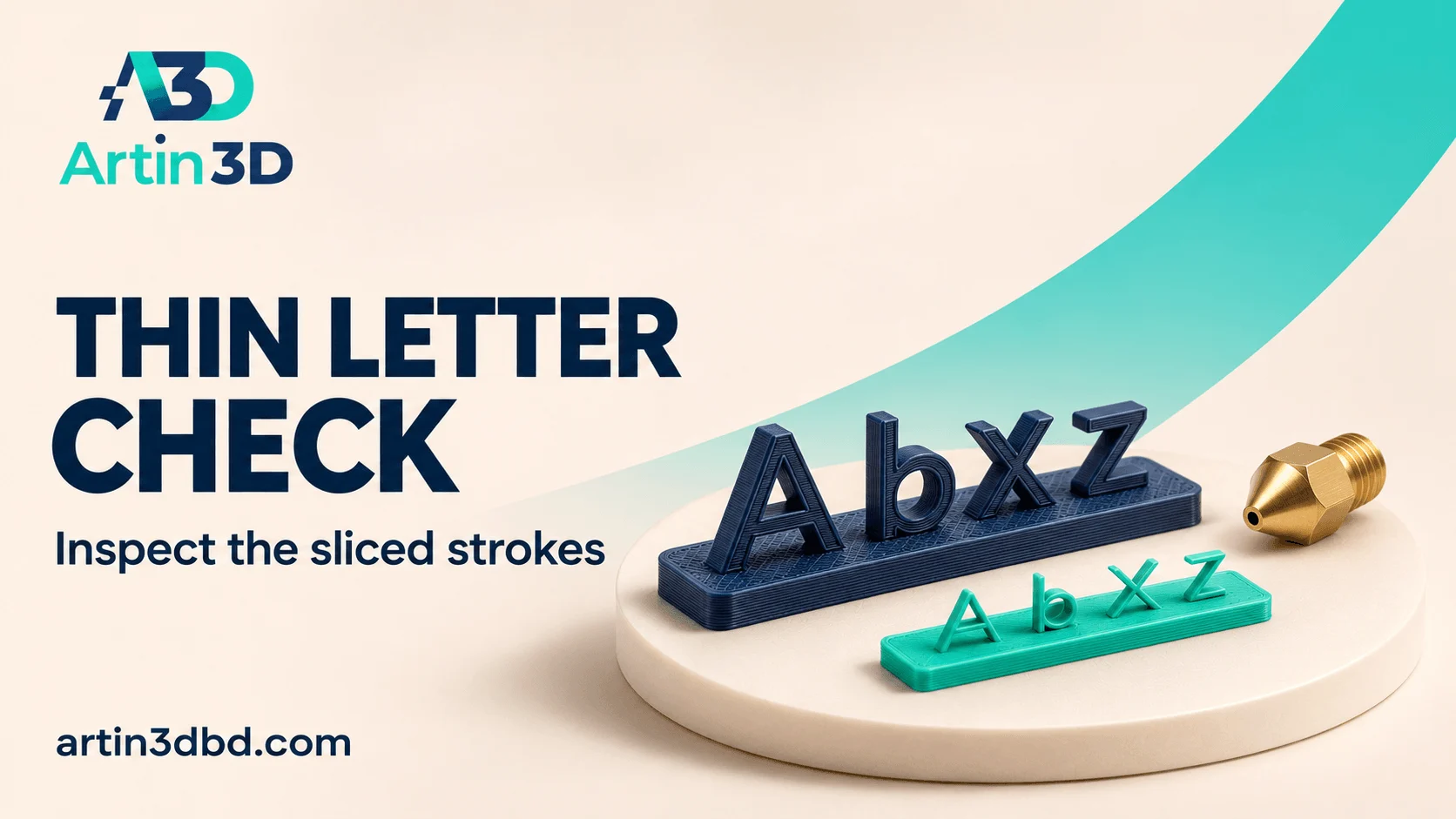
ছোট লেখা হারিয়ে গেলে আগে sliced Preview তে প্রতিটি stroke দেখুন। Model geometry, extrusion path এবং nozzle profile আলাদা করে পরীক্ষা করলে সঠিক পরিবর্তন বেছে নেওয়া যায়।
Small lettering can look complete in a model view and lose part of its shape after slicing. Before ordering another nozzle, inspect the paths assigned to the narrow strokes. A short lettering strip gives you a repeatable test for the design and profile. This workflow focuses on whether the intended detail exists in the sliced job and survives in the printed sample.
Prepare a lettering strip from the actual artwork
Choose the smallest word or symbol in the project and copy it into a compact test strip. Preserve the original stroke widths, spacing and raised or recessed depth. Include several repeated problem characters so you can recognise the feature in photographs. Record the real dimensions of the strip and the intended viewing distance for the finished object.
To preserve small artwork details, also use Test Editable Text on a Curved Product Label Sample and Check an SVG Relief Motif Before Printing a Full Decorative Panel before committing to the full label or panel.
Inspect each layer through the lettering
Slice with the correct printer and installed nozzle profile. Move through the layers where the letters begin, continue and end. Check whether narrow strokes receive continuous extrusion paths and whether small openings remain visible. Save screenshots of the problem areas. This inspection creates a clear record of the relationship between the model geometry and the instructions being sent to the printer.
Compare perimeter generation options carefully
Prusa documents Arachne as a variable width perimeter generator and notes that the separate Detect Thin Walls option is disabled when Arachne is active. Use the options available in your slicer and version, then inspect the resulting paths. Keep the lettering geometry fixed during this comparison. Record which generator and settings produced the paths you want to evaluate in a physical sample.
Print a sample and check readability at the required distance
Use the same filament and orientation planned for the final object. Photograph the strip with consistent lighting, then view it at the intended reading distance. Record missing strokes, filled openings and the appearance of repeated characters. If the sliced paths looked correct but the sample is poor, preserve those screenshots alongside the print so the next adjustment can address the specific difference.
Evaluate a nozzle change as a separate controlled trial
A smaller compatible nozzle may be worth evaluating when the design requires finer detail. Confirm the exact hotend assembly and material compatibility before choosing a replacement. Select the matching nozzle profile and reslice the lettering strip after the change. Keep the original sample for comparison. Save the accepted lettering dimensions and the nozzle profile together with the artwork revision.
Relevant products from Artin3D
Bambu Lab 0.2mm Nozzle
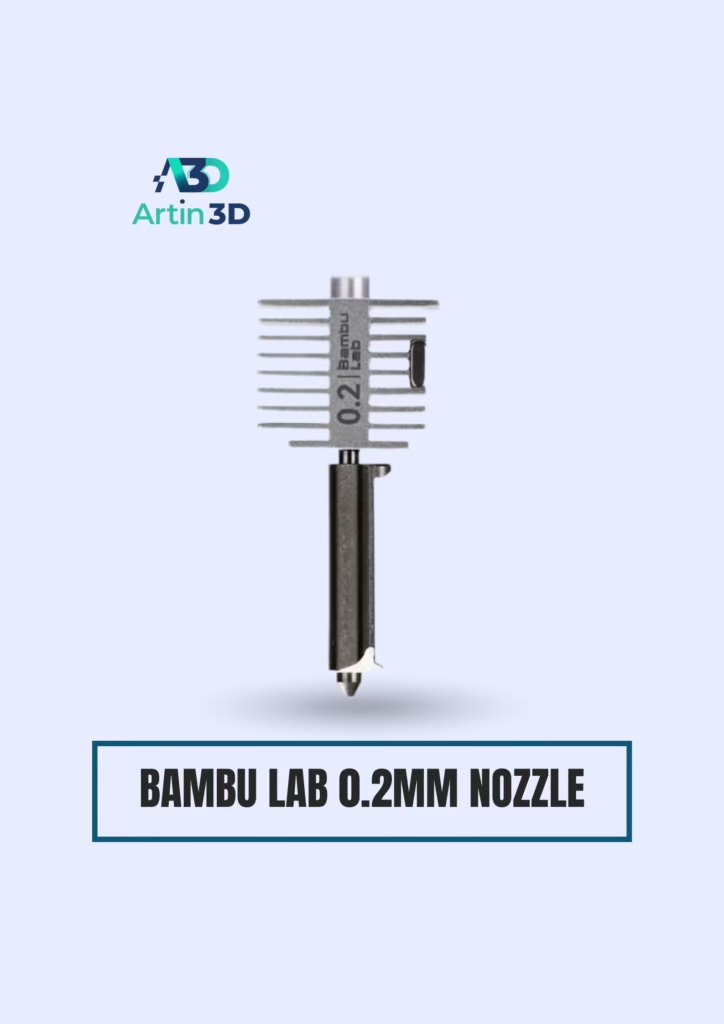
The Bambu Lab 0.2mm Nozzle listing is relevant to fine detail work on a supported Bambu Lab hotend. Confirm the exact printer series, assembly and suitable nonabrasive filament before ordering.
n
Digital Vernier Caliper
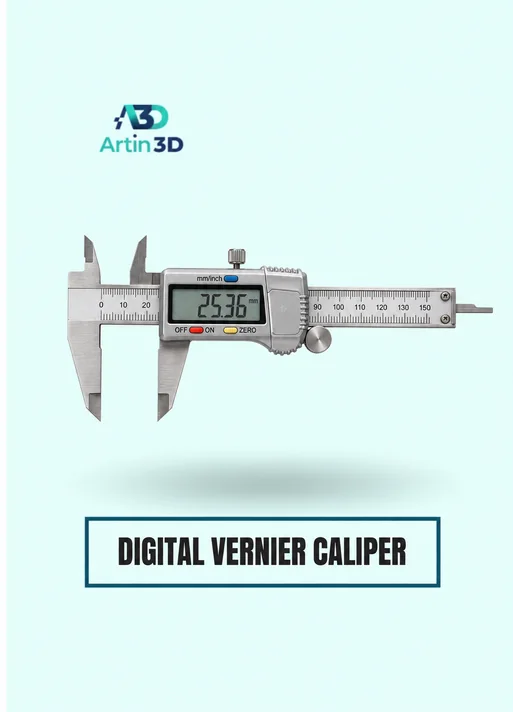
A Digital Vernier Caliper helps verify the overall sample dimensions and accessible features. Choose a measurement method appropriate to the small detail and confirm the instrument’s specification.
n
Quick questions
Will Arachne reproduce every tiny stroke?
Inspect the sliced paths and print a representative sample. Geometry and the available extrusion width still matter.
Can I change the nozzle without changing the slicer profile?
Use the profile matching the installed nozzle and inspect the newly sliced paths before printing.
Keep a useful test record
Save the sample identifier, model revision, printer and nozzle, material, changed setting and inspection result with the project. When enquiring about a suggested product, send Artin3D the exact printer model and required size or material grade, then confirm current price and availability on the linked product page.
Need help preparing a representative sample? Explore Artin3D’s 3D design service or upload your STL file for a 3D printing quote. Include the mating dimensions, intended material and acceptance requirements.


