

Handle এর grip অংশে fuzzy skin পরীক্ষা করুন, কিন্তু fitting surface আলাদা রাখুন। Texture ও clearance দুইটিই ছোট sample দিয়ে যাচাই করুন।
A textured handle can look and feel different from a smooth printed surface. The same texture may interfere with a socket, a sliding fit or an edge that must align with another part. A regional fuzzy skin trial helps separate the grip experiment from the fit requirement. Start with a noncritical sample handle and evaluate the texture under the intended handling conditions.
Map the grip and mating regions
Identify the surface held by the user and the surface that enters a socket or meets another component. Record their boundaries on a drawing. Build a short sample that preserves the real mating diameter and a representative grip section. Keep any texture away from labels or fine details that must stay legible. This establishes an inspection plan before the slicer changes are made.
Keep texture evaluation separate from mating dimensions using Check Hole Compensation With a Separate Pin and Hole Coupon and Check an Inside Fillet Without Blocking the Bracket's Mating Part.
Apply fuzzy skin to the intended region
Prusa documents fuzzy skin as random offsets along model side perimeters. Regional application is available through modifiers and, in supported versions, painting tools. Use the method available in your installed release and inspect the selected area from several angles. Record the texture settings. Because the surface can move inward and outward, preserve an untextured mating region and test its physical fit.
Compare the slice with a smooth baseline
Save a smooth version and slice the regional texture version with the same main profile. Inspect the texture boundary, underside and connection to the mating feature. Note any extra path complexity and estimated time. Check that the intended fit surface has not acquired the random texture. Keep screenshots of both versions so the boundary can be restored accurately after a model revision.
Print and evaluate touch as well as dimensions
Use the same material and orientation for the two samples. After cooling, compare grip comfort, visible texture and accessible dimensions. Fit each sample to the actual mating part without forcing it. Record interference, uncomfortable edges and the position where the texture begins. A texture that looks attractive in a close photograph may feel unsuitable when the object is held for longer periods.
Save the accepted boundary with the application notes
Select a finish based on fit, appearance and handling needs. Keep the approved sample as a reference with the material grade and the slicer project. If the handle will carry meaningful loads, evaluate its design and durability separately from the texture experiment. Recheck the fit when resizing or changing material, and preserve the untextured interface as an explicit requirement in the design record.
Inspect the texture boundary closely
Run a visual and gentle handling check along the transition from smooth shaft to textured grip. Record whether that edge feels abrupt or interferes with the mating part. Include a close photograph so the next revision changes the intended boundary instead of the whole texture.
Relevant products from Artin3D
SUNLU PETG Filament 1.75mm
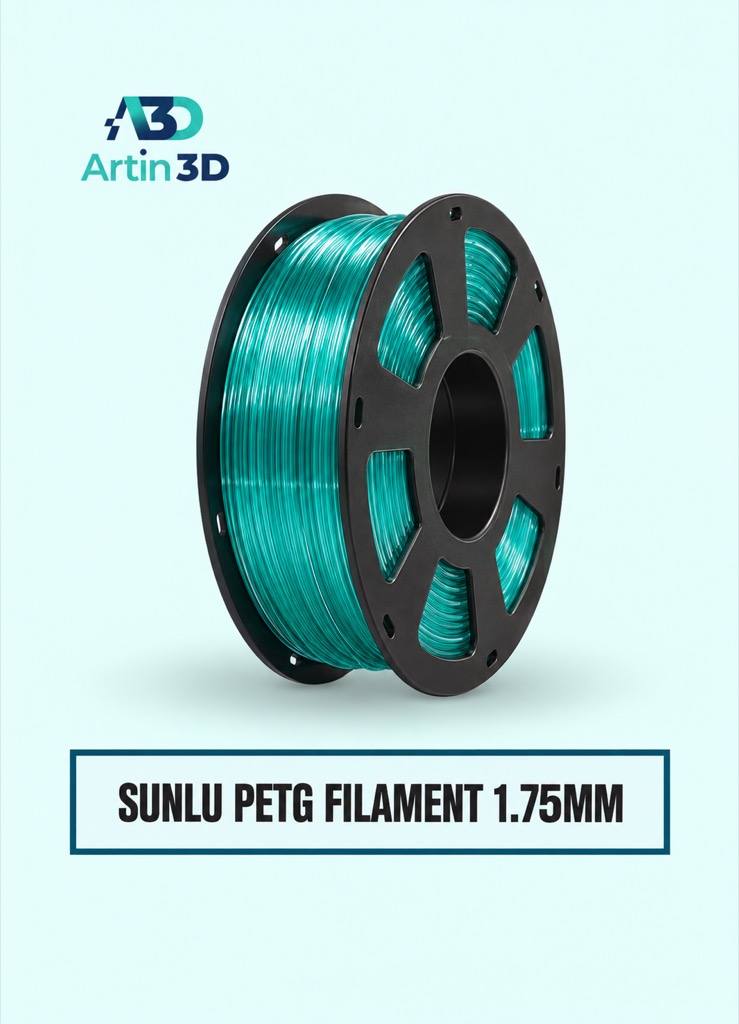
SUNLU PETG is a material option for a compatible PETG handle trial. Confirm its grade, profile and suitability for the actual application.
Digital Vernier Caliper
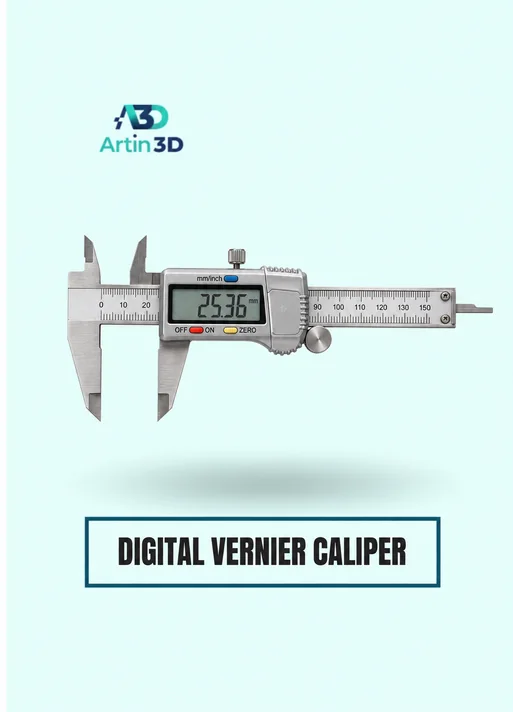
The Digital Vernier Caliper helps check accessible mating dimensions. Texture peaks can affect contact, so measure the smooth reference surface consistently.
Quick questions
Does fuzzy skin improve a handle’s strength?
This workflow evaluates texture and fit. Mechanical performance requires its own design and application testing.
Why keep the socket area smooth?
Random surface offsets can affect clearance. Preserve and verify the intended mating surface.
Confirm the exact product variant, printer compatibility, current price and availability on the linked product page before ordering.
Need help preparing a representative sample? Explore Artin3D’s 3D design service or upload your STL file for a 3D printing quote. Include the mating dimensions, intended material and acceptance requirements.


