

Hole ও pin fit না মিললে পুরো model scale করার আগে আলাদা coupon পরীক্ষা করুন। Hole compensation বদলানোর সঙ্গে বাইরের মাপও যাচাই করুন।
A printed pin and its matching opening may fail to fit even when the overall model size is close to the intended dimensions. A small coupon helps separate the hole from the outer feature. This guide uses a vertical hole and a separately printed pin so the relevant XY dimensions can be inspected. Establish the baseline before making a compensation change.
Record the mating geometry and intended fit
Write down the pin’s intended diameter, the hole size and whether the assembly should slide, locate or hold with friction. Use a short sample preserving the real wall thickness and orientation. Keep the pin and coupon as separately identifiable parts. A vertical opening in this exercise does not represent a horizontal hole’s unsupported upper surface, so treat that geometry as a different trial.
Before changing the whole bore, check the bottom edge with Test Elephant Foot Compensation With a Sliding Fit Coupon and controlled cleanup with Deburr a Printed Hole Without Losing Its Fit Reference.
Measure both cool samples before adjustment
Print the baseline with the correct nozzle and supported material profile. After cooling, measure accessible pin and hole dimensions with a suitable method. Take repeated readings using the same contact and position, and note the instrument’s limitations. Try the assembly gently and record where it binds. A small internal hole can be difficult to measure accurately, so preserve the physical fit observation alongside the numerical readings.
Identify hole and contour controls separately
OrcaSlicer documents X-Y hole compensation independently from X-Y contour compensation. Its guide states that positive hole compensation enlarges holes and negative values reduce them. Use the current documentation for the installed version and inspect the toolpaths after a small supported adjustment. Keep contour compensation, scale and other settings unchanged initially. Do not apply a universal number from another printer or material.
Check the adjusted paths and outside size
Slice the revised coupon and compare the same layers with the baseline. Inspect the opening, the remaining wall and the outside outline. Save a screenshot showing which control changed. Print the short revised sample and repeat the same measurement and assembly process. Record any improvement in fit and any unintended effect on nearby features. The useful result is the accepted assembly, not simply a larger hole.
Transfer the setting with the correct scope
Save the accepted material and process configuration with its model record. Inspect every relevant opening when applying a process-level compensation to a more complex model. If only one design feature needs a different allowance, revise the CAD geometry as appropriate rather than changing unrelated features inadvertently. Recheck the fit after a material, nozzle or orientation change and retain both the pin and the coupon.
Use a clear acceptance description
Record whether the pin should enter by hand, stop at a shoulder or move freely through the opening. Avoid an undefined note such as fits better. Include a photograph of the assembled coupon and identify which face was used as the reference during measurement.
Relevant products from Artin3D
Digital Vernier Caliper
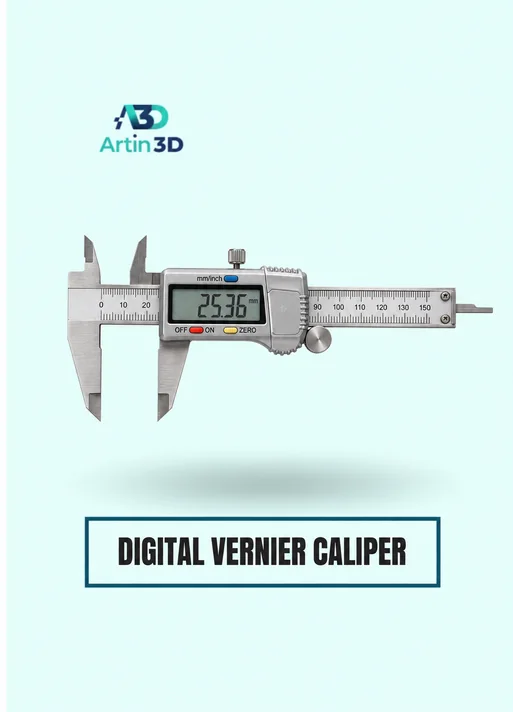
The Digital Vernier Caliper supports accessible inside and outside checks. Confirm its specification and choose a measurement method suited to the feature size.
SUNLU PETG Filament 1.75mm
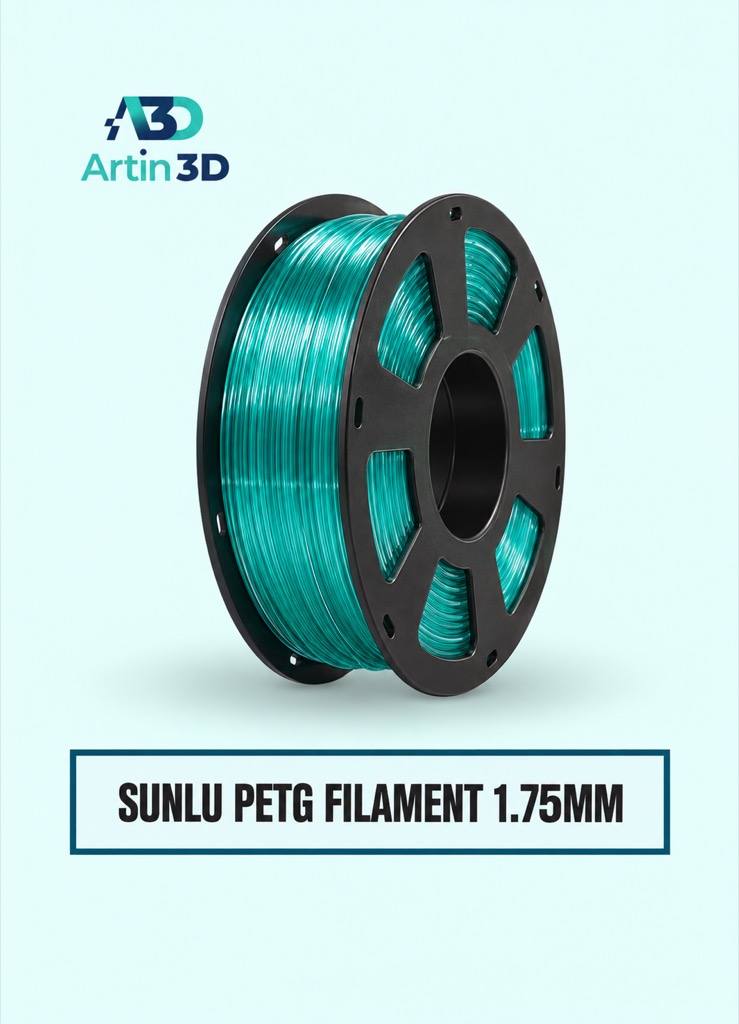
SUNLU PETG can be evaluated for a compatible PETG fit sample. Use the intended final material for the final assembly validation.
Quick questions
Should I scale the whole object to fix one hole?
First inspect the pin, hole and overall dimensions separately. A whole model scale change also moves other features.
Does a vertical hole coupon validate every opening?
Use representative geometry. Horizontal holes and complex assembly routes need their own checks.
Confirm the exact product variant, printer compatibility, current price and availability on the linked product page before ordering.
Need help preparing a representative sample? Explore Artin3D’s 3D design service or upload your STL file for a 3D printing quote. Include the mating dimensions, intended material and acceptance requirements.



Comments (2)