

পুরো enclosure ভারী না করে screw boss এর চারপাশে local modifier পরীক্ষা করুন। Preview এবং ছোট sample দিয়ে wall path ও screw fit মিলিয়ে নিন।
An enclosure may have a broad, lightly loaded shell and a small screw boss that needs closer attention. A local modifier offers a way to explore different slicing settings in that region while keeping a familiar baseline elsewhere. This guide describes a proposed test for a low risk prototype enclosure. It does not establish a load rating or replace a properly designed joint.
Define the joint before changing infill
Identify the boss outer diameter, pilot hole, screw type and available wall around the hole. Keep a drawing of the intended assembly and note whether the screw cuts its own thread or engages a separate fastener. A modifier cannot add missing model geometry. If the boss is too narrow to hold the intended walls, revise the CAD design first. Preserve a copy of the original model for comparison.
Check the adjoining assembly features with Test an Open Hex Nut Pocket Before Printing the Full Enclosure and Check an Inside Fillet Without Blocking the Bracket's Mating Part before approving the full enclosure.
Add a modifier that overlaps the boss
In PrusaSlicer, modifier meshes apply selected settings where they intersect the model. Add a simple cylinder or box and position it around the boss. Enter its dimensions and location explicitly, then inspect from several views. Keep the overlap limited to the area under investigation. Record the modifier size so the same local experiment can be repeated after a design revision.
Compare the actual wall paths in Preview
Start with one local change, such as a different perimeter count supported by your slicer. Slice and inspect the boss through its full height. Look at the space around the hole, the transition into the shell and the connection at the boss base. Compare screenshots with the unmodified baseline. More requested walls do not guarantee more usable walls when the geometry leaves insufficient room.
Print a short section containing the real boss
Prepare a small sample that preserves the boss, surrounding shell and print orientation. Use the actual screw and the intended material for the fit check. Let the sample cool, measure accessible features and assemble with a consistent procedure. Record cracking, distortion, screw engagement and any visible change at the base. Avoid treating a successful hand assembly as proof of long term strength.
Choose a revision using fit and material records
Compare the local sample with the baseline using the same screw and inspection method. Keep the version that meets your prototype requirements and document why it was accepted. If both fail, revisit geometry and fastening design before adding more material everywhere. Save the modifier inside the slicer project, with the model revision, material and nozzle recorded alongside the photographs.
Write a clear assembly acceptance note
Before the trial, define what a usable sample means. For example, record that the screw must assemble without visible cracking and the lid must still seat on its reference edge. Keep those observations separate from any later load or durability evaluation.
Relevant products from Artin3D
SUNLU PETG Filament 1.75mm
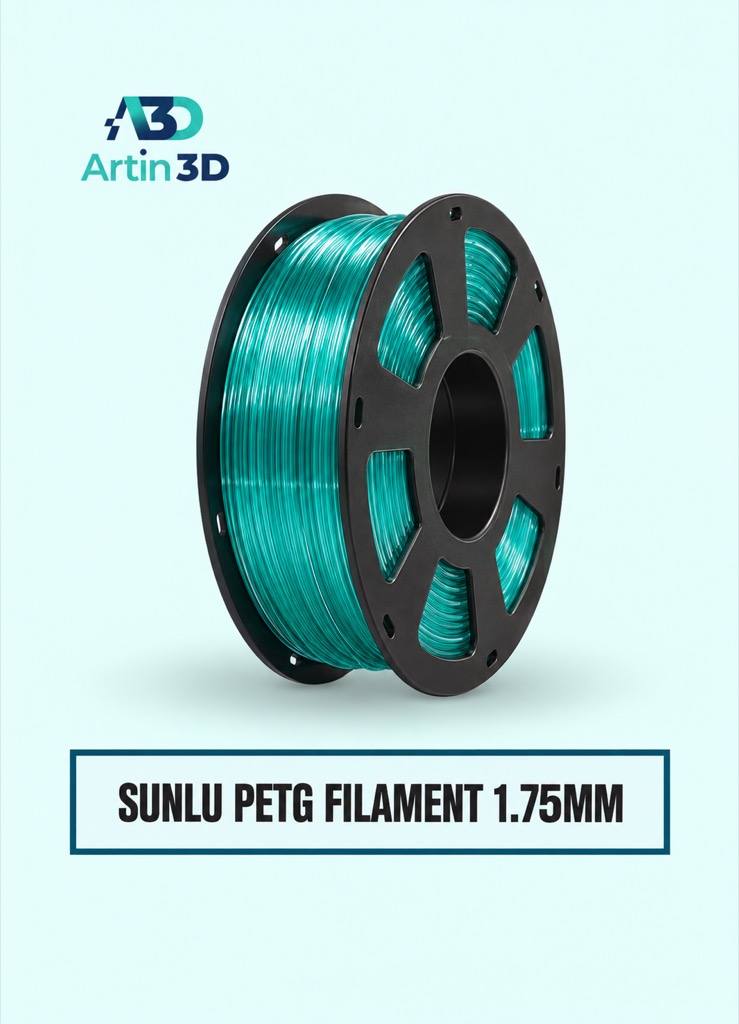
SUNLU PETG can be evaluated when PETG suits the enclosure application. Confirm the exact grade and supported printer profile, and validate the assembled prototype under its intended conditions.
Digital Vernier Caliper
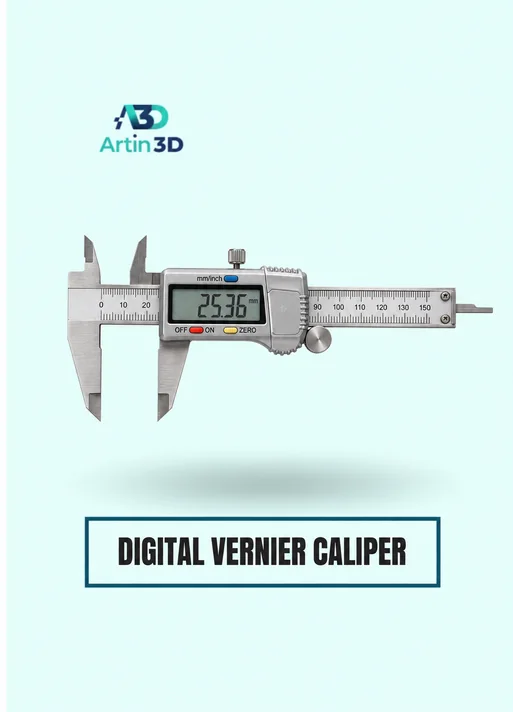
The Digital Vernier Caliper supports checks of boss diameter and accessible hole dimensions. Confirm the instrument specification and use consistent reference surfaces.
Quick questions
Will a modifier repair a weak boss design?
It changes selected slicing settings within existing geometry. The boss dimensions, joint design and real application still require evaluation.
Should I change walls and infill together?
Begin with one controlled change so the comparison shows which setting affected the sample.
Confirm the exact product variant, printer compatibility, current price and availability on the linked product page before ordering.
Need help preparing a representative sample? Explore Artin3D’s 3D design service or upload your STL file for a 3D printing quote. Include the mating dimensions, intended material and acceptance requirements.



Comments (2)