
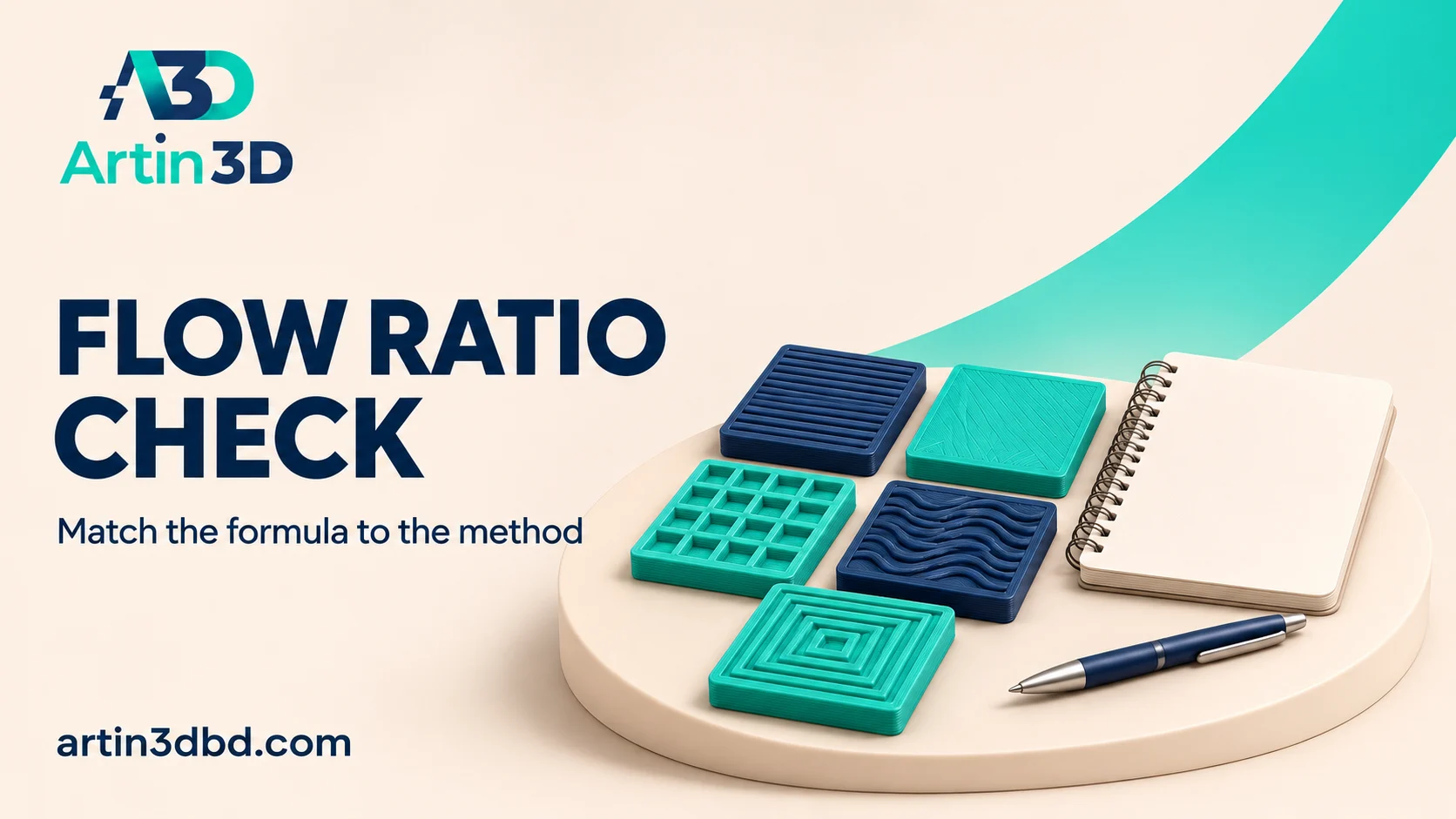
OrcaSlicer এর YOLO ও 2-Pass flow ratio test এর হিসাব এক নয়। Test method, selected modifier ও আগের value একসঙ্গে লিখে ভুল কমান।
A flow ratio test can produce a misleading profile if its modifier is interpreted using the wrong method. OrcaSlicer documents both a newer additive approach and a legacy percentage based process. This article explains how to keep the method and arithmetic together, then validate the result on a small real part. Numerical examples below are illustrations of the calculation, not recommended settings for your printer.
Record the version and selected calibration
Choose the correct printer, material and process profile, then note the installed slicer version and exact calibration option. Read the current calibration order and any machine-specific instructions before starting. Save the original material profile. Keep the generated test project and a photograph of its identity together so a sample from one method cannot be mistaken for a sample from another.
Treat sustained flow limits and corner response as separate checks using Use a Flow Preview to Understand Your 3D Print Speed Limit and Read a Pressure Advance Corner Test Without Copying Another Printer.
Use the formula documented for that method
Orca’s YOLO method uses the existing flow ratio plus or minus the selected decimal modifier. As a hypothetical example, a starting value of 0.96 with a positive 0.02 modifier gives 0.98. The legacy two pass calculation multiplies the old ratio by one plus the percentage modifier divided by 100. A hypothetical 0.96 with a positive 2 modifier gives 0.9792. These differently labelled modifiers are not interchangeable.
Read the generated sample using its own guide
Print the selected test with the intended material and supported setup. Compare the areas identified in the official reading instructions and keep lighting consistent across samples. Record the chosen modifier exactly as displayed, including its sign. Do not infer that the numerically largest modifier is best. If extrusion defects or a poor setup obscure the result, resolve those before accepting a new profile value.
Write the calculation before changing the profile
Record the old value, method, selected modifier and calculated candidate on one line. Check the arithmetic, then save a separate profile revision with that candidate. For a two pass process, follow its documented second stage rather than applying the first modifier again accidentally. Reopen the saved profile to verify the active value. Keep any automatic machine calibration behaviour documented alongside the manual test.
Validate the candidate on familiar geometry
Print a small part whose top surface and dimensions are easy to compare with the baseline. Inspect gaps, excess material, wall appearance and the fit required by the application. Keep the nozzle, spool and other settings identified. Flow ratio calibration addresses extrusion amount, while a maximum volumetric speed test addresses a different limit. Avoid using one result as a substitute for the other.
Keep an arithmetic audit with the sample
Store a simple screenshot or note of the calculation with the approved project. If a later operator repeats the trial, they can see which value was used as the starting point. This avoids compounding a modifier on an already changed profile without noticing.
Relevant products from Artin3D
SUNLU PLA Filament 1.75mm
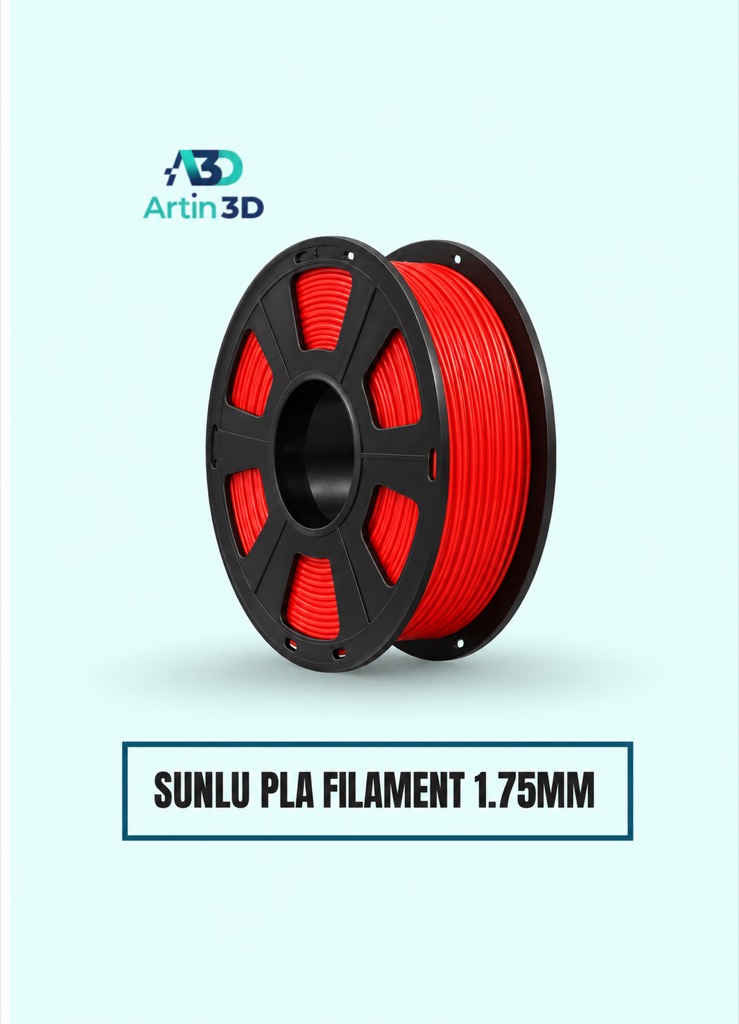
SUNLU PLA can be used for a PLA flow ratio trial on a compatible system. Keep the exact grade and spool identified.
SUNLU PETG Filament 1.75mm
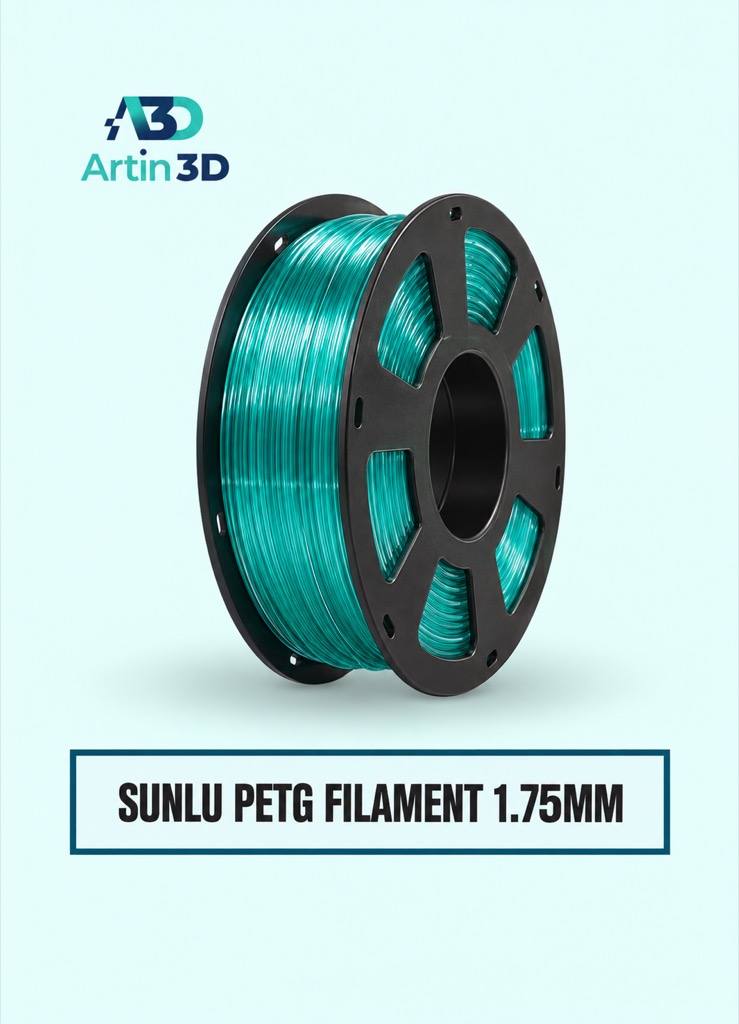
SUNLU PETG requires its own supported material setup and evaluation. Save its calibration record separately from the PLA profile.
Quick questions
Can I apply a YOLO modifier as a percentage?
Use the formula documented for the selected method. The additive decimal and legacy percentage labels represent different calculations.
Is flow ratio the same as maximum flow speed?
They serve different purposes. Validate extrusion amount and throughput limits with their appropriate procedures.
Confirm the exact product variant, printer compatibility, current price and availability on the linked product page before ordering.
Need help preparing a representative sample? Explore Artin3D’s 3D design service or upload your STL file for a 3D printing quote. Include the mating dimensions, intended material and acceptance requirements.


