
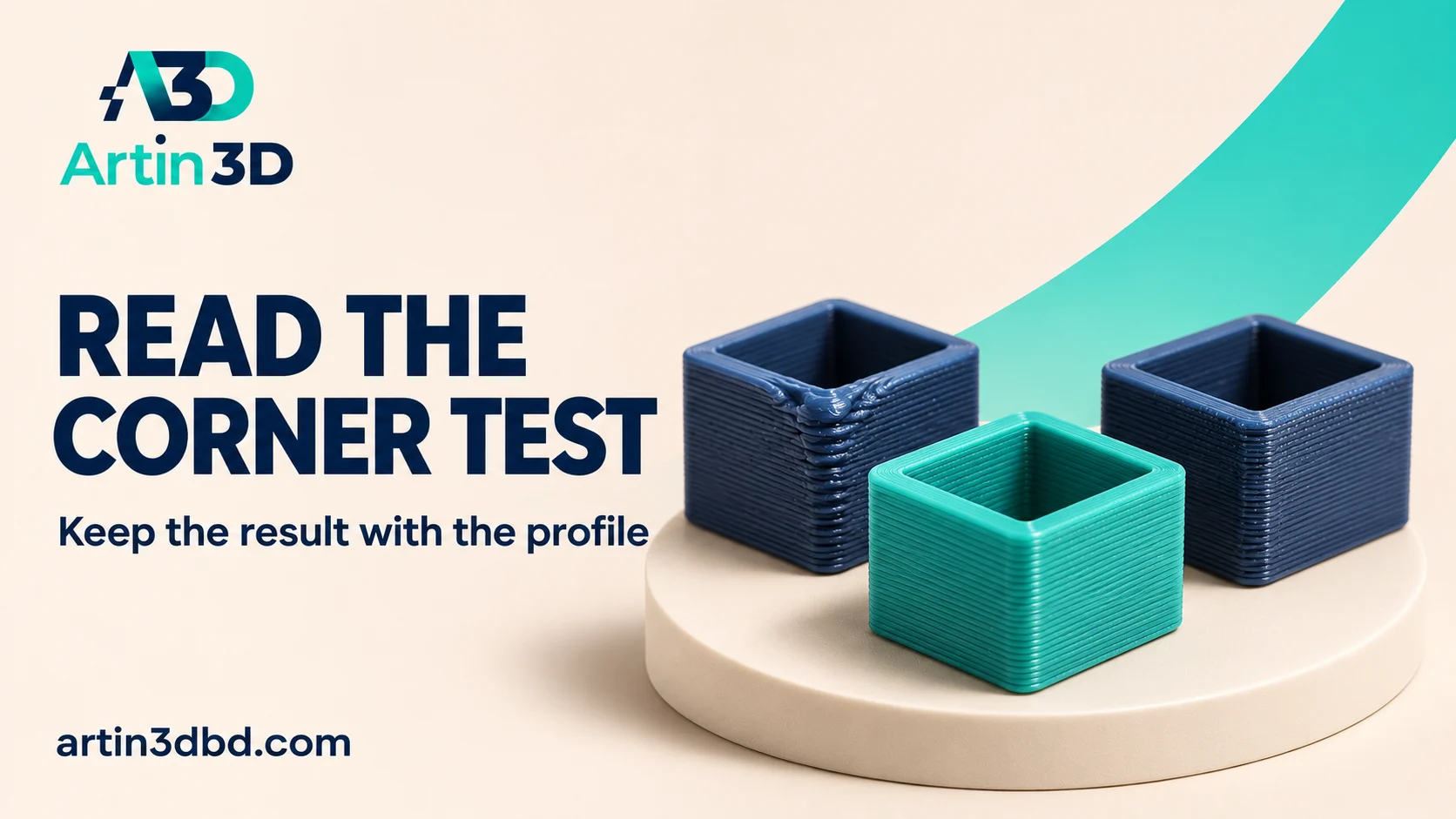
Pressure advance test এর result printer, nozzle ও filament profile এর সঙ্গে রাখুন। অন্য machine এর value কপি না করে corner ও seam একসঙ্গে দেখুন।
A pressure advance test is useful only when its result can be traced to the printer and material that produced it. A photograph of a tidy corner without the profile or test method is difficult to reuse. This guide focuses on reading and recording a supported calibration, followed by a small real model check. Use the current procedure for your slicer, printer and firmware.
Identify the supported extrusion setup
Record the exact printer, firmware, nozzle, material and active profile before generating a test. OrcaSlicer documents several pressure advance methods with different setup requirements. Confirm that your printer supports the intended mechanism and use the appropriate extruder configuration. Some firmware needs specific support enabled. Keep the current working profile saved so the test remains a reversible investigation with a clear baseline.
Keep corner response separate from extrusion quantity and sustained flow by comparing Keep OrcaSlicer Flow Ratio Test Formulas With the Correct Method and Use a Flow Preview to Understand Your 3D Print Speed Limit.
Generate one documented test method
Use the current OrcaSlicer calibration instructions and choose a method appropriate to the machine. Record the selected range, steps and any required machine-specific options. The documentation contains particular notes for Bambu Lab and other firmware setups, so read those before exporting. Keep the generated project and its identity. Do not combine an unfamiliar tower, line or pattern label with a calculation from a different test.
Inspect the instructions and the print together
After printing, use the reading method documented for that generated test. For a corner-based sample, inspect changes around the relevant corners and seams rather than selecting a single attractive face. Keep the sample orientation identified in the photograph. Record any defects that make interpretation uncertain. If the test is damaged or the setup was wrong, repeat a suitable short trial before assigning a value.
Save a candidate in a separate material profile
Write the selected candidate and test method into your record, then save it in the appropriate profile location for your workflow. Check whether printer-side automatic calibration or another setting could override it. Reopen the project and confirm the active value before validation. A profile name containing material and nozzle information is more useful than a loose number stored in a chat or photograph.
Validate on a small real corner feature
Print a short version of the actual box, bracket or sign feature with the saved candidate. Keep geometry, orientation and other relevant settings fixed for comparison. Inspect wall continuity, corner appearance and dimensions needed for the application. Preserve the baseline and candidate samples. If the real geometry remains poor, investigate other causes separately rather than repeatedly increasing the pressure advance value.
Revisit the result after meaningful setup changes
Record when the nozzle, extruder configuration or filament grade changes. Those events can justify a new calibration and validation sample. Keep a short reason for accepting each profile revision so the next operator knows which hardware and material combination was actually evaluated.
Relevant products from Artin3D
SUNLU PLA Filament 1.75mm
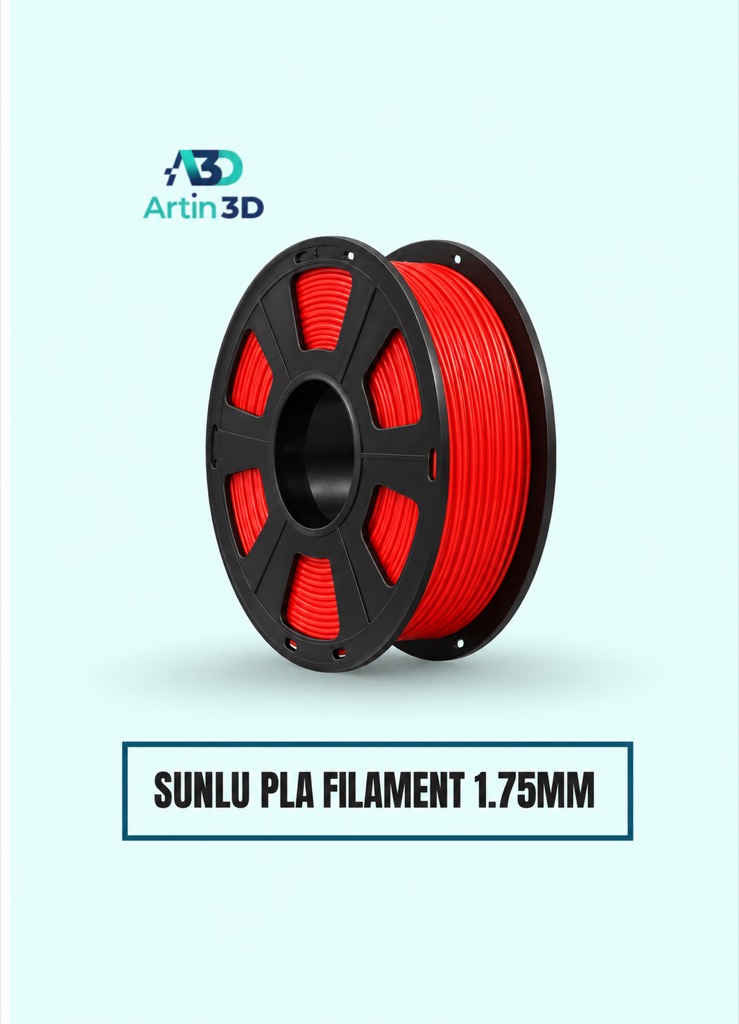
SUNLU PLA is a relevant material for a PLA corner calibration on a compatible printer. Confirm the grade and use its supported temperature guidance.
SUNLU High-Speed PLA Filament 1.75mm
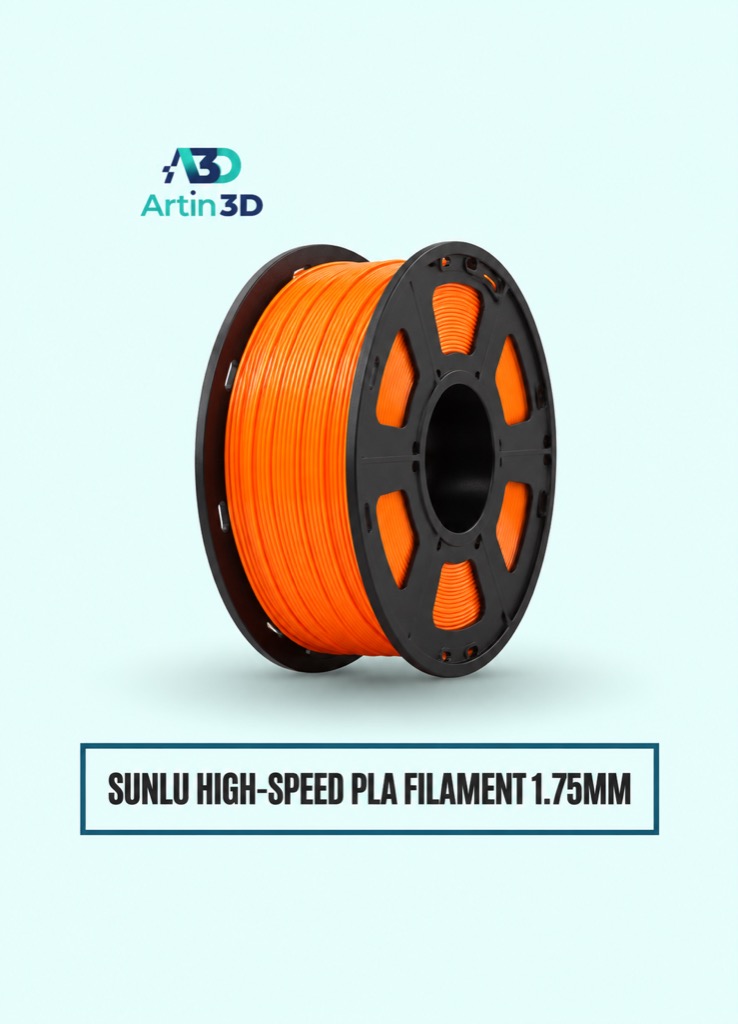
SUNLU High Speed PLA can be tested as a separate material profile. Its name does not supply a pressure advance value for your machine.
Quick questions
Can I use a value found for the same printer model?
Treat it as someone else’s test result. Calibrate and validate the exact material and setup you use.
Is a neat test corner enough?
Confirm the saved candidate on representative real geometry and keep the profile record with the sample.
Confirm the exact product variant, printer compatibility, current price and availability on the linked product page before ordering.
Need help preparing a representative sample? Explore Artin3D’s 3D design service or upload your STL file for a 3D printing quote. Include the mating dimensions, intended material and acceptance requirements.


