

Sloped roof বা organic model এর উপরের shell ঠিকমতো তৈরি হচ্ছে কি না layer ধরে দেখুন। Solid coverage ও wall path ছোট sample এ যাচাই করুন।
A sloping roof can contain thin regions that are difficult to judge from the model’s outside view alone. Inspecting the sliced shell helps identify where perimeters and internal solid paths form the actual surface. This guide uses a short roof section as a proposed diagnostic sample. It focuses on continuous coverage and repeatable inspection, with the supported profile retained as the baseline.
Choose the roof region that matters
Identify the slope, curve or crown where gaps appear or where shell coverage is uncertain. Preserve the intended model scale, wall thickness and print orientation. Save a section containing the real top geometry and enough internal structure to reproduce it. Mark the visible face and the inspection area on a screenshot. A plain flat cube may not represent the shell behaviour of a sloped surface.
For the structure beneath the roof and its wall contact, also compare Compare Lightning Infill Under the Top of a Decorative Prop and Compare Infill Wall Overlap at a Small Box Corner.
Follow the surface through neighbouring layers
Slice the baseline and move slowly through the roof. Inspect how each perimeter is supported by the paths below and where solid internal regions appear. Look for isolated thin areas or gaps between the planned surfaces. Save screenshots at the same positions for later comparisons. The external rendered model shows design geometry, while the sliced paths show the material placement the printer will attempt.
Check the shell controls in your installed version
Prusa documents an Ensure vertical shell thickness feature, with availability and behaviour differing across releases. Read the instructions for your version and use the supported profile as the starting point. Where an alternative mode is available, change one relevant control at a time and reslice. Keep wall count, material and orientation recorded. Do not remove internal coverage simply to reduce an estimate without evaluating the resulting sample.
Compare material coverage and time in Preview
Inspect the same roof layers after the change and note where solid paths differ. Record the estimated time and material amount alongside the screenshots. If the visible gap is already in the imported mesh, investigate that design issue separately. A shell setting cannot reconstruct missing artwork reliably. Keep the baseline available so every candidate can be traced to an explicit difference in the generated paths.
Print and inspect a representative section
Use the same identified spool and printer configuration for the candidate and baseline. After cooling, examine the roof under consistent light and measure accessible features where appropriate. Record open gaps, surface continuity and any change in the inside region. If the application requires a specific wall thickness or mechanical performance, verify it with a suitable measurement or engineering process beyond this visual sample.
Save the acceptance evidence with the project
Keep the relevant Preview images and photographs together with the selected profile. Record whether the sample was accepted for appearance, a fit check or another limited purpose. Reinspect the shell when the model is resized or its slope changes because the layers intersect the geometry differently.
Relevant products from Artin3D
SUNLU PLA Filament 1.75mm
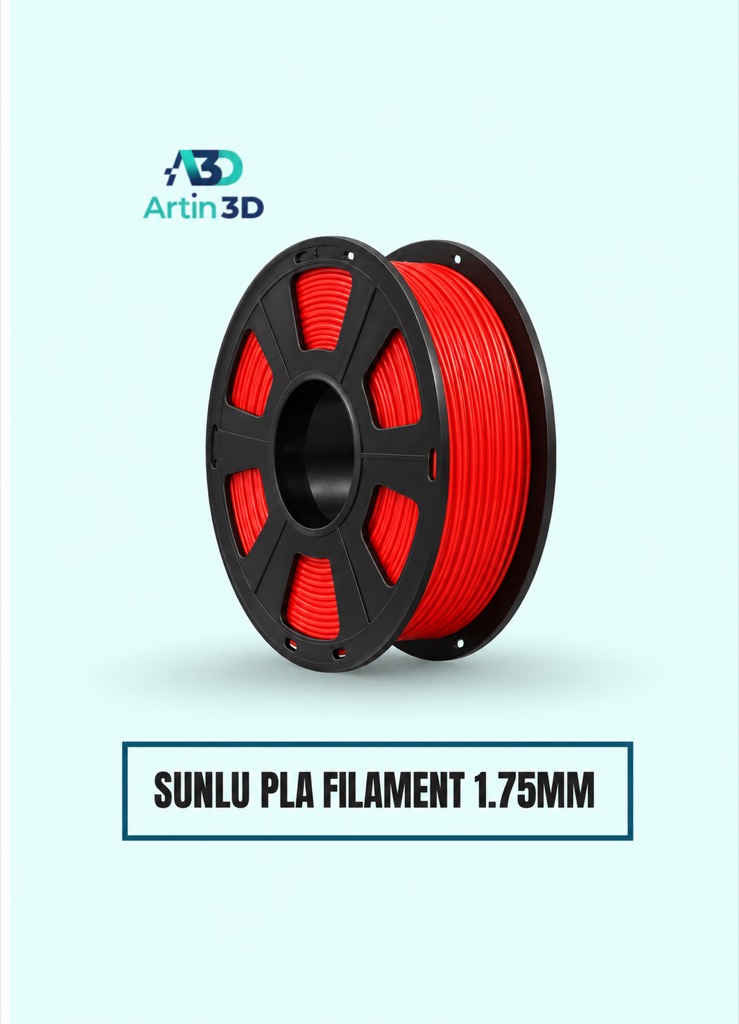
SUNLU PLA can be used for a consistent PLA roof sample on a compatible machine. Confirm the exact grade and profile.
Digital Vernier Caliper
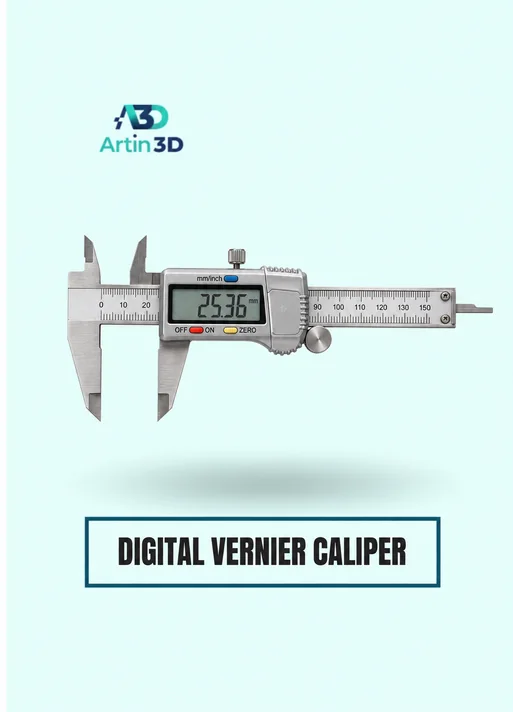
The Digital Vernier Caliper helps verify accessible dimensions. Closed or curved internal thickness may need another inspection method, so confirm what the tool can actually reach.
Quick questions
Why is the control missing in my slicer version?
Feature availability and naming differ. Check the documentation for the exact release and inspect the generated paths.
Does a continuous looking roof establish strength?
It verifies the limited inspection performed. Mechanical and thickness requirements need their own validation.
Confirm the exact product variant, printer compatibility, current price and availability on the linked product page before ordering.
Need help preparing a representative sample? Explore Artin3D’s 3D design service or upload your STL file for a 3D printing quote. Include the mating dimensions, intended material and acceptance requirements.



Comment (1)