
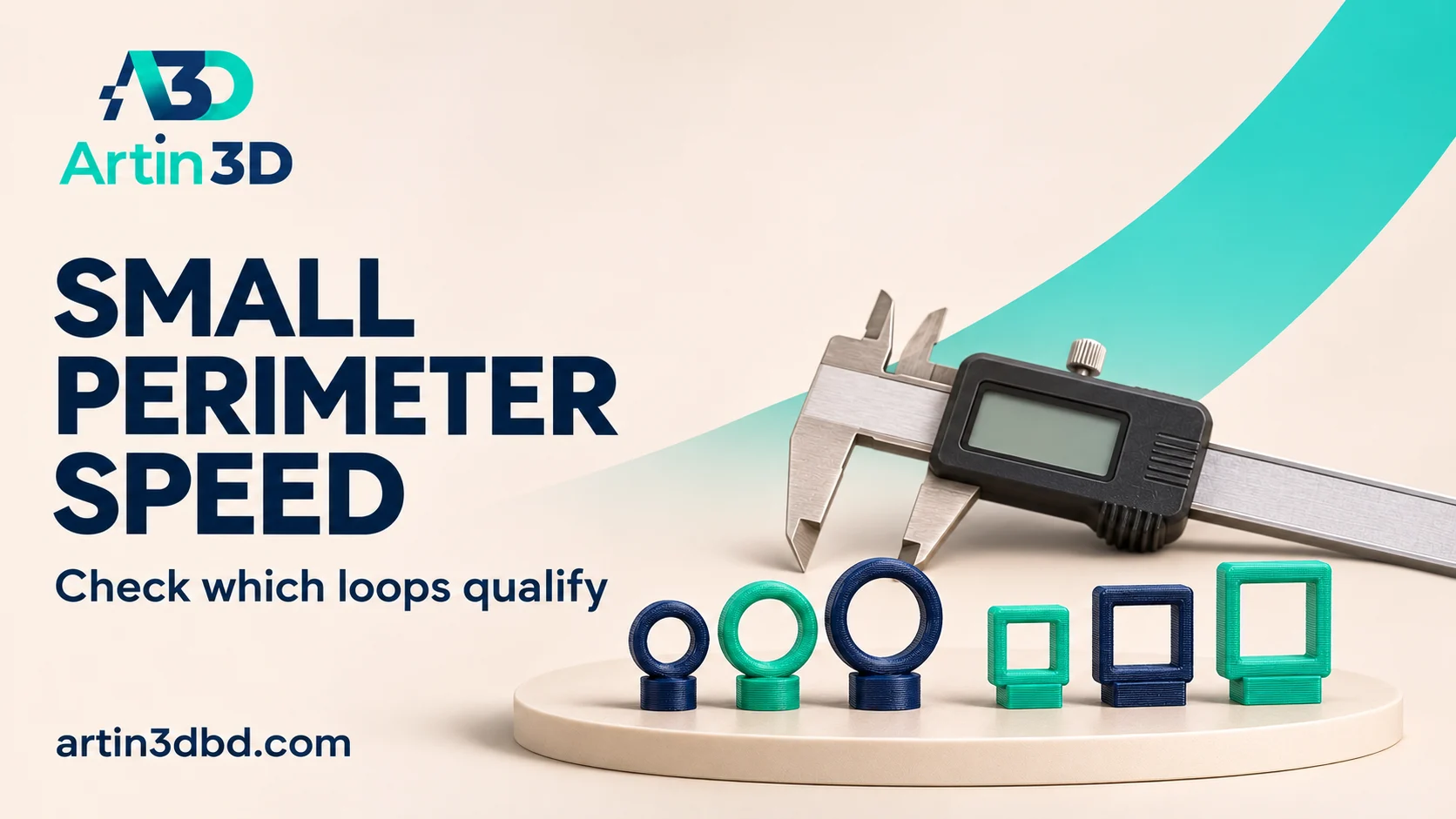
Tiny post এর speed কমছে কি না Preview তে দেখুন। Small perimeter threshold শুধু object width নয়—loop length এর ভিত্তিতে কীভাবে কাজ করে বুঝে নিন।
A small post may not use the speed you expect from the outer wall setting. Some slicers classify short perimeter loops separately, then apply other cooling and motion limits as well. A row of different post shapes helps inspect that classification. This guide focuses on the meaning of the threshold and the effective paths, followed by a small physical comparison.
Create a row with different closed outlines
Use several short posts sharing the same height but with different circular and square outlines. Keep enough spacing for normal layer by layer printing and identify each shape in the project. Record their actual dimensions. Use a supported nozzle and material profile. The trial is about perimeter classification, so keep the same geometry in the baseline and candidate rather than resizing features while changing the setting.
If the posts remain soft or poorly defined, compare Small FDM Parts Melting? Run a One Part and Four Part Cooling Test and Apply a Height Range Speed Change Around a Thin Model Neck while keeping the material and geometry fixed.
Read what the threshold represents
OrcaSlicer defines the small perimeter threshold using an equivalent radius based on loop length. For an illustrative threshold of 4 mm, loops up to about 25.13 mm qualify because the cutoff is two times pi times the threshold. An 8 mm diameter circle has roughly that circumference, while an 8 mm square has a longer 32 mm perimeter. These are explanatory examples, not recommended printer settings.
Check the speed display on each shape
Slice the baseline and inspect loops at the same height on every post. Record the requested small perimeter speed and its unit, including whether it is a percentage of outer wall speed. Compare the effective paths in the speed view. Cooling, acceleration and material flow limits can still constrain them. A loop qualifying as small does not guarantee it will print at the exact requested value.
Make one controlled candidate adjustment
Change one supported threshold or speed control, preserving the rest of the profile. Reslice and confirm which loops changed classification or effective speed. Save screenshots of the same layers. If nothing changes, inspect the active profile and competing limits before printing another sample. Keep the baseline available so the trial remains a comparison of a known configuration rather than a sequence of unrecorded edits.
Compare the physical post features
Print the two short jobs from the same material spool. After cooling, photograph the post tips and sides under consistent lighting. Check accessible dimensions with gentle repeatable contact and record completed time. Keep missing strokes, softened tips and wall defects separate in the notes. If the result is dominated by cooling or geometry, investigate that cause as a separate trial instead of adjusting perimeter speed repeatedly.
Save the classification evidence
Keep the shape dimensions, threshold, requested speed and Preview screenshots together. Record which post met the intended requirement. When the final model contains a different outline, inspect its loops again because the classification depends on their length rather than one bounding width.
Relevant products from Artin3D
SUNLU PLA Filament 1.75mm
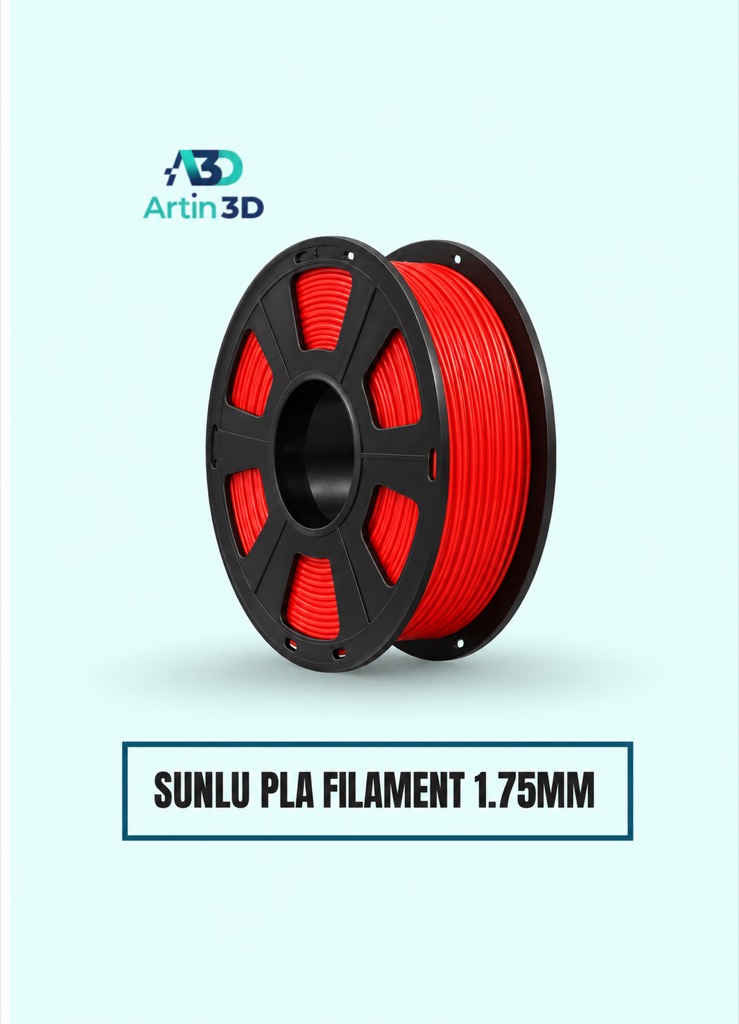
SUNLU PLA can be used for a consistent PLA post trial on a compatible printer. Keep the exact grade and spool identified.
Digital Vernier Caliper
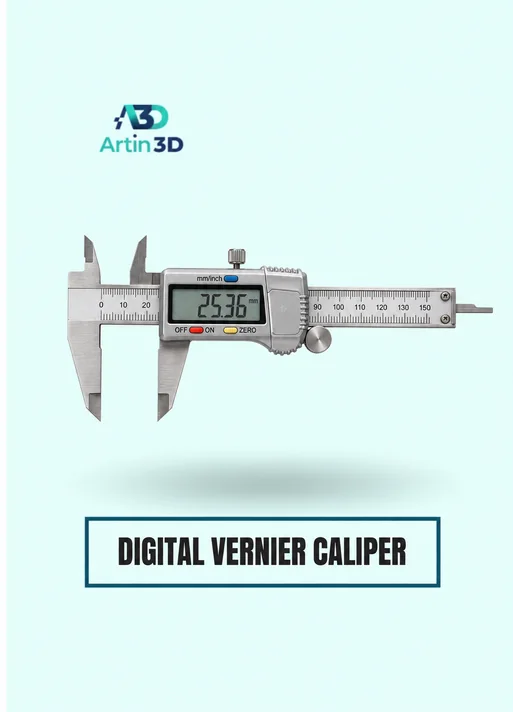
The Digital Vernier Caliper helps compare accessible dimensions. Avoid squeezing fragile posts and confirm that the measurement method suits their small size.
Quick questions
Is the threshold simply the diameter of a feature?
OrcaSlicer’s documented criterion uses an equivalent radius derived from perimeter length. Inspect each loop.
Why is the actual speed lower than requested?
Cooling, motion and material limits can further constrain the generated speed.
Confirm the exact product variant, printer compatibility, current price and availability on the linked product page before ordering.
Need help preparing a representative sample? Explore Artin3D’s 3D design service or upload your STL file for a 3D printing quote. Include the mating dimensions, intended material and acceptance requirements.


