
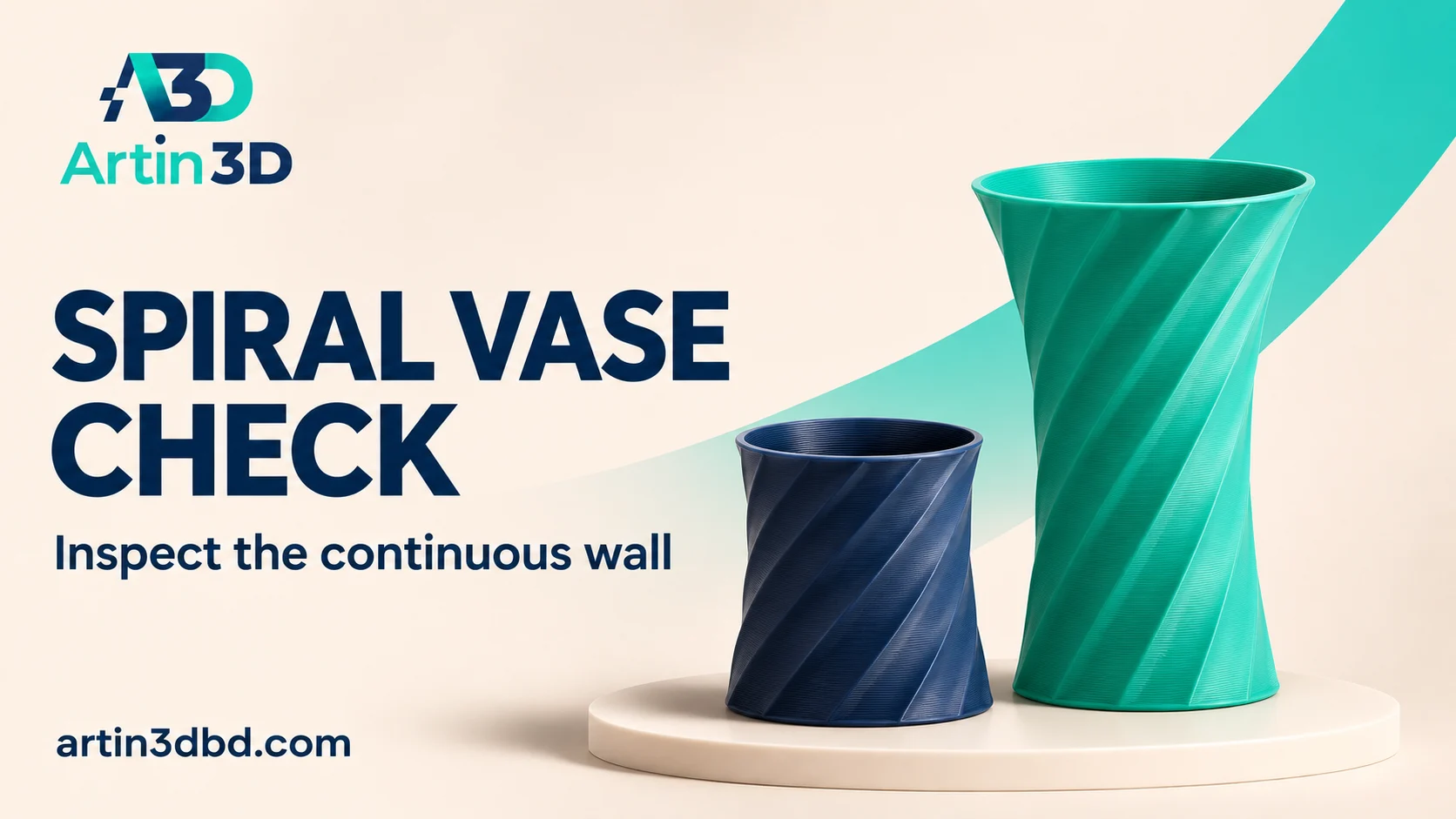
Spiral vase mode এ decorative sleeve প্রিন্টের আগে continuous wall ও base Preview তে দেখুন। প্রথমে ছোট sample বানিয়ে handling ও finish যাচাই করুন।
A simple decorative sleeve is a useful way to explore spiral vase printing. The mode follows a continuous outline above its base rather than producing an ordinary stack of separate perimeter layers. That changes the kinds of geometry it can handle. Start with a plain display sample and evaluate its wall and handling quality before adding a complex outline or committing to a large decorative print.
Choose a simple suitable outer shape
Use a solid model describing the intended outside silhouette, following the slicer’s vase workflow. Begin with a plain cylinder or gently changing outline, without handles, internal partitions or isolated features. Record its size and purpose as dry decoration. Preserve the source design and save a separate trial project. A model already built as a thin hollow shell may not behave like the solid input expected by this workflow.
For other thin shell and internal support comparisons, review Compare Wall Printing Order on a Small Ring and Box Sample and Compare Lightning Infill Under the Top of a Decorative Prop while keeping their different purposes clear.
Enable the actual spiral mode
In PrusaSlicer, spiral vase mode changes related settings such as the perimeter count, internal fill, top layers and supports. Simply selecting a single wall in a normal profile is not the same continuous printing strategy. Use the documented mode for your slicer and inspect the resulting settings. Retain the intended base layers and start with a supported nozzle, material and extrusion width combination.
Inspect the base to wall transition
Slice the sample and move through the base layers into the spiral region. Check that the sleeve has the expected open top and one continuous outline above the bottom. Look for missing areas or islands caused by an unsuitable shape. Keep the first trial to one object so the continuity is easy to inspect. Save screenshots of the transition and a representative section higher up.
Print a short version before a tall sleeve
Keep the same cross section and use a shorter sample to evaluate handling and finish. After cooling, examine the base connection, wall consistency and any fragile edge. Photograph the surface under the intended display lighting. Record whether the sleeve holds its shape during ordinary gentle handling. A short appearance trial does not establish strength, heat resistance or liquid containment for a larger finished object.
Approve the intended decorative use
Compare the sample with the display requirements and document the accepted material and outline. Use an appropriate separate liner if the final design needs to hold water, and evaluate that assembly independently. Save the approved project and inspect the complete tall model after resizing. Do not assume that vase mode turns arbitrary models into printable continuous shells or that an attractive surface guarantees a sealed container.
Keep the base sample for later comparisons
Retain a labelled section showing the wall and base transition. It helps compare another material colour or nozzle configuration without relying on memory. Include a photograph of the original shape so a future revision can be checked against the accepted silhouette.
Relevant products from Artin3D
SUNLU PLA Matte Filament 1.75mm
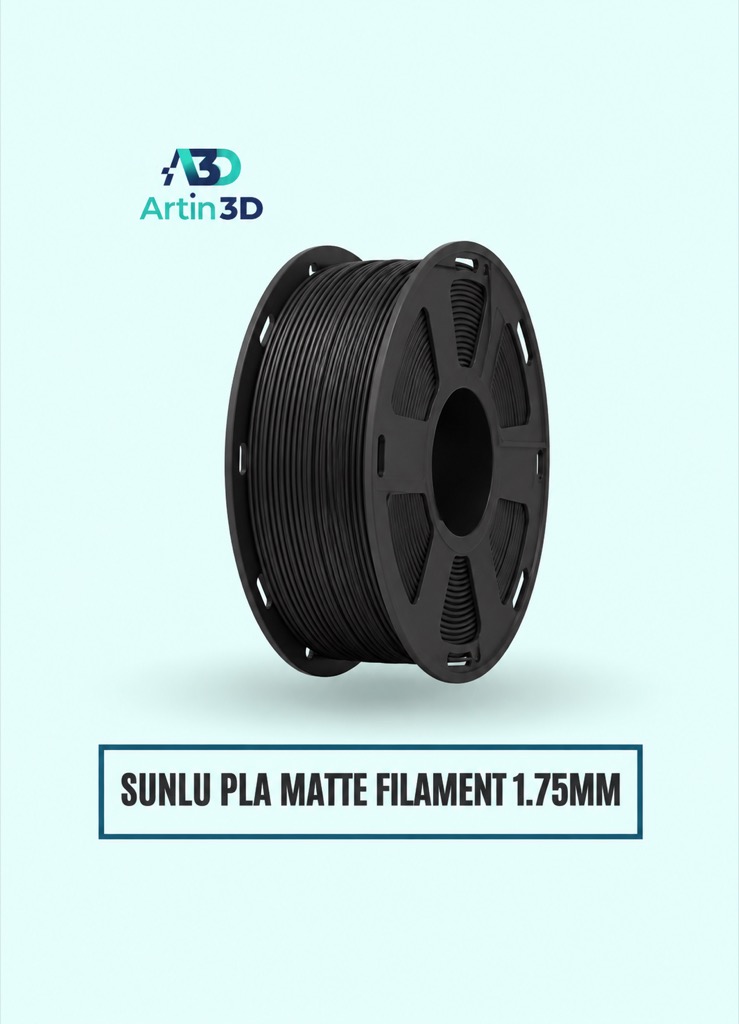
SUNLU PLA Matte can be evaluated for a matte decorative sleeve. Confirm the exact colour and compatible printing profile.
SUNLU PLA Filament 1.75mm
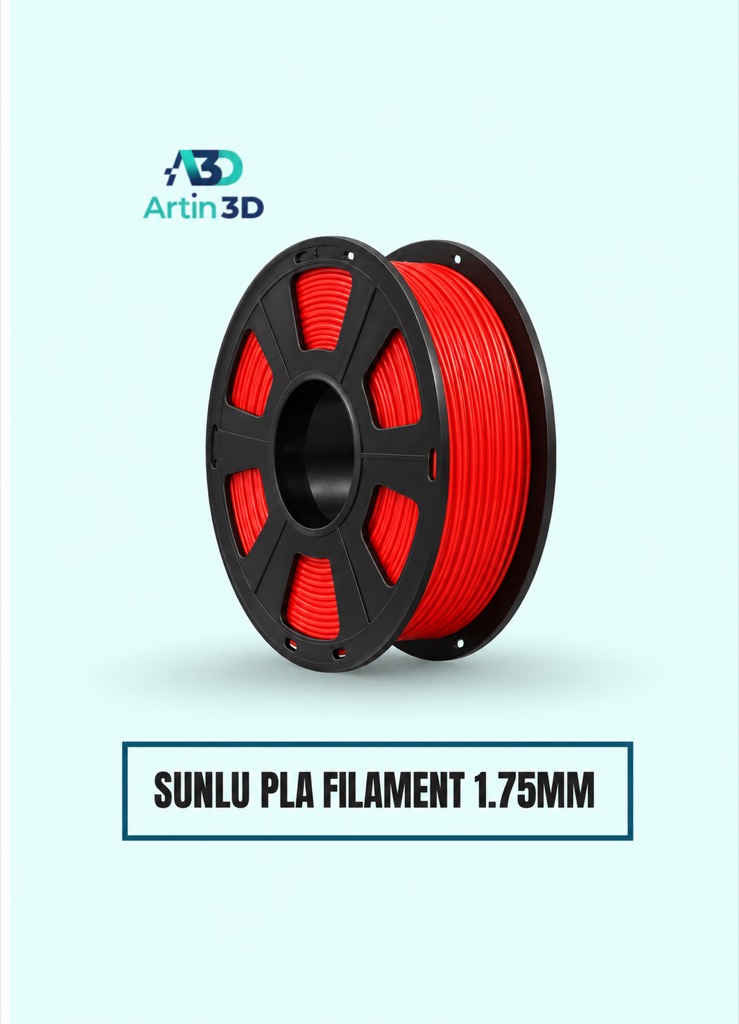
SUNLU PLA offers another material finish for a separate sleeve trial. Keep each comparison tied to one identified grade and spool.
Quick questions
Can I print a handle in this first vase trial?
Start with an uninterrupted suitable outline. Handles or isolated geometry can break the continuous wall requirement.
Does vase mode guarantee a waterproof print?
No. Treat sealing and liquid containment as separate requirements and evaluate an appropriate liner or application-specific design.
Confirm the exact product variant, printer compatibility, current price and availability on the linked product page before ordering.
Need help preparing a representative sample? Explore Artin3D’s 3D design service or upload your STL file for a 3D printing quote. Include the mating dimensions, intended material and acceptance requirements.


