
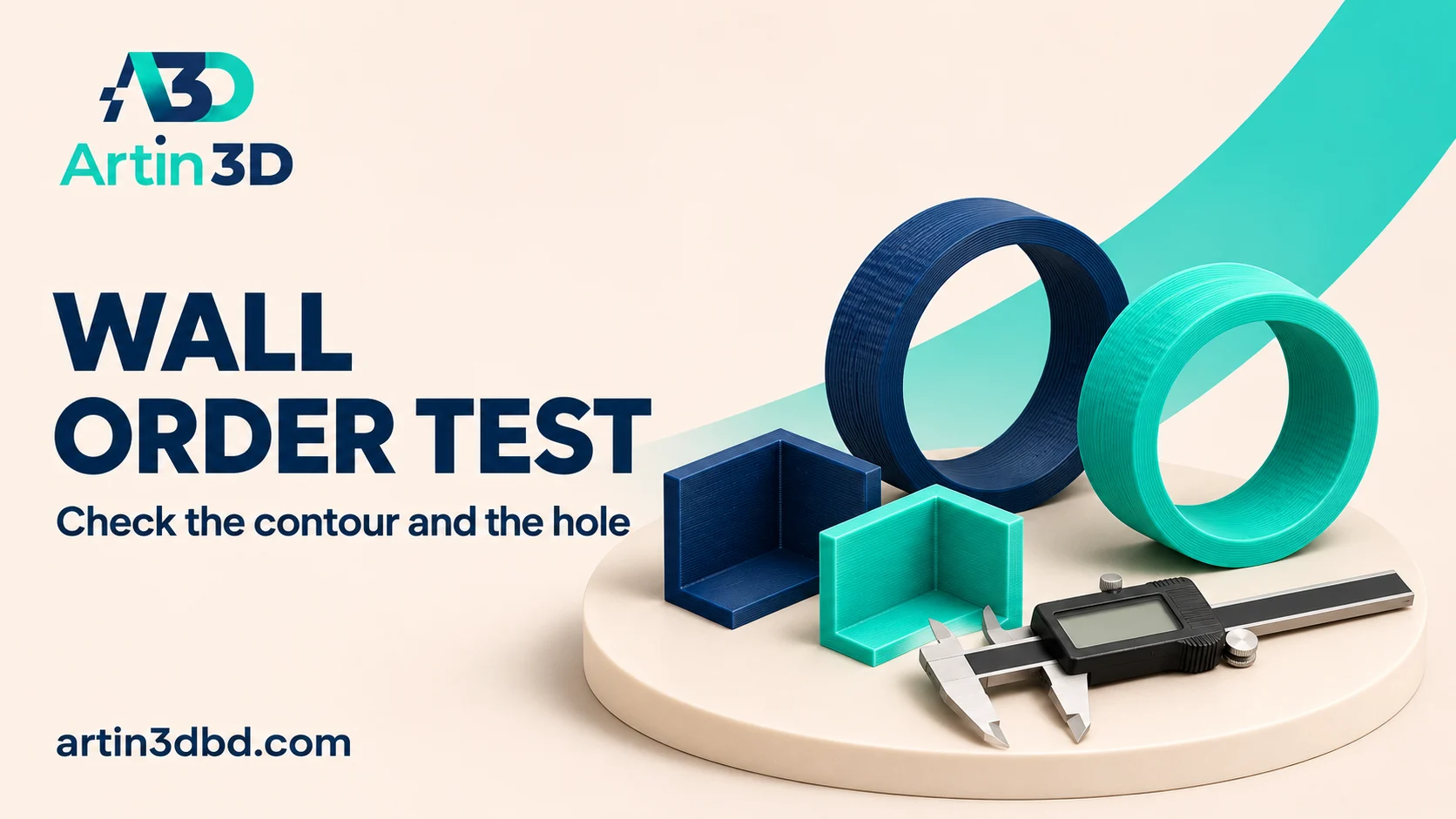
Wall order বদলালে বাইরের contour ও hole—দুইটি feature ই পরীক্ষা করুন। একই ring ও box sample এ finish এবং fit তুলনা করুন।
The sequence in which walls are printed can change the conditions under which the visible perimeter is formed. A small sample containing an outer contour and an opening makes the comparison easier to inspect. This guide records wall order alongside appearance and fit. Use the supported material profile and a consistent sample instead of assuming one sequence is best for all geometry.
Prepare a sample with inside and outside features
Choose a small ring and a short box section that preserve the relevant wall thickness and orientation. Record the intended opening and outside dimensions. Keep the physical fit requirement clear, such as a cover sliding over a reference part. Save the baseline project with the current wall count. The sample must contain enough actual wall paths for the candidate sequence to be represented meaningfully.
Separate dimensional fit from wall to infill contact using Check Hole Compensation With a Separate Pin and Hole Coupon and Compare Infill Wall Overlap at a Small Box Corner.
Identify the available sequence options
OrcaSlicer documents inner then outer, outer then inner and inner outer inner wall sequences. Use the options supported by your installed version and profile. The order is applied around both contours and holes, so inspect each relevant boundary. Record the selected sequence exactly. Keep flow, overlap, speed and dimensional compensation unchanged initially so this trial isolates the wall order rather than several interacting edits.
Inspect representative layers above the base
Slice both projects and follow the path order on the ring and box wall. Check a layer above the first layer rather than assuming the base follows the same sequence. The documentation notes first layer exceptions under certain brim configurations. Save comparable views of the contour and opening. Confirm the candidate produces a real path change before spending time on another physical sample.
Measure the cooled samples consistently
Print the baseline and candidate from the same spool and on the same prepared plate face. After cooling, measure accessible outside and inside features with an appropriate method. Inspect the outer wall, seam and upper edge under consistent light. Try the intended mating component gently. Record numerical readings separately from fit observations, especially when the opening is too small for a dependable direct inside measurement.
Accept the sequence for the representative application
Choose a candidate that meets the required fit and appearance without an unacceptable defect elsewhere. If the hole improves while the contour worsens, preserve that tradeoff in the record. Revisit geometry, calibration or another controlled setting as appropriate. Save the accepted sequence with its material and wall count. Reslice the complete model and inspect openings, overhangs and narrow regions before production.
Retest after changes that alter wall paths
A different wall generator, nozzle or model thickness can change the available perimeters. Keep the accepted sample and its project as a reference. When those features change, inspect a fresh short sample rather than copying the wall order name alone and assuming the same physical result.
Relevant products from Artin3D
Digital Vernier Caliper
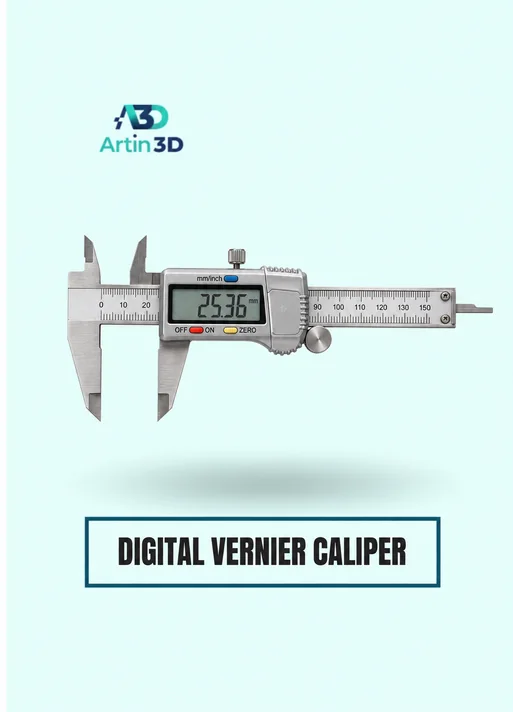
The Digital Vernier Caliper supports accessible inside and outside checks. Confirm its specification and use consistent reference surfaces.
SUNLU PETG Filament 1.75mm
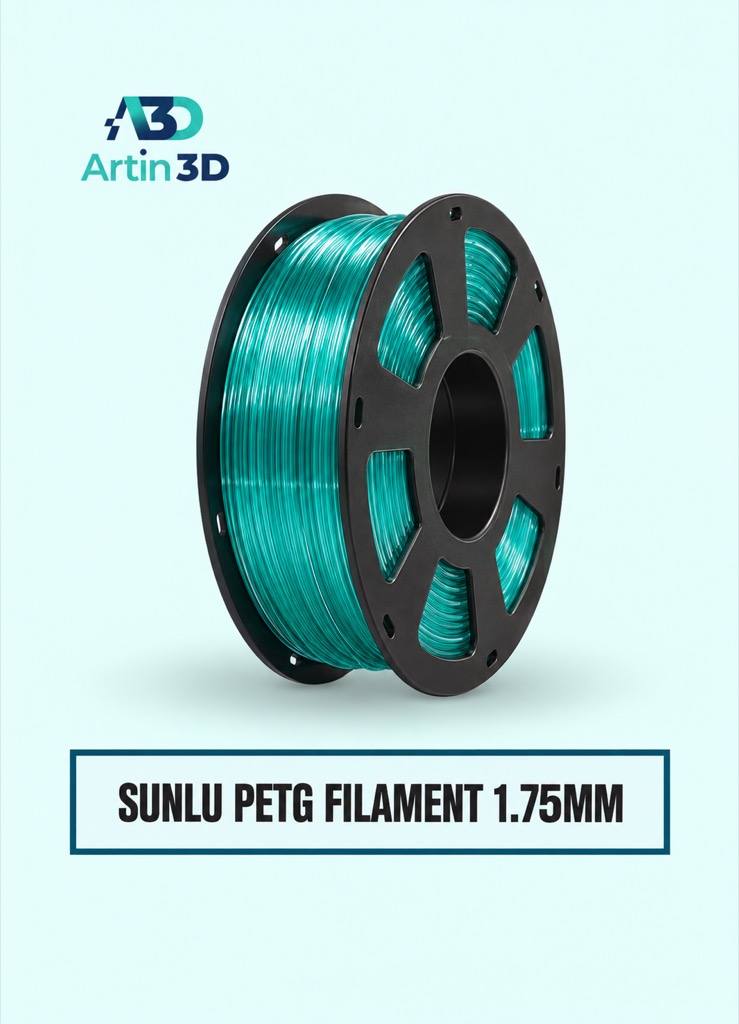
SUNLU PETG can be evaluated for a compatible PETG fit sample. Keep the grade and spool constant when comparing the two sequences.
Quick questions
Does the same sequence apply to holes?
OrcaSlicer documents the order around both holes and outside contours. Inspect the actual generated paths.
Why does the first layer look different?
Some brim configurations have a documented first layer ordering exception. Check later layers and the active settings.
Confirm the exact product variant, printer compatibility, current price and availability on the linked product page before ordering.
Need help preparing a representative sample? Explore Artin3D’s 3D design service or upload your STL file for a 3D printing quote. Include the mating dimensions, intended material and acceptance requirements.



Comment (1)