

Curve এ polygon দাগ থাকলে আগে mesh দেখুন। Layer height কমানো আর mesh resolution ঠিক করা আলাদা কাজ—ছোট sample দিয়ে পার্থক্য বুঝুন।
A curved print may show flat faces around its outline even when its horizontal layers are fine. Before spending time on thinner layers, inspect the digital mesh that defines the shape. This guide compares the model silhouette and a short curved sample. The aim is to preserve the detail that matters while avoiding unnecessary file complexity and unsupported assumptions about triangle count.
Inspect the silhouette from a revealing angle
Open the source mesh and rotate the model against a simple background. Look for straight segments around curves and angular transitions in the outline. Compare that view with the original CAD or sculpture if it is available. Save a close screenshot of the problem region. Horizontal layer steps on a smooth digital curve and facets already visible in the mesh require different investigations.
After resolving the mesh export, compare Compare Variable Layer Height on a Small Display Dome and preserve the active configuration using Check Printer and Material Settings After Opening a Shared 3MF.
Check the export or simplification history
Record where the file came from, its intended units and any previous reduction. If you have the source design, review its mesh export quality and preserve an untouched copy. PrusaSlicer also provides mesh simplification with a preview and wireframe view. That tool removes mesh detail, so inspect the effect before applying it. Increasing a file’s triangle count later does not automatically recover lost design information.
Compare versions at the same size
Prepare an original and an appropriately exported or simplified alternative, keeping their overall dimensions aligned. Inspect the important curve, thin features and any mounting geometry. Compare the silhouette at the intended finished size rather than judging only a heavily zoomed view. Record which feature improves or degrades. Choose a version because it preserves useful detail, not because its file is simply larger.
Slice both with an unchanged printer profile
Use the same nozzle, material and layer settings for both versions. Inspect the paths around the curve and record slicing time if file complexity is a practical problem. Prusa notes that very dense meshes can create many short toolpaths and slow parts of the workflow. Keep that consideration separate from surface accuracy. A manageable model still needs enough detail to describe the intended geometry.
Print a short section containing the curve
Select a representative section or small sample that preserves the original curvature and print orientation. After cooling, compare the outline, reflected surface and accessible dimensions under consistent lighting. Keep the mesh versions labelled. If the digital curve is now appropriate but layer steps dominate, investigate layer strategy as a separate trial. Save the accepted export settings or simplification record with the project.
Keep the design master available
Retain the source design and the mesh actually used for printing. A reduced mesh suited to one display scale may be unsuitable for a larger future order. Record the accepted physical size and a reference photograph so another operator knows the limits of the previous evaluation.
Relevant products from Artin3D
SUNLU PLA Matte Filament 1.75mm
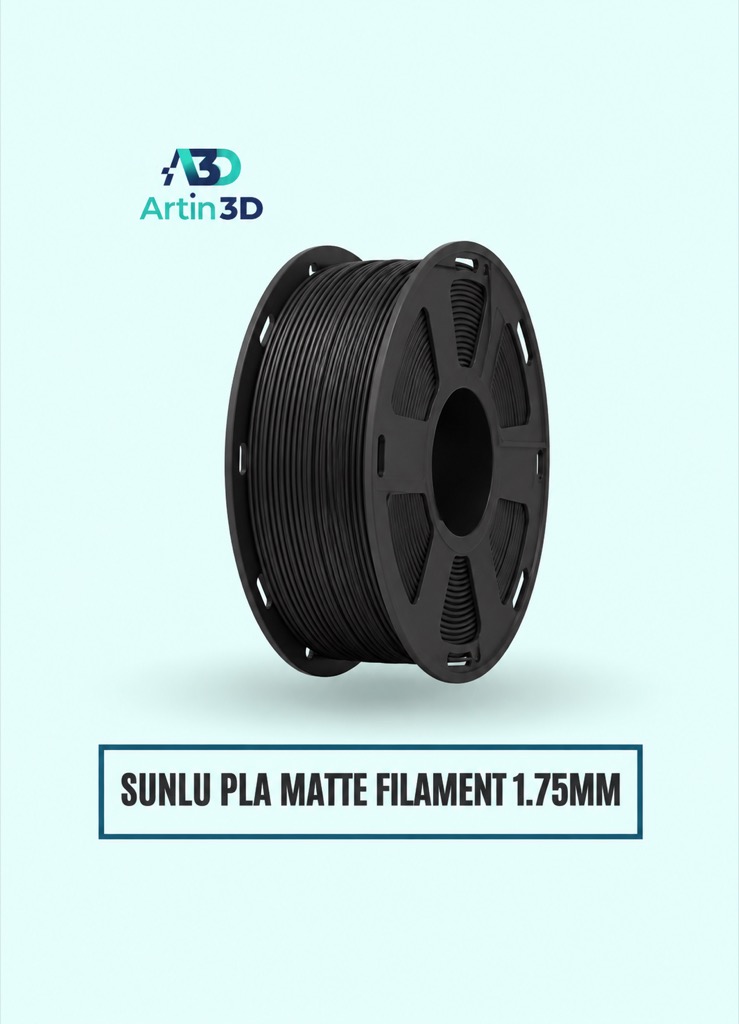
SUNLU PLA Matte can be used for a consistent matte surface comparison. Keep the same colour and supported profile in both jobs.
Digital Vernier Caliper
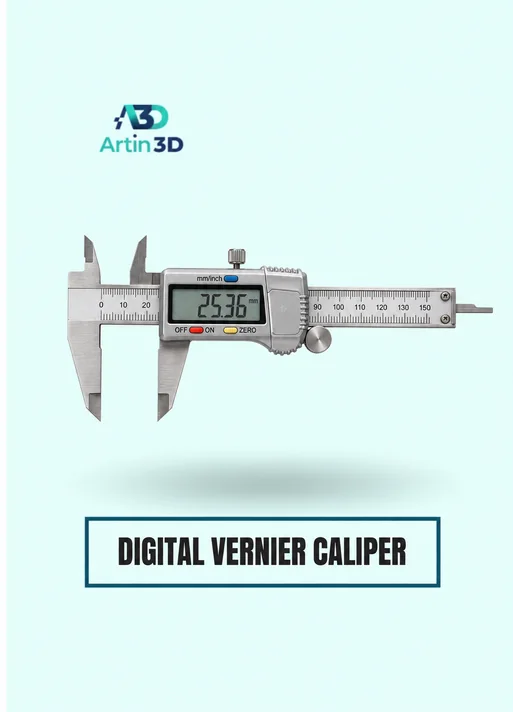
The Digital Vernier Caliper helps verify overall sample dimensions and accessible features. It does not measure every fine surface facet, so pair measurements with visual inspection.
Quick questions
Will a smaller layer height remove mesh facets?
Inspect the digital geometry first. Thin layers do not restore a curve that the mesh represents as flat segments.
Is the highest triangle count always best?
Preserve the required detail and inspect workflow performance. More triangles alone do not establish useful accuracy.
Confirm the exact product variant, printer compatibility, current price and availability on the linked product page before ordering.
Need help preparing a representative sample? Explore Artin3D’s 3D design service or upload your STL file for a 3D printing quote. Include the mating dimensions, intended material and acceptance requirements.


