
Shared 3MF খুললে শুধু model নয়, printer ও filament profile ও বদলাতে পারে। নতুন করে slice করার আগে active setup, size ও Preview যাচাই করুন।
A shared 3MF can contain a useful model and a complete printing project. Opening it may also load settings that were prepared for a different printer, nozzle or filament. A short review makes the intended workflow clearer before exporting a new print file. Keep the received project untouched and save your adapted version separately, with the actual machine configuration recorded.
Identify the file and your actual hardware
Record the source project name, its authoring slicer when known and the machine you intend to use. Include the installed nozzle, plate and material grade. Preserve a copy of the received file. A ready project for another printer is useful context, but it is not evidence that its output is suitable for your machine. Begin with a clear record of the configuration you actually have.
Verify the imported dimensions with Check STL Scale With a Known Dimension Before Printing and the assembly reference features with Check a Bracket Angle and Hole Spacing Before Slicing before printing.
Choose the intended import route
Prusa documents that a 3MF can hold models as well as printer, material and print settings. Depending on the workflow and version, opening a project can replace active presets, while an import route may bring only geometry. Read the dialog and current instructions rather than dismissing them automatically. Choose whether you need the whole project or just its model, then record that decision.
Review the active profiles and model size
After opening or importing, inspect the selected printer, nozzle, material and process settings. Check the model’s known dimensions and orientation. Inspect any object specific modifiers, colour changes or painted features that the project relies on. Version compatibility can affect what is retained, so verify the actual loaded state. If your configuration differs, adapt it deliberately and save a separate project with a clear name.
Reslice and inspect the generated job
Generate a new sliced result for the confirmed setup. Review first layer placement, support plan, travel and any material changes relevant to the model. Check the machine area and export format using the printer maker’s normal workflow. Record the estimated time and material amount. Do not treat a familiar thumbnail as confirmation that the active printer and settings are correct.
Validate with a representative short print
When fit or fine detail matters, print a small section preserving the relevant geometry and orientation. Use the intended final material for the final fit evaluation. After cooling, measure accessible features and compare the assembly with its requirements. Keep the sample linked to your adapted project. This distinguishes the model’s useful design information from settings that needed to change for your particular machine.
Make the saved handoff reproducible
Reopen the adapted project and confirm the profiles, model size and important object features. Save the accepted sample photograph and a short configuration note alongside it. When sharing the project again, include the intended slicer version and hardware so another operator can perform the same review instead of assuming the file extension guarantees compatibility.
Relevant products from Artin3D
Digital Vernier Caliper
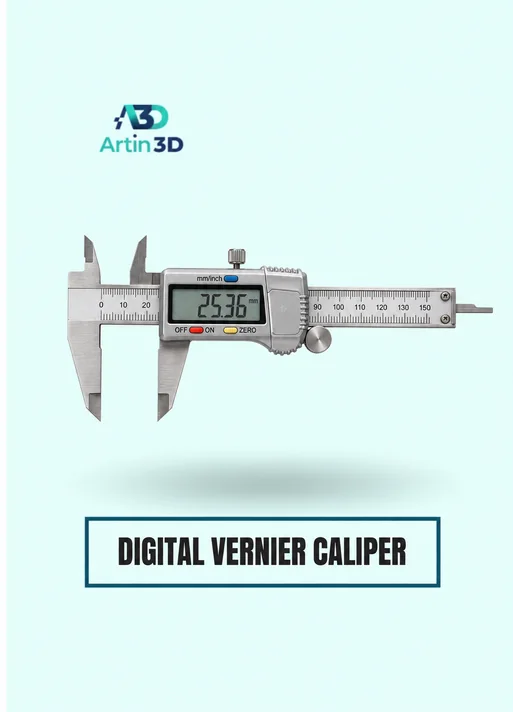
The Digital Vernier Caliper helps verify accessible sample dimensions after a shared model is adapted. Confirm its specification and use consistent references.
SUNLU PLA Filament 1.75mm
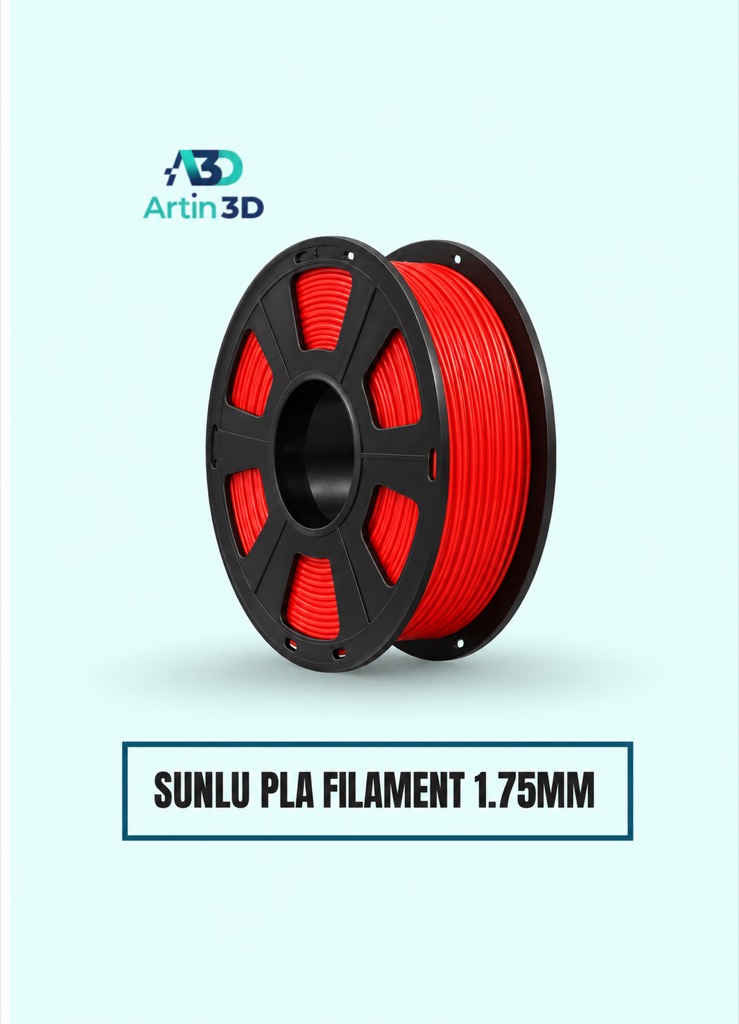
SUNLU PLA can be evaluated for a PLA sample on a compatible system. Confirm the exact grade and select the appropriate profile after opening the project.
Quick questions
Does every 3MF contain only geometry?
A 3MF may contain a complete project with printing settings and other information. Inspect what the application loads.
Should I send the received print file directly to my machine?
Confirm compatibility and use the documented workflow to slice and export for your actual printer configuration.
Confirm the exact product variant, printer compatibility, current price and availability on the linked product page before ordering.
Need help preparing a representative sample? Explore Artin3D’s 3D design service or upload your STL file for a 3D printing quote. Include the mating dimensions, intended material and acceptance requirements.



Comment (1)