
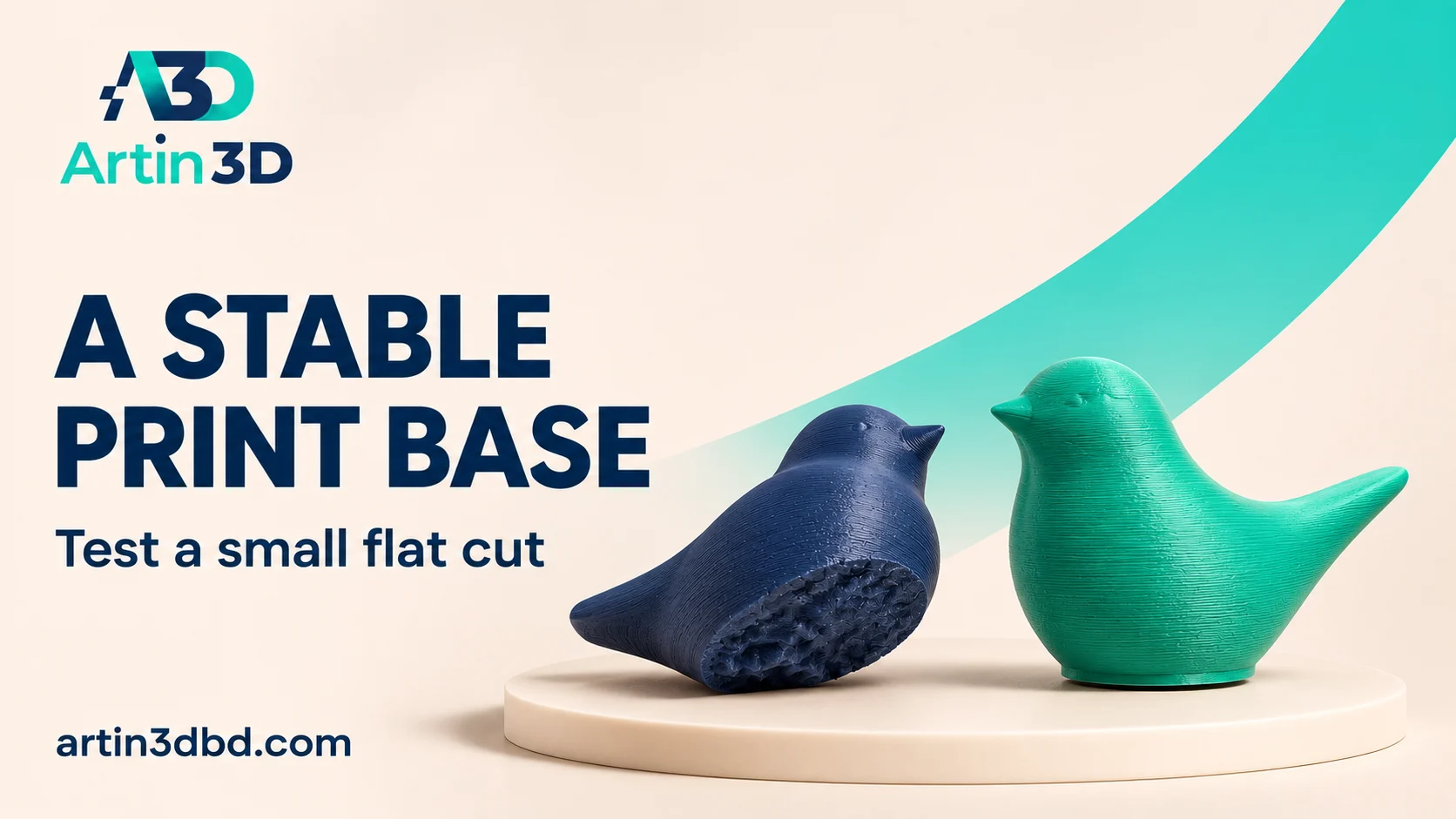
অসমান নিচের অংশের display figurine এ ছোট flat cut দিয়ে print base পরীক্ষা করুন। Artwork কতটা কমছে এবং নতুন orientation এ support লাগছে কি না যাচাই করুন।
An uneven underside can make a display figurine awkward to place on the print bed. A small planar cut may create a more useful contact surface when the artwork allows it. The aim is to evaluate a stable printable version while preserving the features that matter to the customer. Keep the untouched original and approve the change before using it for a final display piece.
Identify which underside detail can change
Inspect the figurine from below and decide whether a hidden region can be trimmed without changing its recognisable shape. Mark the proposed cut on a screenshot and record the overall height. If the underside carries important artwork or a mounting feature, consider another approach. A cut changes the model, so treat its position as a design decision rather than an automatic preparation step.
For the stand footprint and curved display surface, compare Add a Brim Only to the Narrow Foot of a Display Stand and Compare Variable Layer Height on a Small Display Dome before the complete figurine.
Place the cutting plane deliberately
PrusaSlicer’s cut tool supports planar cuts at different positions and angles. Work on a copy and enter a controlled plane position. Inspect both sides of the proposed cut and select which portion will be kept. Record how much height is removed. Avoid relying only on an angled perspective view, because it can hide a cut through a thin limb or a small decorative feature.
Reorient and inspect the new first layer
Place the retained section on the intended flat face and slice it. Examine the first layer contact area and the layers immediately above. Check whether the new position changes overhangs around the front, back or extremities. Save the original and revised orientations for comparison. A larger contact area is only one consideration, and the altered orientation can create different support or appearance requirements.
Print a reduced test only when it represents the feature
Use a small representative section or an appropriate sample to evaluate the contact face and nearby details. If using a scaled figurine, record that its thin features differ from those in the final size. Keep the spool and profile identified. After cooling, inspect the base edge, surface condition and stance on a flat display surface. Photograph any loss of artwork around the trimmed area.
Approve the appearance and preserve the original
Compare the modified sample with the original design views. Decide whether the new stance and remaining height suit the intended display. Save the accepted cut project and a clear image of the underside so a future operator understands the modification. Reinspect the complete sliced model before a longer print. Keep the original file available if the customer later requests a different mounting or display arrangement.
Record the display stance
Place the cooled figure on the surface intended for display and photograph its front and side alignment. A contact face that prints well may still produce an unwanted lean. Compare that stance with the design approval image before applying the trim to another copy.
Relevant products from Artin3D
SUNLU PLA Filament 1.75mm
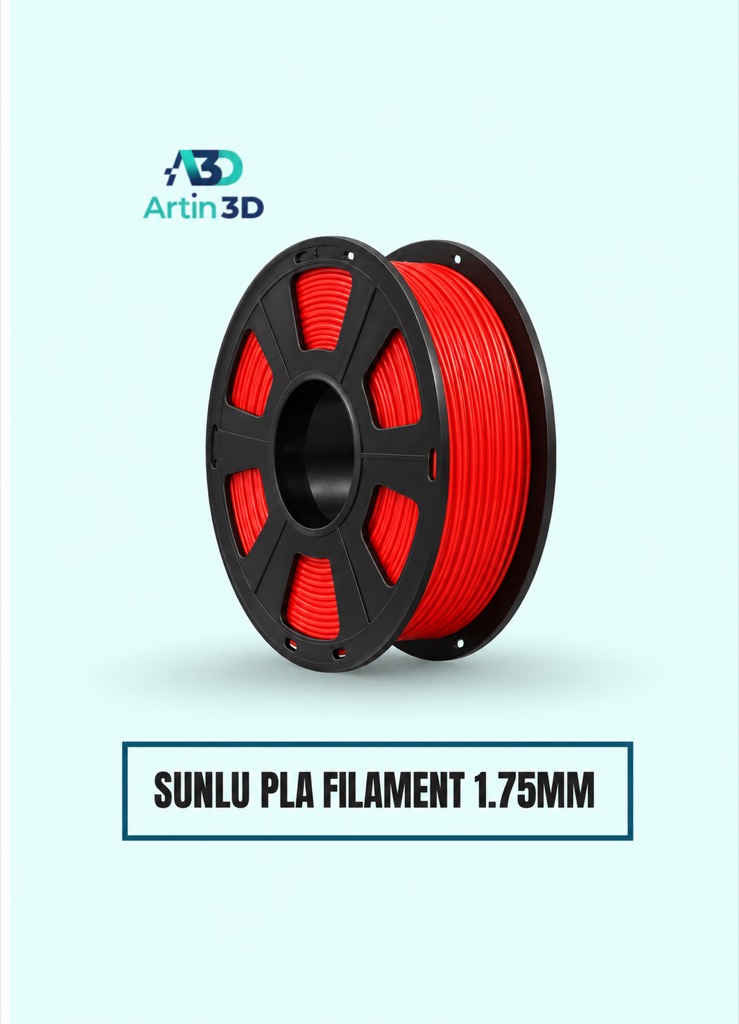
SUNLU PLA is a relevant candidate for a PLA figurine test. Confirm the grade and supported profile and use the same colour during a controlled comparison.
SUNLU PLA Matte Filament 1.75mm
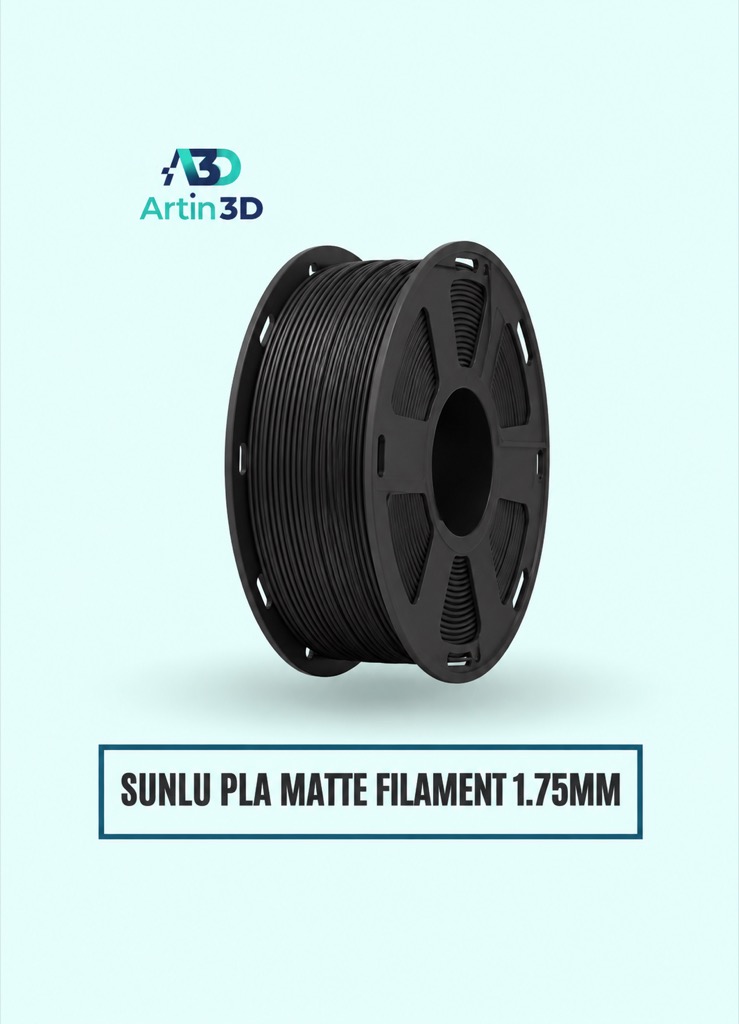
SUNLU PLA Matte can be evaluated for a matte display finish as a separate material trial. Check the current colour options before ordering.
Quick questions
Will a flat cut remove the need for supports?
Inspect the complete sliced figure. Features above the base may still need support after the cut.
Can I overwrite the original model?
Keep an untouched original and save the trimmed version as a separate approved revision.
Confirm the exact product variant, printer compatibility, current price and availability on the linked product page before ordering.
Need help preparing a representative sample? Explore Artin3D’s 3D design service or upload your STL file for a 3D printing quote. Include the mating dimensions, intended material and acceptance requirements.


