

CAD এ thread দেখা গেলেই export এ geometry আছে ধরে নেবেন না। Modeled thread ও short cap sample দিয়ে শুরু, engagement ও fit যাচাই করুন।
A threaded cap may look detailed in CAD while the exported file contains only a smooth cylinder. Even when the thread is real geometry, its printed fit still needs evaluation. A short cap and neck sample separates those two checks before the complete container is made. This guide concerns a simple dry prototype, with no assumption of sealing or pressure performance.
Record the intended thread and engagement
Identify the thread type, size, pitch, direction and planned engagement length. Keep the cap and neck as matching labelled components in the design record. Define whether the sample should turn freely or meet a specific stop face. A convenient first trial preserves the real thread diameter and profile while reducing unrelated height. Avoid resizing a downloaded thread without considering how that changes its pitch and other features.
If the printed diameter is the source of binding, compare Check Hole Compensation With a Separate Pin and Hole Coupon.
Check that the CAD thread is modeled
Autodesk Fusion distinguishes cosmetic thread appearance from modeled thread geometry. Use the appropriate thread tool controls for a printable design, then inspect the resulting solid. Save the source model before export. A textured image on a cylindrical face is not equivalent to an actual helical surface. Keep the chosen library definition and direction recorded so the mating components do not silently use different thread specifications.
Reopen the exported geometry and inspect the slice
Import the actual file that will be printed into a separate verification view. Confirm that the thread ridges and grooves exist on both parts, then slice with the correct nozzle and material profile. Inspect the first engaged thread, the internal cap and the end of the engagement. Save screenshots of any feature too fine to receive useful paths before changing the profile or design.
Print and try the short mating pair
Use the intended material and orientation for both samples. After cooling, inspect for residue at the thread entry and identify any surface defect before assembly. Align the parts carefully and start them by hand without forcing them. Record whether the cap starts squarely, turns through the required distance and reaches its stop. Keep a note of where resistance begins rather than summarizing the result only as tight.
Change one fit parameter deliberately
If the pair does not assemble acceptably, distinguish missing geometry, local print defects and a design allowance problem. Revise one relevant parameter and repeat the short pair using the same setup. Do not use brute force to wear a poor sample into fit and then treat it as an accepted production result. Keep the baseline so the improvement can be traced to an explicit design or printing change.
Keep the accepted pair with its limits
Save the approved CAD version, exported mesh and slicer project together. Record material, nozzle, orientation and the intended dry use. Inspect the complete container after transferring the accepted thread because nearby shoulders and wall thickness can affect the real assembly. Thread engagement alone does not establish watertightness, load capacity or a durable repeated use life.
Before changing thread geometry, review Check a Bracket Angle and Hole Spacing Before Slicing.
Relevant products from Artin3D
SUNLU PETG Filament 1.75mm
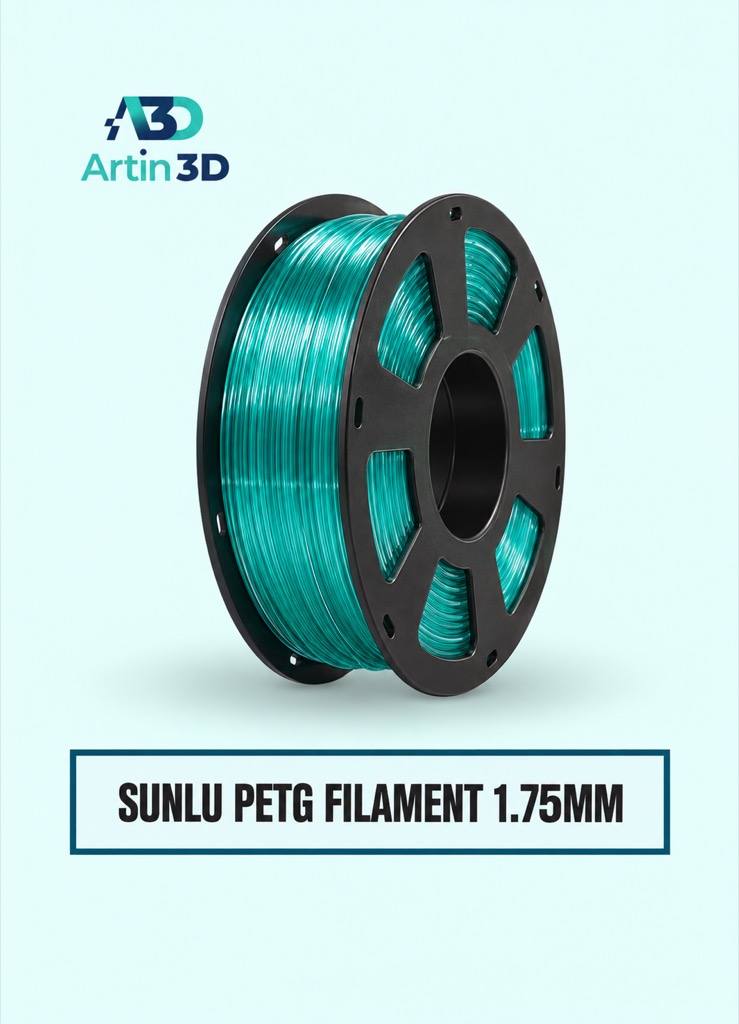
SUNLU PETG can be evaluated for a compatible PETG threaded prototype. Confirm the exact grade and supported machine profile.
Digital Vernier Caliper
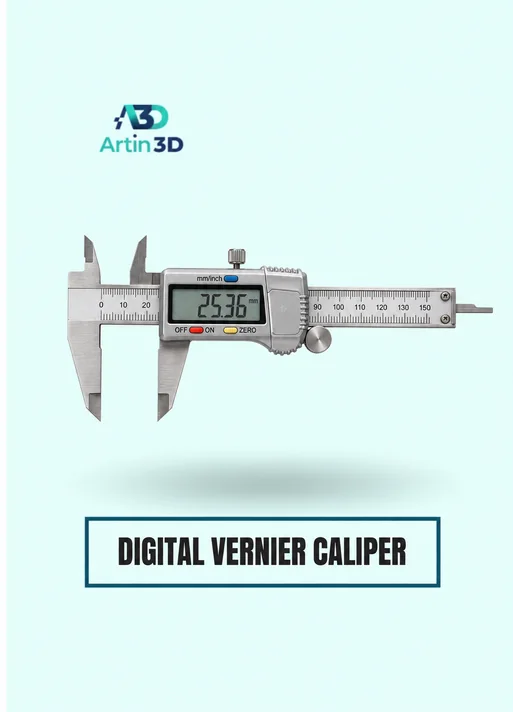
The Digital Vernier Caliper supports accessible diameter and length checks. Fine thread geometry may require additional measurement methods beyond a standard caliper.
Quick questions
Why did the exported file lose the thread?
Check whether the source used cosmetic appearance instead of modeled geometry, then reopen the actual export.
Does a working cap prove it is sealed?
The sample checks thread assembly only. Sealing and the intended service conditions require separate evaluation.
Confirm the exact product variant, printer compatibility, current price and availability on the linked product page before ordering.
Need help preparing a representative sample? Explore Artin3D’s 3D design service or upload your STL file for a 3D printing quote. Include the mating part dimensions, intended material and assembly requirements.


